
Przedłużona ochrona serwisowa EasyProtect®

Zyskaj nawet 3 lata dodatkowej ochrony dla swojego sprzętu

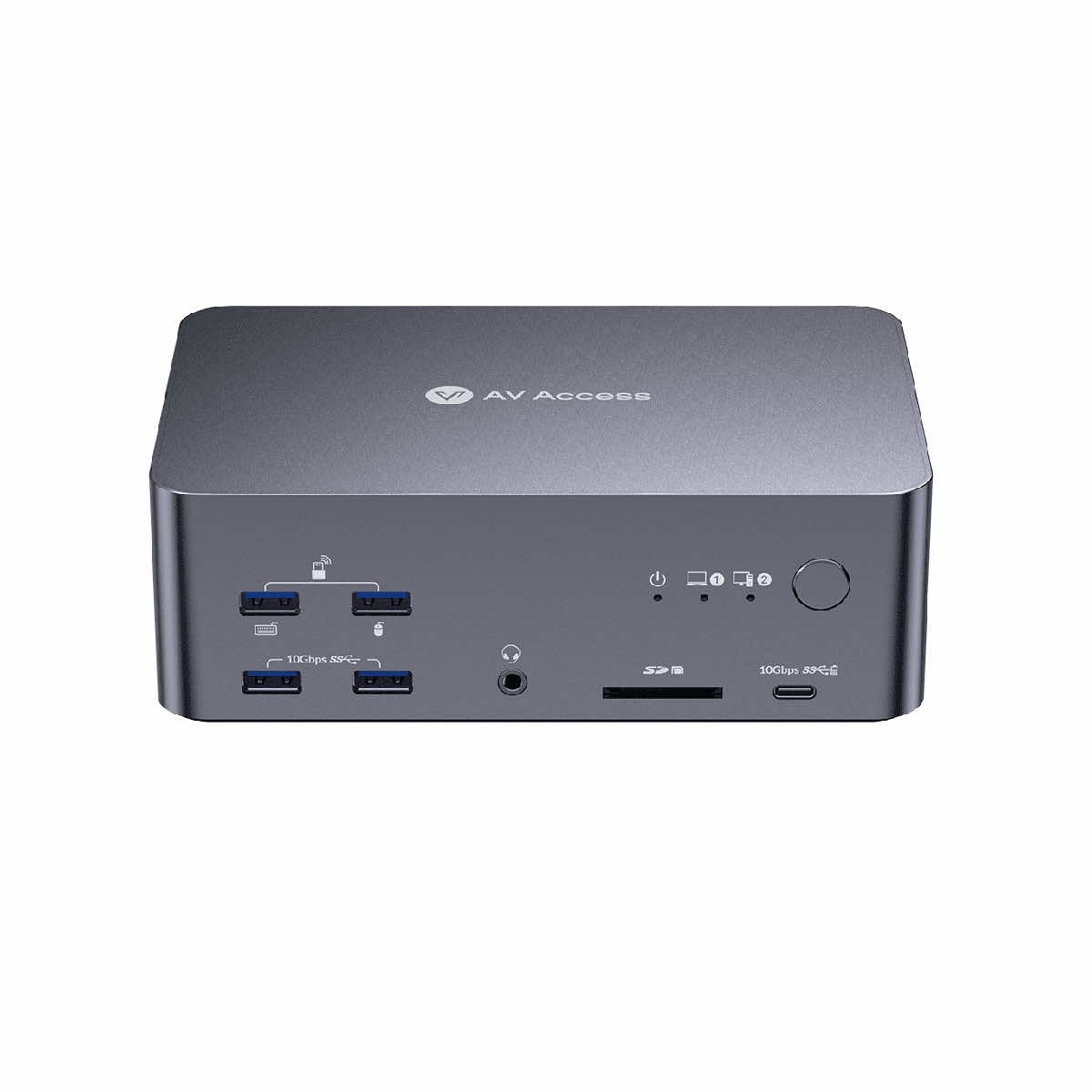
iDock B23 8K Triple Monitor KVM Switch Docking Station – jedno centrum pracy dla laptopa i komputera stacjonarnego
iDock B23 to zaawansowany przełącznik KVM klasy premium, który łączy funkcjonalność stacji dokującej i profesjonalnego switcha w jednym urządzeniu. Zaprojektowany z myślą o użytkownikach pracujących równolegle na laptopie i komputerze stacjonarnym, pozwala błyskawicznie przełączać się między dwoma systemami jednym przyciskiem — bez przepinania kabli i kompromisów wydajnościowych.
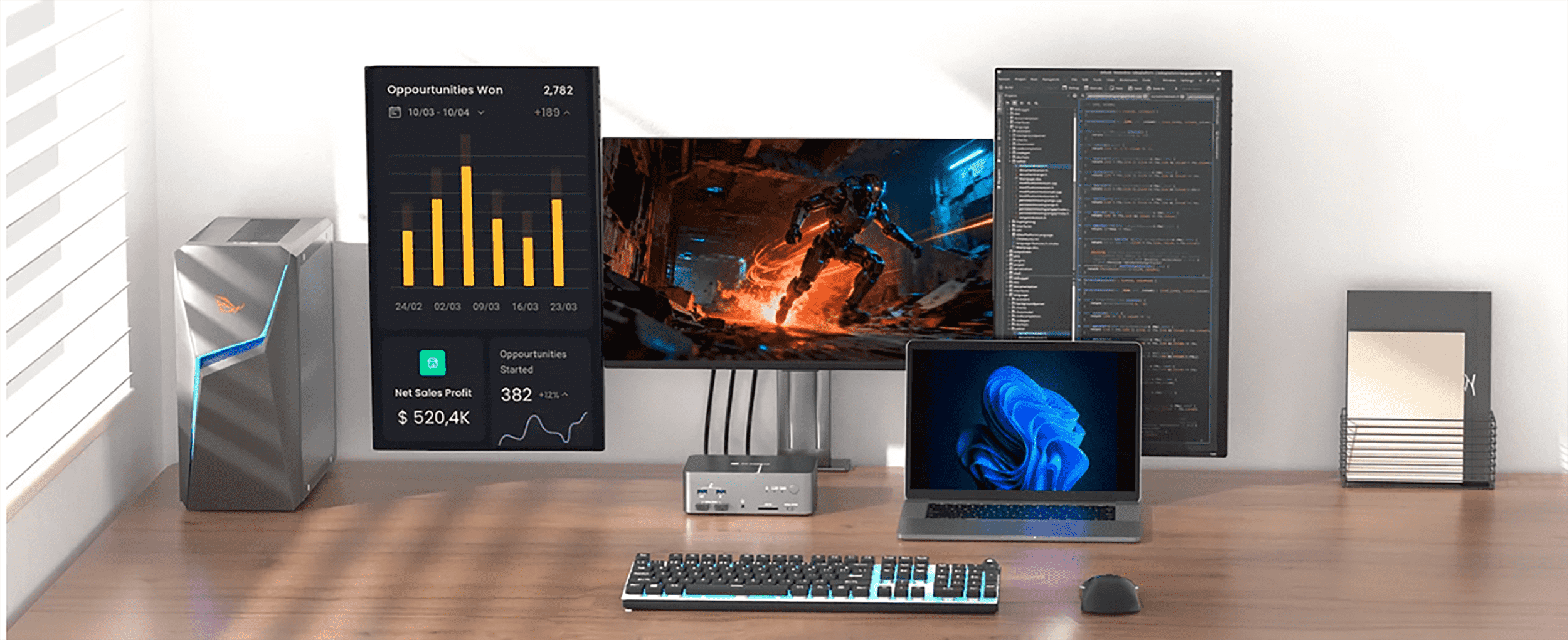
One dock, two computers
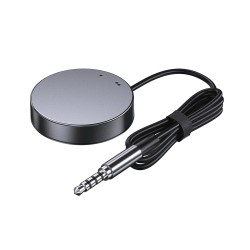
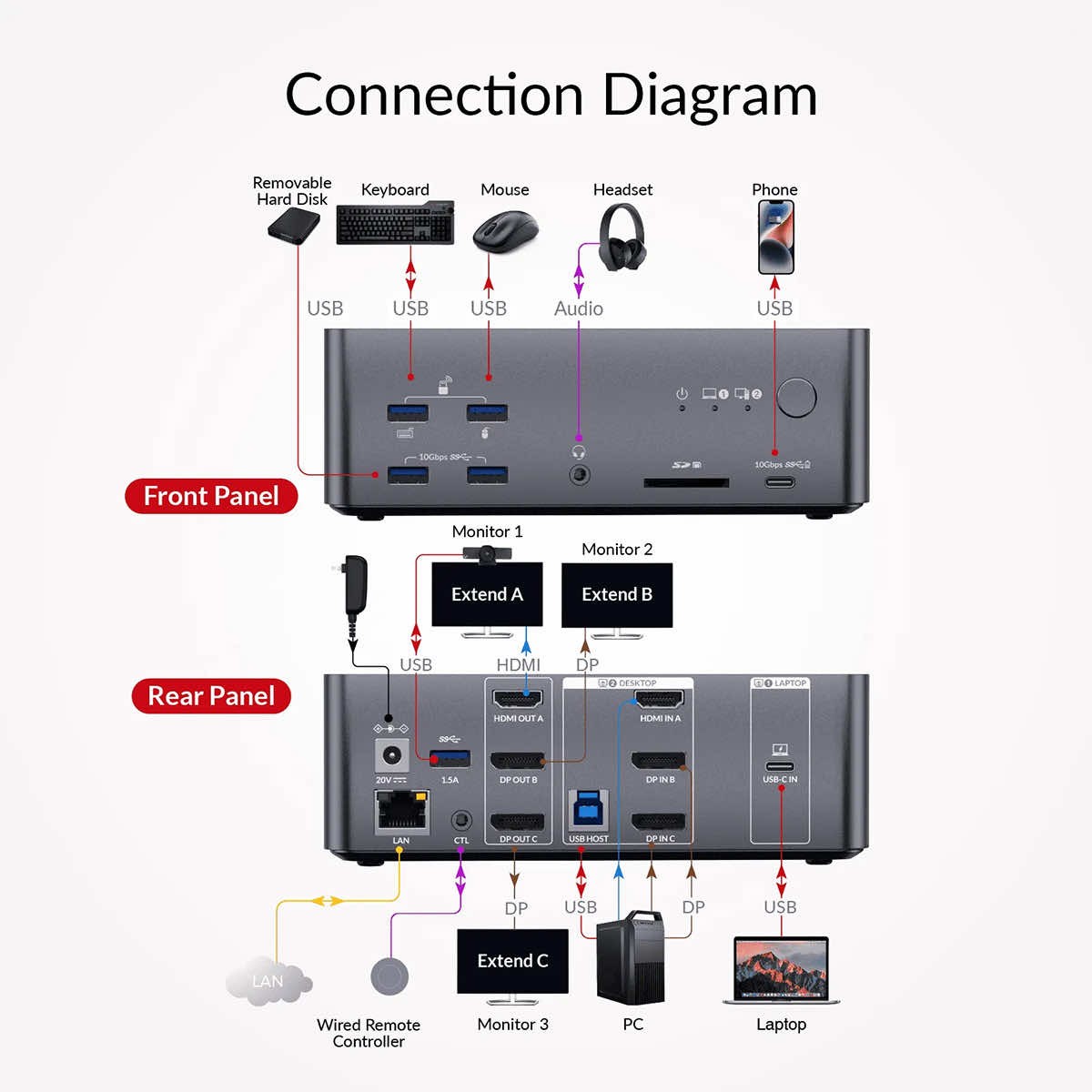
Connect your laptop and desktop simultaneously, then switch between them instantly using the button on the front panel or the included EXB01 remote control. The iDock B23 automatically wakes up sleeping computers when switching, significantly speeding up your workflow and eliminating downtime.
Support for three monitors for maximum productivity
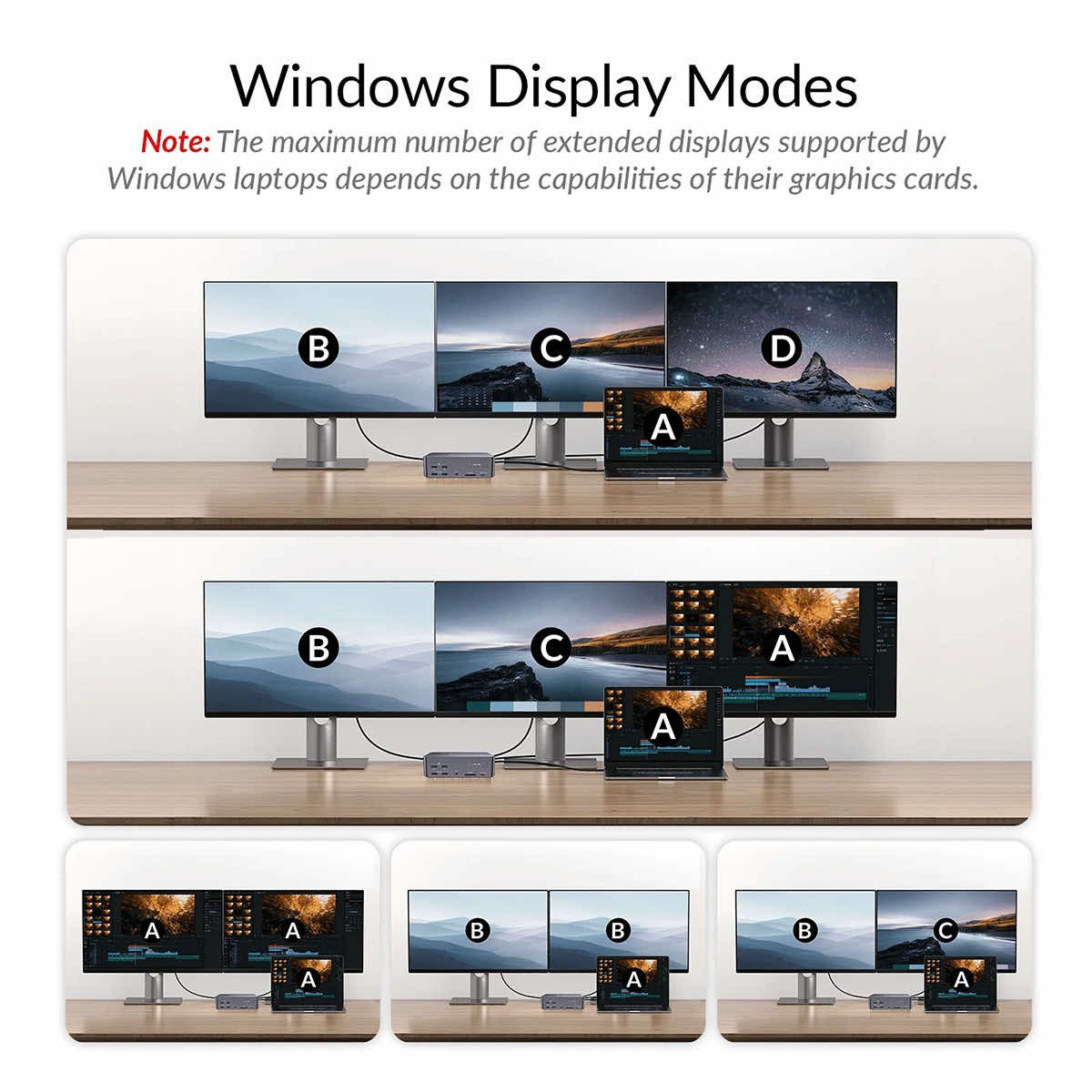
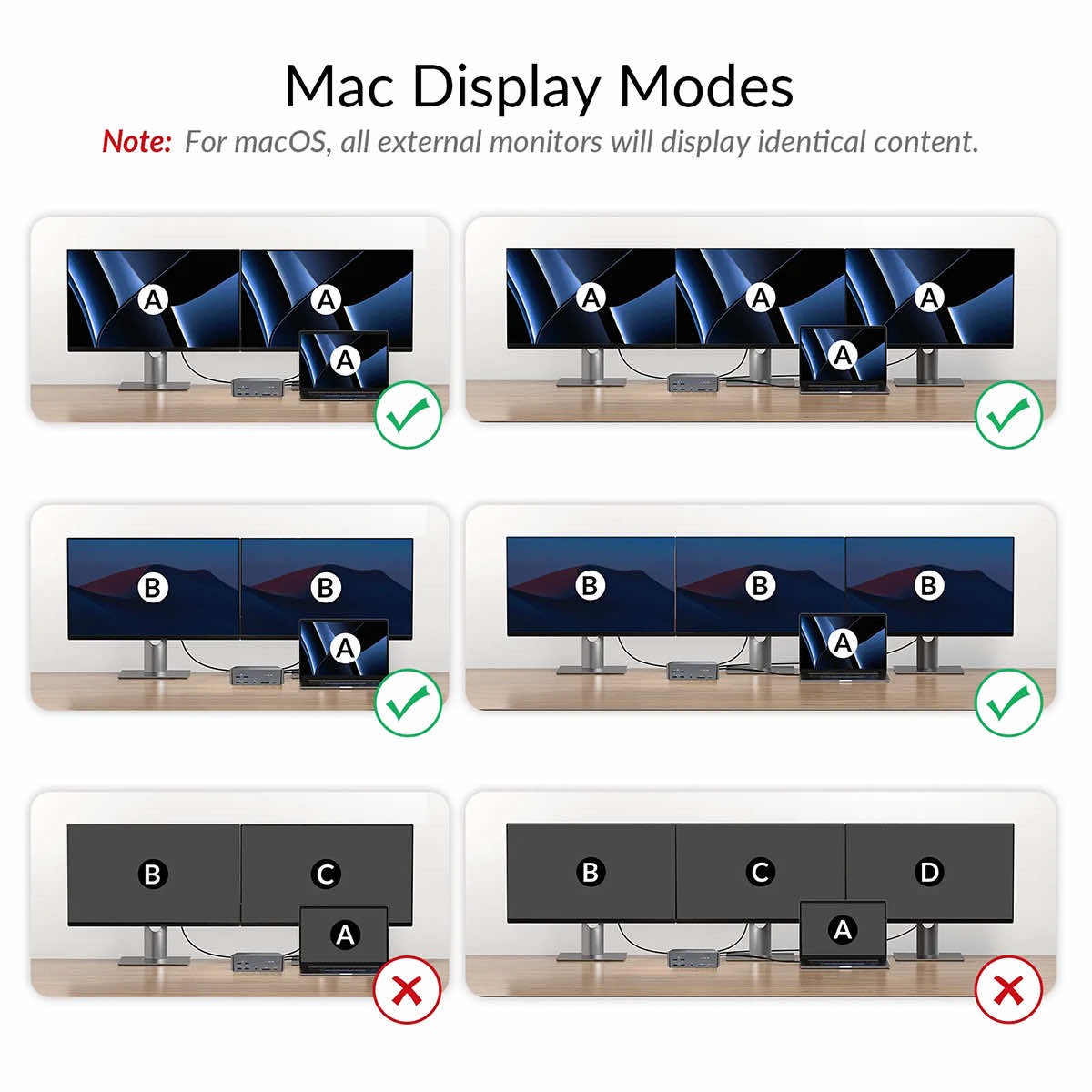
The station is designed for demanding work environments. It supports a three-monitor configuration for both computers, enabling smooth multitasking, working on multiple applications simultaneously, and convenient workspace management — ideal for developers, traders, content creators, and IT professionals.
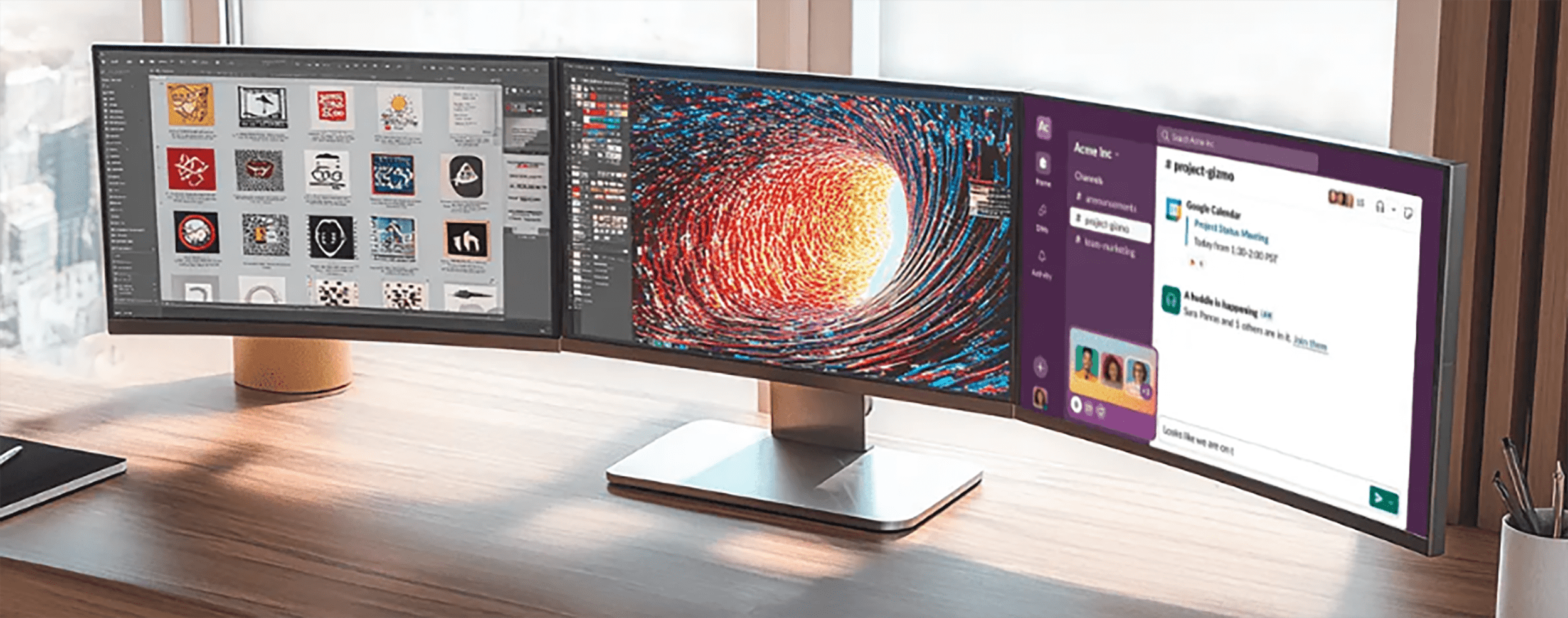
Impressive 8K Ultra HD image quality
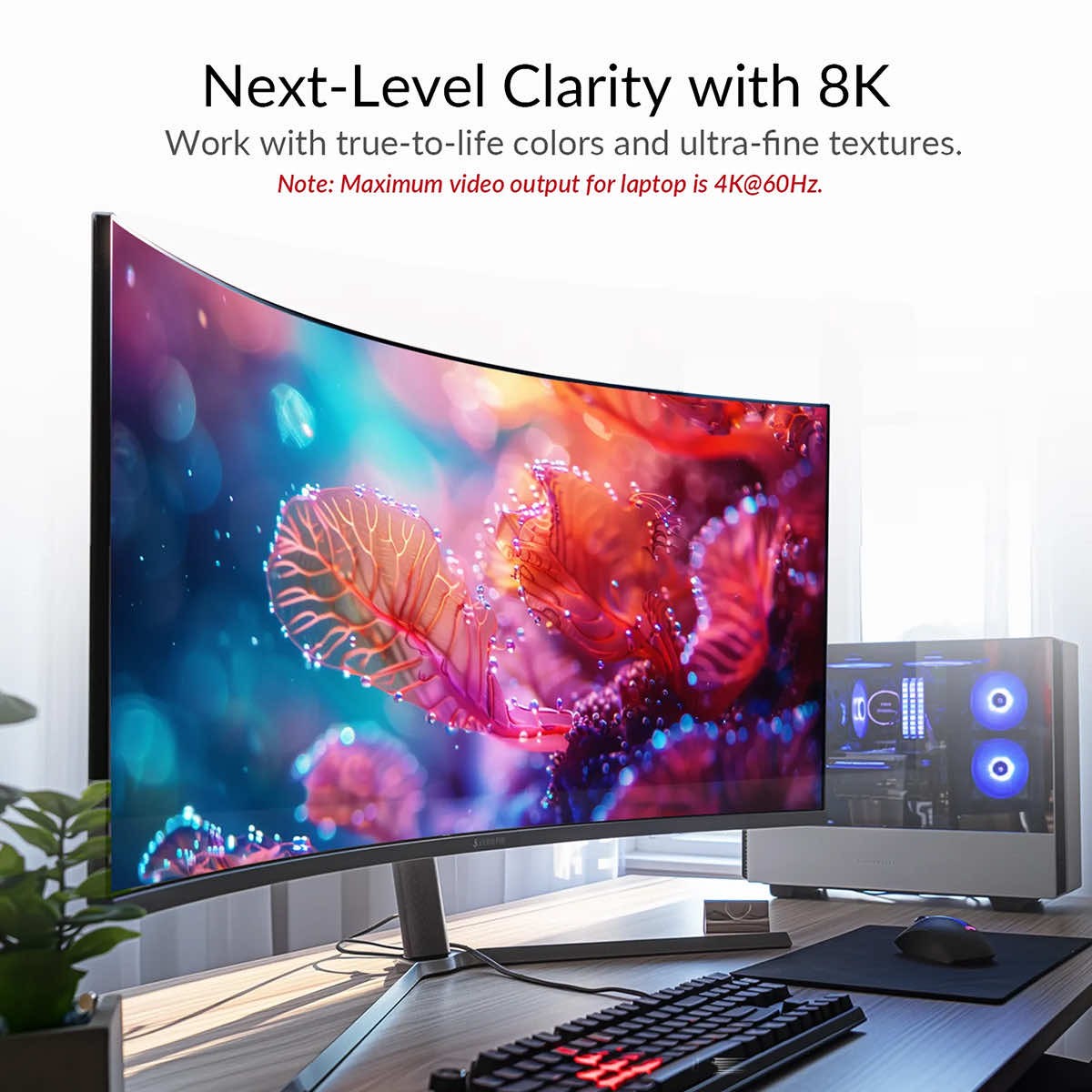
The iDock B23 supports resolutions up to 8K@60Hz, delivering incredibly detailed and realistic images. This solution is designed for demanding users who expect the highest visual quality — both in creative work and entertainment.
High refresh rates for gamers and professionals
The device supports a wide range of high refresh rates, including:
- 4K@165Hz
- 1440p@240Hz
- 1080p@240Hz
This makes the iDock B23 ideal not only for office applications, but also for gaming and working with dynamic images, where smoothness and responsiveness are important.
Laptop power supply via USB-C (100W Power Delivery)
The built-in USB-C port with 100W Power Delivery allows you to simultaneously transfer images and data and power your laptop with a single cable. This means fewer cables on your desk, greater mobility, and complete convenience at work.
12 expansion ports – a full-fledged docking station
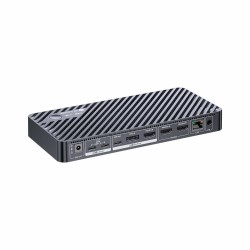
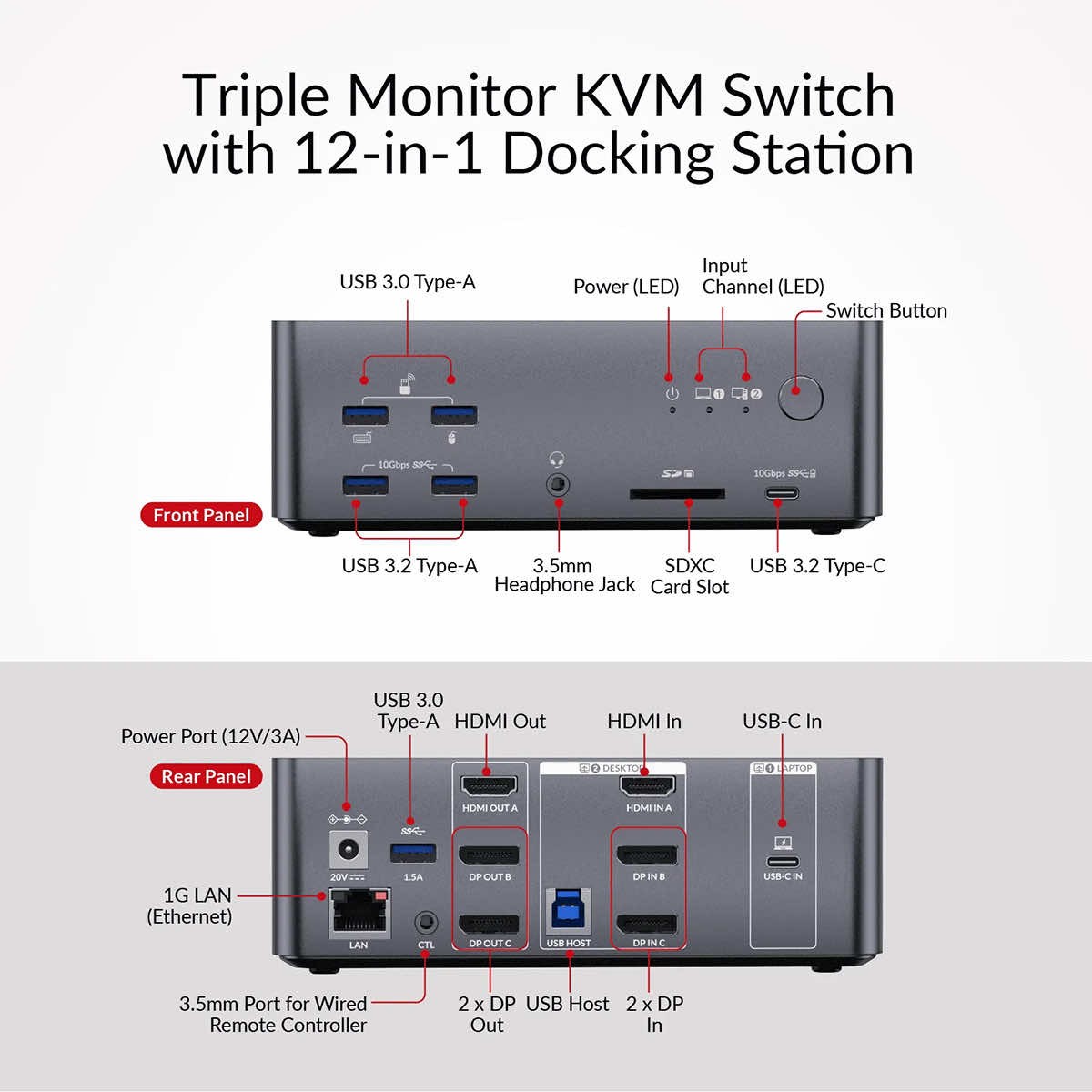
The iDock B23 acts as a complete connectivity hub, offering a wide range of ports:
- USB-C and USB 3.0 for peripherals
- HDMI and DisplayPort for monitors
- Ethernet
- Audio
- SD card reader
This allows you to share a keyboard, mouse, drives, camera, headphones, and other accessories between two computers without having to switch them.
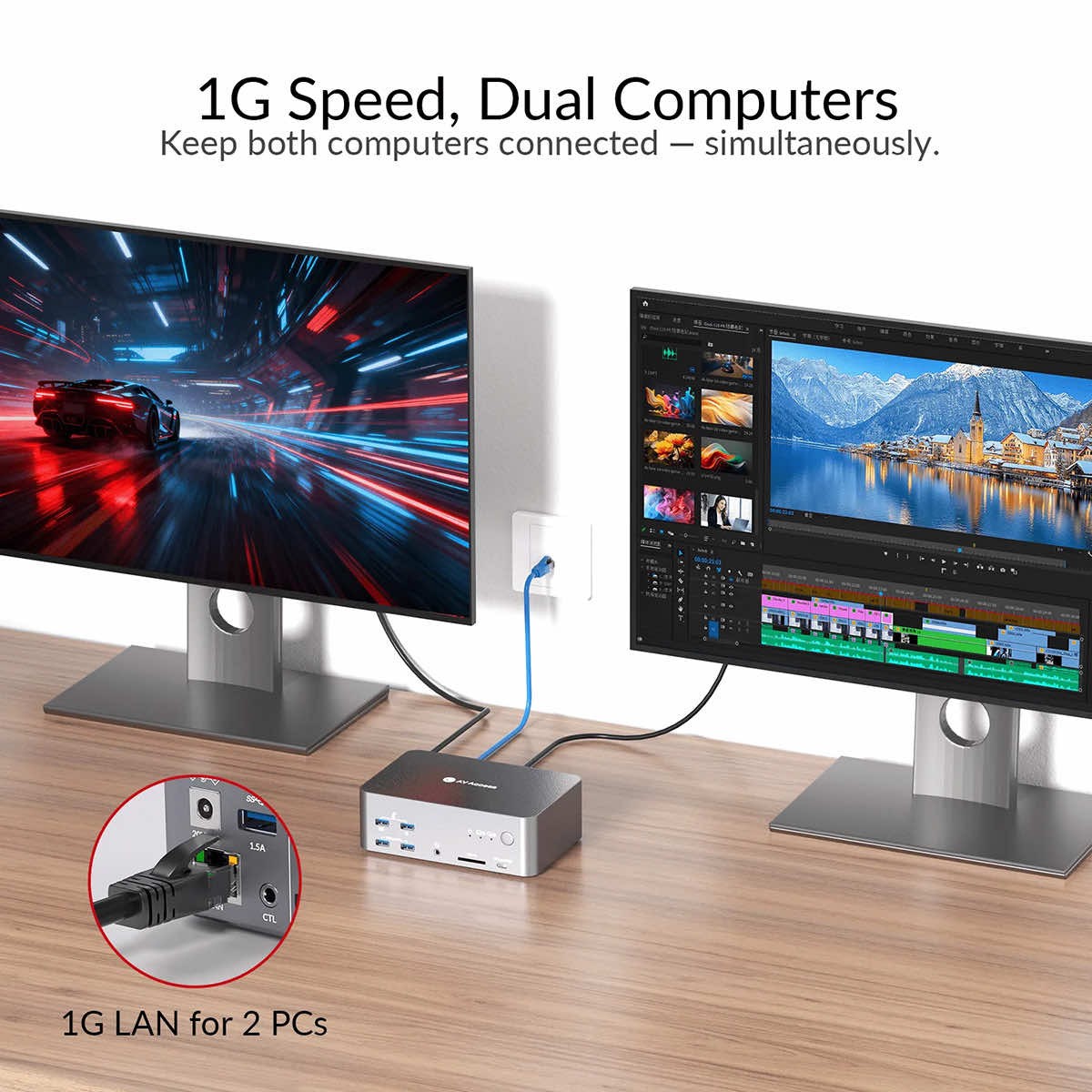
Stable network for both computers
With a built-in network switch, both connected computers can enjoy a shared, stable Gigabit Ethernet (1G) connection. This ensures reliable connectivity for remote work, streaming, file transfers, and online gaming.
Intuitive operation and convenient switching
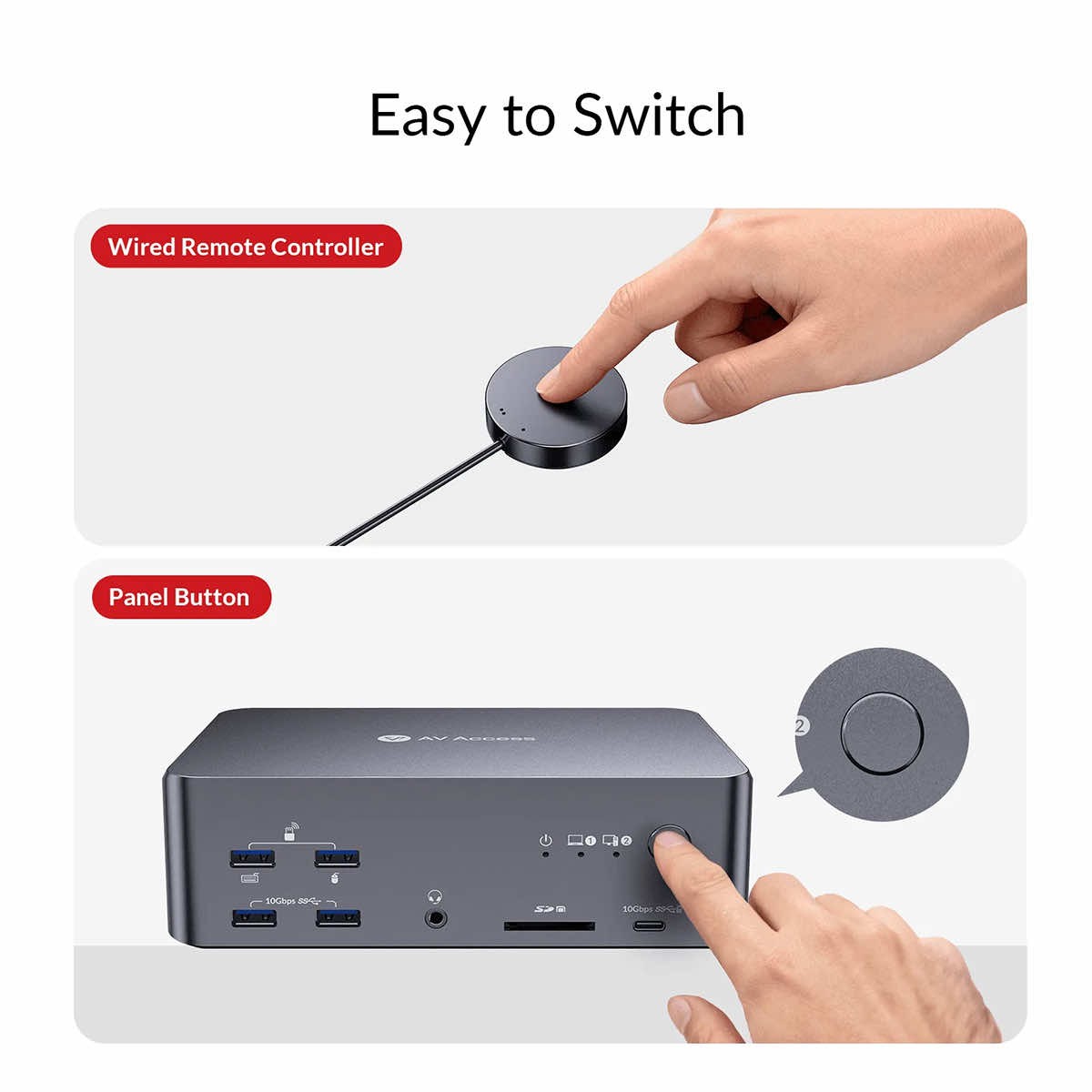
The iDock B23 offers two ways to change the active computer:
- button on the front panel
- included EXB01 remote control
This allows you to control the device without interrupting your work, even from a greater distance.
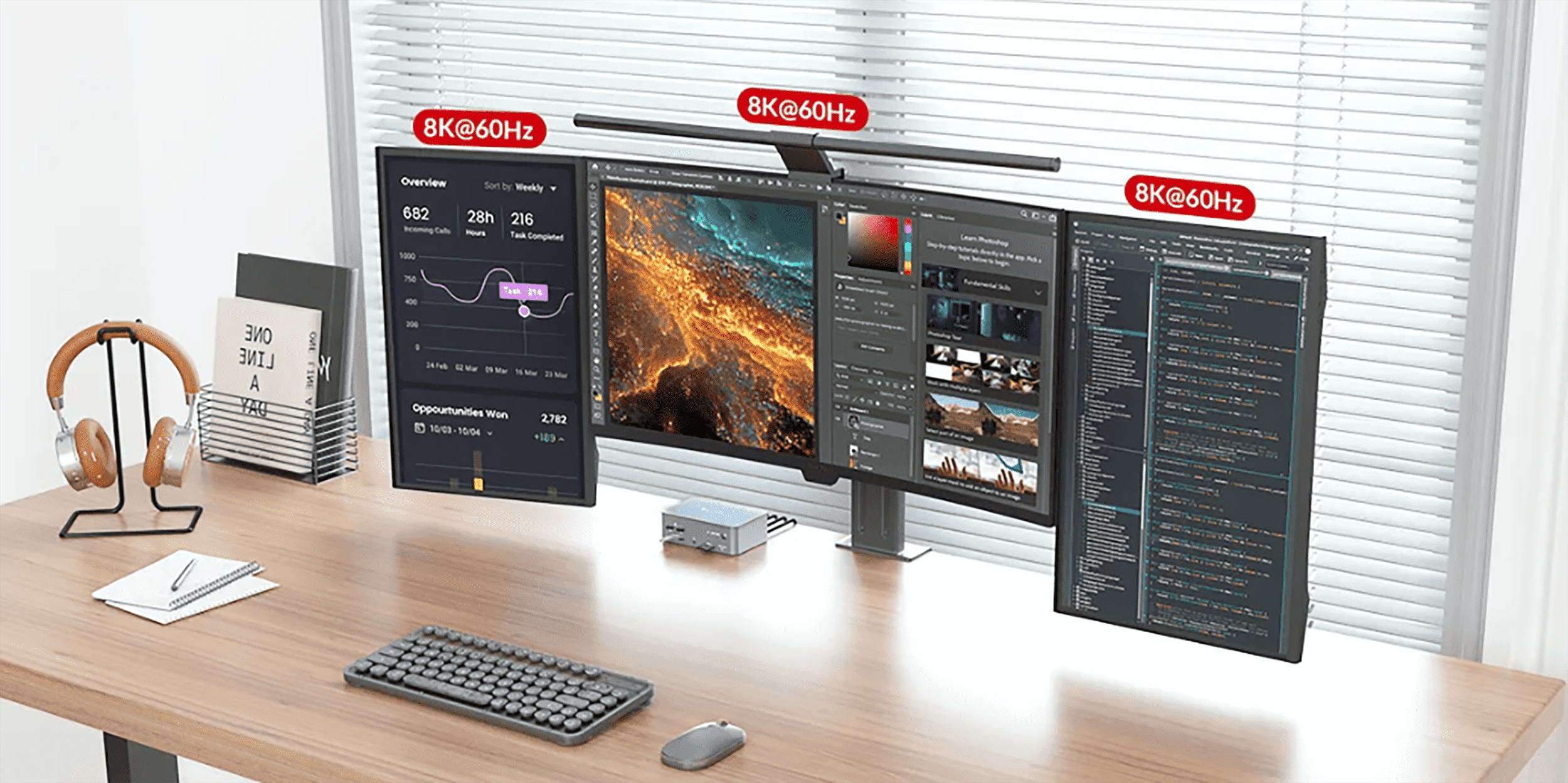
The iDock B23 is the ideal solution for professionals who want to simplify their workspace, increase productivity, and take full advantage of multi-monitor configurations—without compromising on performance, image quality, or ergonomics.
Technical
- Video input ·1 x USB-C IN (rear panel): DP Alt mode, MST/SST, DSC, DP 1.4a·1 x HDMI IN, 2 x DP IN: HDMI 2.1, DP 1.4a, and DP 2.0
- Video Output ·1 x HDMI OUT: HDMI 2.1· 2 x DP OUT: DP 1.4a and 2.0
- Peripheral and expansion ports · USB-C x 2:‐ USB-C IN (rear panel): USB 3.2 Gen 2 (10 Gbps), supports 1 Gbps Ethernet bandwidth and PD charging up to 100 W
- ‐ (front panel): USB 3.2 Gen 2 (10 Gbps), supports 5 V/1.5 A output
- · USB-A x 5:
- ‐ x 2: USB 3.2 Gen 2 (10 Gbps), shared 2.5 A output
- ‐ x 1 and x 1: USB 3.0 (5 Gb/s), shared 2.5 A output
- ‐ x 1 (rear panel): USB 3.2 Gen 2 (10 Gb/s), supports up to 1.5 A output
- · USB-B x 1: USB 3.2 Gen 2 (10 Gbps), supports 1 Gbps Ethernet bandwidth
- · SDXC slot: data transfer rate up to 104 MB/s; supports up to 2 TB capacity
- · LAN (RJ-45): supports 1 Gbps Ethernet bandwidth
- Input resolutions · For LAPTOPS: up to 4K@60Hz· For DESKTOP COMPUTERS: up to 8K@60Hz, 4K@165Hz/144Hz/120Hz
- Output resolutions Up to 8K@60Hz and 4K@165Hz
- Supported HDR formats Supports all popular HDR formats, including HDR10, HLG, HDR10+, and Dolby Vision
- Supported audio formats · USB-C input: Full support for multi-channel audio formats, including PCM 2.0/5.1/7.1, Dolby TrueHD, Dolby Atmos, DTS-HD Master Audio, and DTS:X· HDMI/DP: Supports all standard HDMI 2.1 and DP 2.0 audio formats, including PCM 2.0/5.1/7.1, Dolby TrueHD, Dolby Atmos, DTS-HD Master Audio, and DTS:X
- · 3.5 mm audio jack: Stereo
- Maximum video data transfer rate USB-C input: | HDMI: 48 Gbps | DP: 54 Gbps (13.5 Gbps per channel)
General
- Operating temperature 0°C to 45°C (32°F to 113°F)
- Storage temperature -20 to 70°C (-4 to 158°F)
- Humidity 20% to 90%, non-condensing
- Power consumption 17 W (max., without USB load)
- Device dimensions (W x H x D)
- 168 mm x 55 mm x 110 mm/6.61 inches x 2.17 inches x 4.33 inches
- Product weight 0.73 kg/1.61 lbs