
Z naszego bloga
-
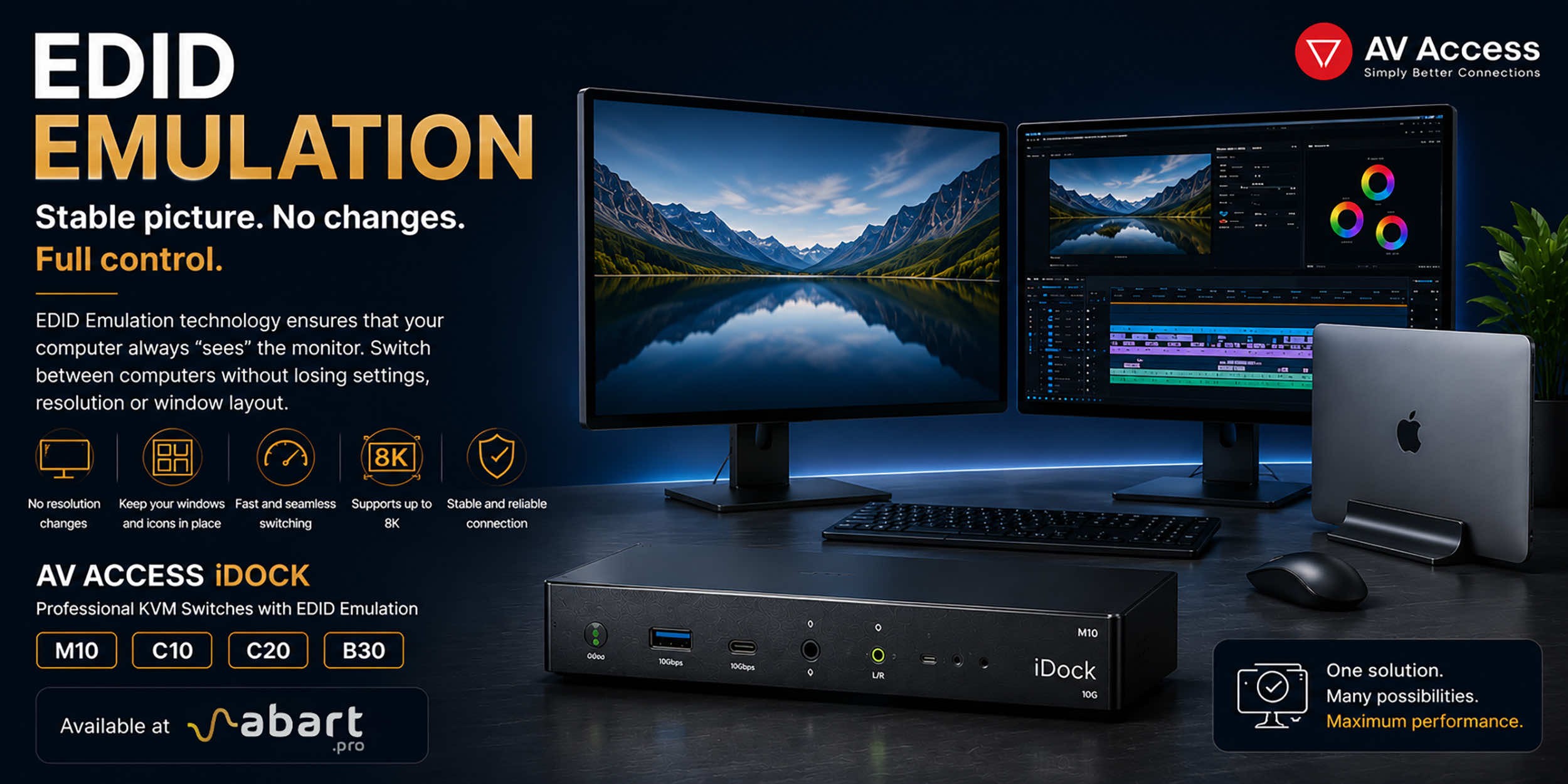 EDID Emulation – What Is It and Why Should You Choose AV...
When working with multiple computers using a KVM switch, one of the most common issues is the need to re-detect the monitor after switching the signal source. This can result in changes to the resolution, icons shifting on the desktop, application windows moving to different locations, and sometimes even a temporary loss of the image. The solution to this problem is EDID Emulation technology, available in professional AV Access iDock KVM switches offered by Abart Pro.
-
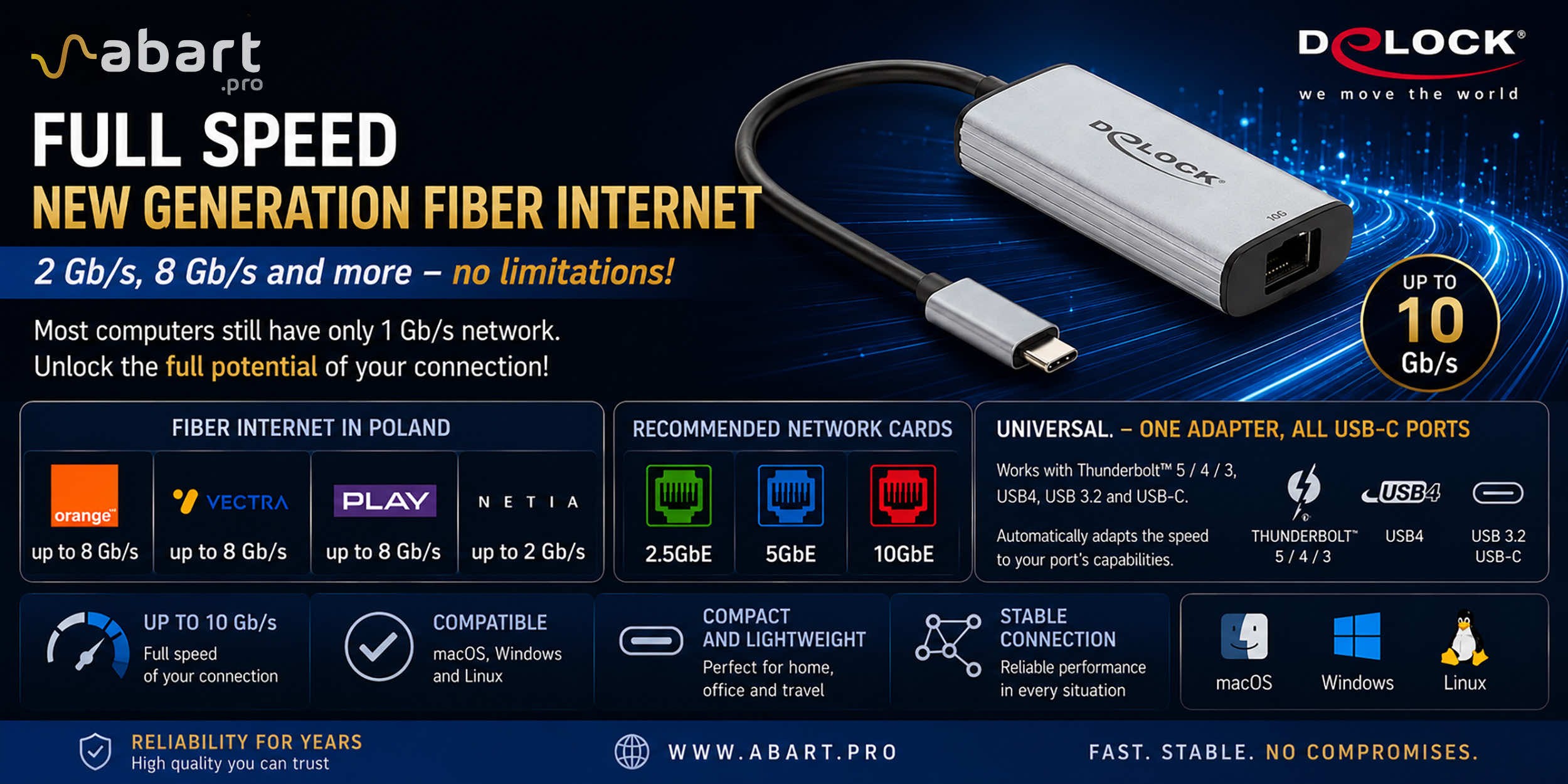 Internet światłowodowy 2 Gb/s, 8 Gb/s i więcej w Polsce –...
Just a few years ago, 1 Gb/s fiber-optic Internet seemed like a solution reserved for the most demanding business users. Today, the situation is completely different. More and more providers in Poland are offering connections exceeding 1 Gb/s, and Internet access with speeds of 2 Gb/s or even 8 Gb/s is becoming a reality for both home users and professionals.
-
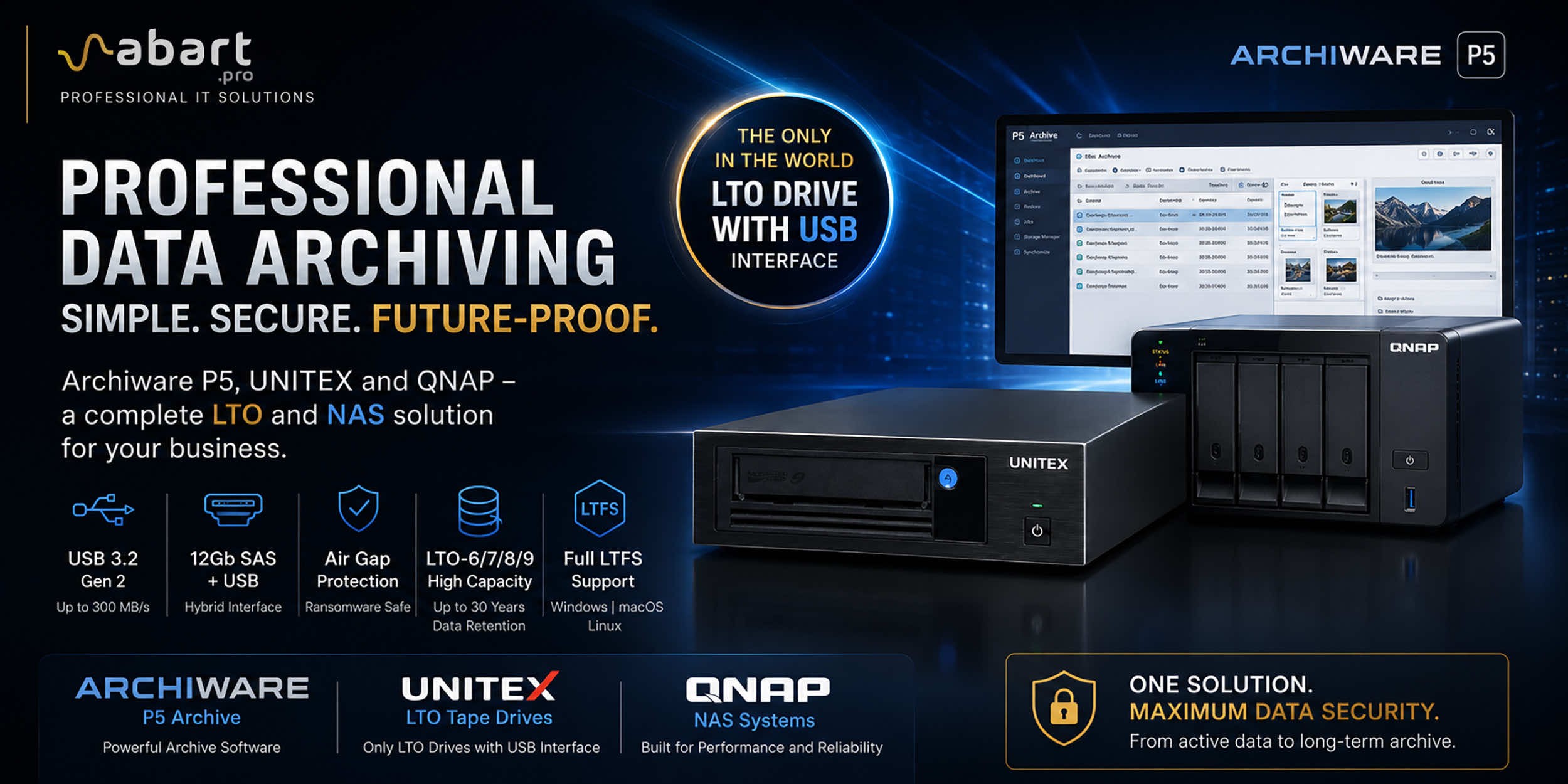 Archiware P5, UNITEX, and QNAP – a complete solution for...
Data Archiving Without Compromise – Archiware P5, UNITEX, and QNAP Create a Comprehensive Data Protection Environment In an era of growing data volumes and increasingly frequent ransomware threats, professional archiving is becoming an essential component of IT infrastructure. Companies involved in film production, photography, CAD design, scientific research, and public administration need a solution that is secure, easy to use, and cost-effective. The combination of Archiware P5 software, UNITEX LTO external drives, and QNAP NAS servers creates a comprehensive environment for long-term data archiving, eliminating many of the limitations of traditional solutions.
-
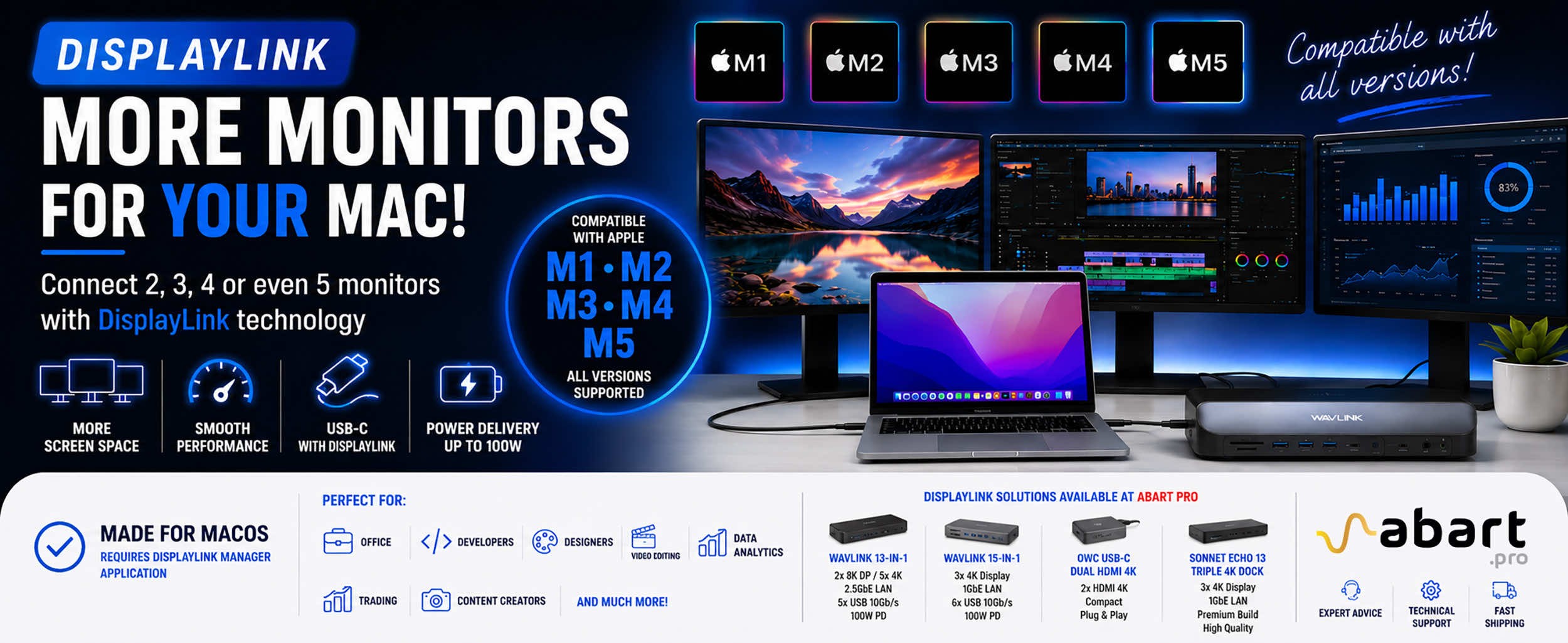 DisplayLink – How to Connect More Monitors to Apple Mac...
DisplayLink is a technology that easily expands the workspace of Apple Mac computers running macOS, PCs running Windows, and devices running ChromeOS and Android without compromising image quality or the performance of your Mac
Blog categories
Search in blog
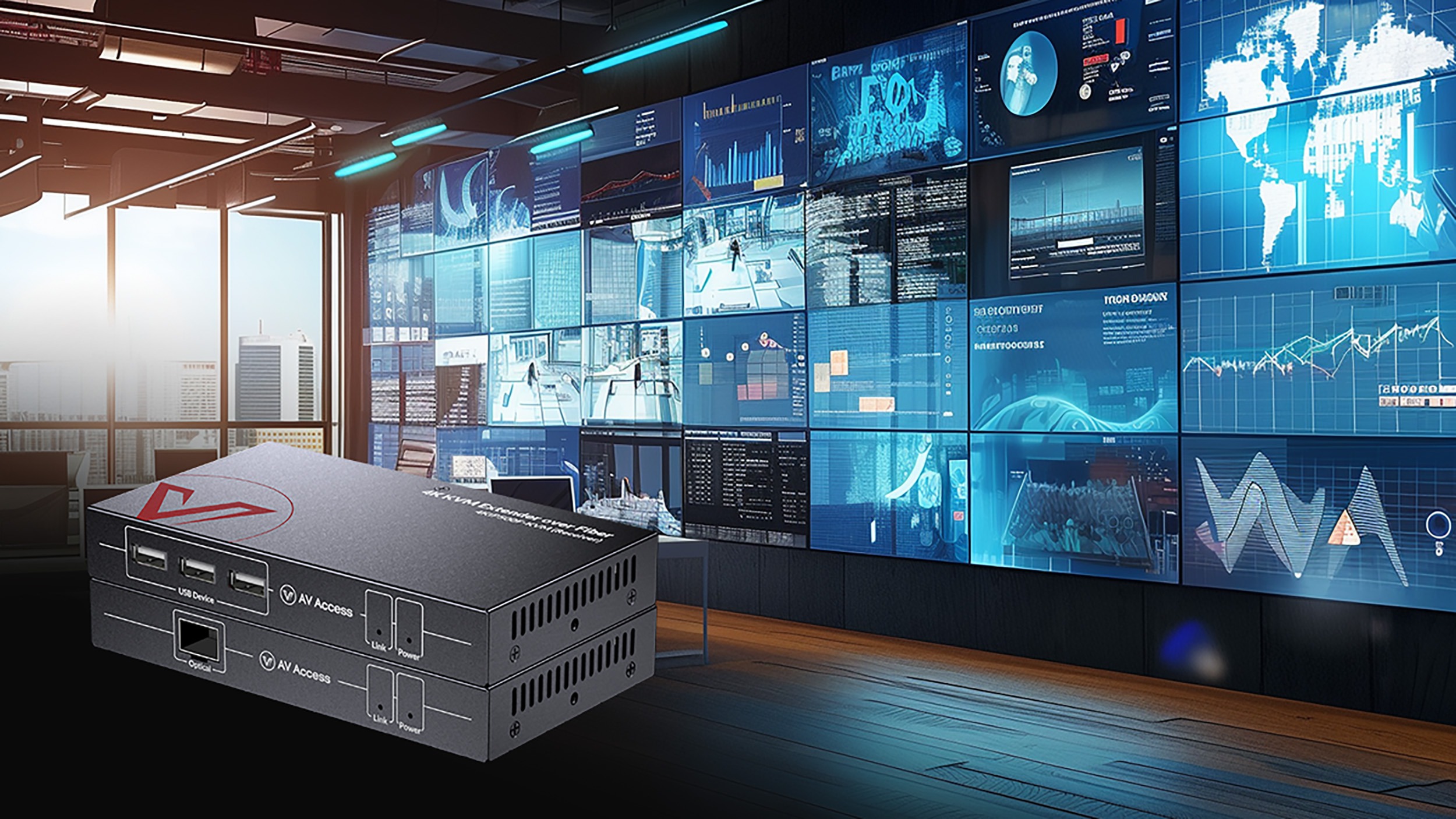
What is a KVM Extender
KVM extender is a device that allows remote transmission of video, audio and USB data signals between a computer and a console (keyboard, video, mouse) over a long distance. It is particularly useful in environments where access to server computers or workstations is limited or requires physical separation.
How does the KVM extender work?
The KVM extender consists of two main components:
Transmitter: Connected to the computer, which collects video and data signals from the keyboard and mouse.
Receiver: Connected to the user's console, which receives the transmitted signals.
These signals are transmitted over network cables (e.g., twisted-pair Cat5e, Cat6 or Cat7), or fiber optic infrastructure, which allows the distance over which they can be transmitted to be significantly extended. Depending on the model, KVM extenders can support a variety of video resolutions from Full HD up to 4K, and various USB standards.
Applications of KVM extenders
KVM exteders are used in a variety of scenarios:
- Data centers: Enable management of servers located in remote rooms or other buildings.
- Offices: Allow access to computers located in hard-to-reach areas.
- Manufacturing and industry: They allow control of machines from a safe distance.
Advantages of KVM extenders
Remote access: Enable control of computers from a distance, which is useful in data centers and in situations where computers are placed in hard-to-reach locations.
- High signal quality: KVM extenders transmit video and audio signals without loss of quality, even over long distances (e.g., up to 150 meters using twisted-pair cable or up to 160 kilometers using fiber optic cable).
- Space saving: They allow you to use one set of peripherals (keyboard, mouse, monitor) to operate multiple computers, reducing desk clutter and optimizing workspace.
- Configuration flexibility: Enable a variety of workstation configurations, allowing for easy customization and integration with different systems and devices.
- Ease of installation and operation: Many KVM extender models are simple to install and require no complicated configuration, making them accessible to a wide range of users.
- Networkability: Some models allow multiple computers to be connected to a single console, making teamwork more efficient and allowing easy switching between different systems.
KVM extinguishers are thus a versatile solution that significantly increases the efficiency of computer management in different environments.
Take a look at the range of KVM extenders in our Abart Pro store: https://abart.pro/sprzet-it/peryferia/av-over-ip
Related posts
-
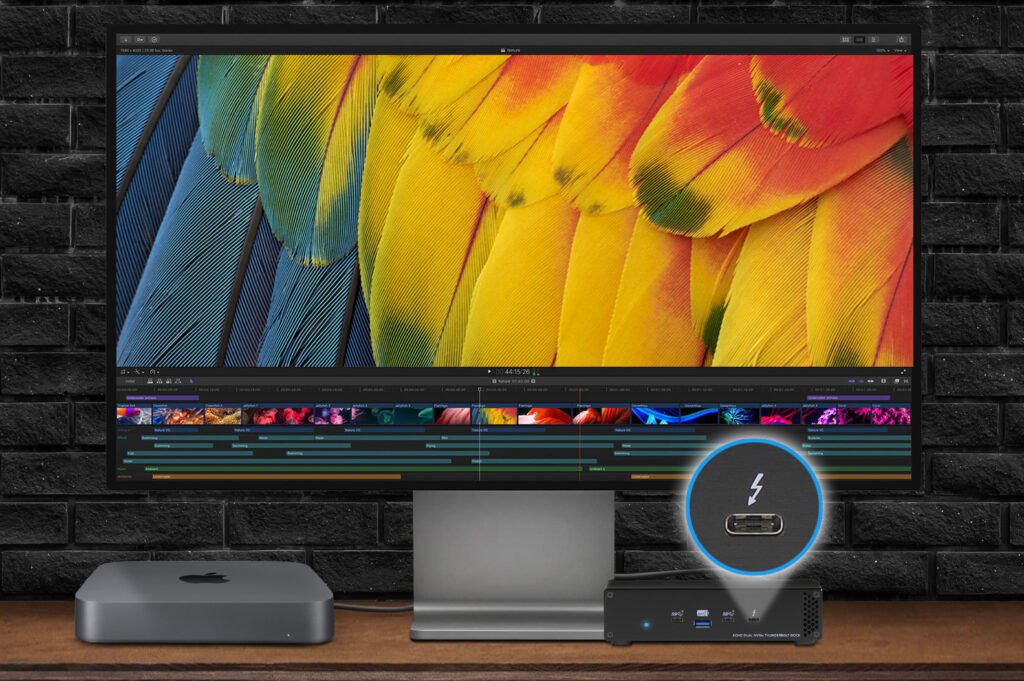 Nowość! Stacja dokująca od Sonnet z dwoma zatokami na dyski NVMe
Sonnet has released the latest docking station enabling the installation of two PCIe NVMe M.2 2280 drives with a...Read more
Nowość! Stacja dokująca od Sonnet z dwoma zatokami na dyski NVMe
Sonnet has released the latest docking station enabling the installation of two PCIe NVMe M.2 2280 drives with a...Read more -
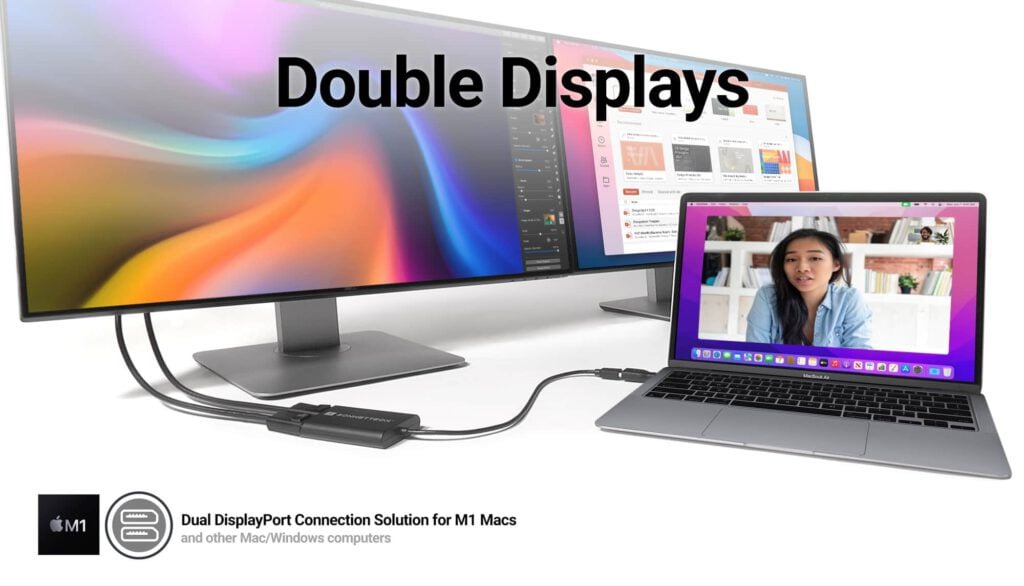 Trzy wyświetlacze do Apple Mac z M1/M2/M3? To nie problem!
We know perfectly well how good Apple processors from the M1, M2 and M3 families are. These systems used in Apple...Read more
Trzy wyświetlacze do Apple Mac z M1/M2/M3? To nie problem!
We know perfectly well how good Apple processors from the M1, M2 and M3 families are. These systems used in Apple...Read more -
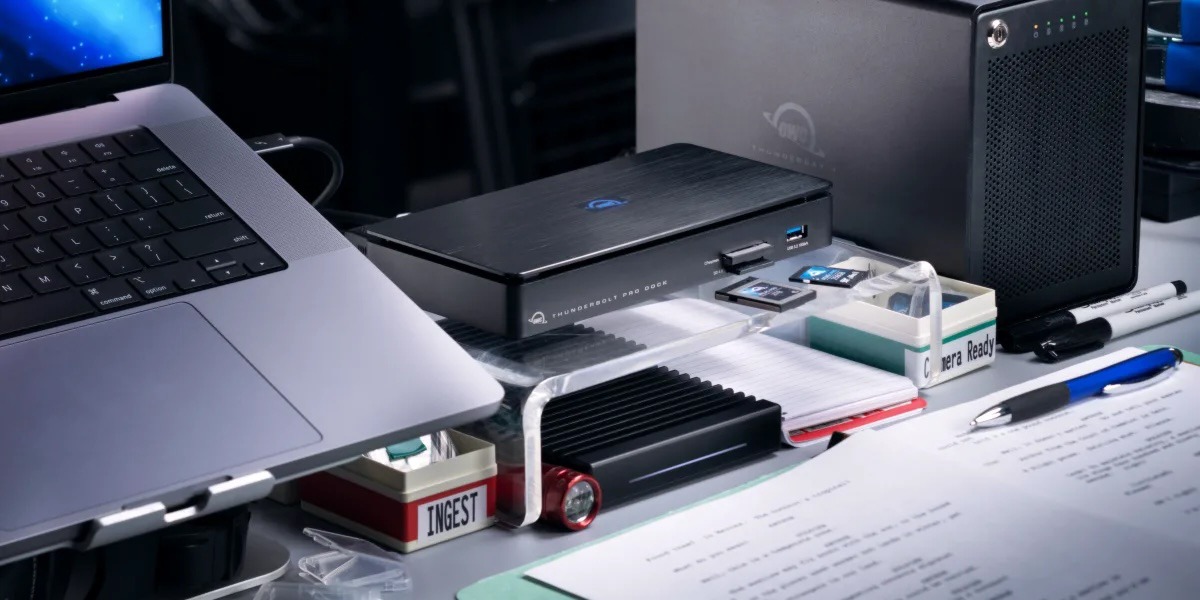 OWC Thunderbolt Pro Dock - The best docking station for professional developers
OWC Thunderbolt Pro Dock – high throughput and flexibility for demanding professionals working with high resolution...Read more
OWC Thunderbolt Pro Dock - The best docking station for professional developers
OWC Thunderbolt Pro Dock – high throughput and flexibility for demanding professionals working with high resolution...Read more -
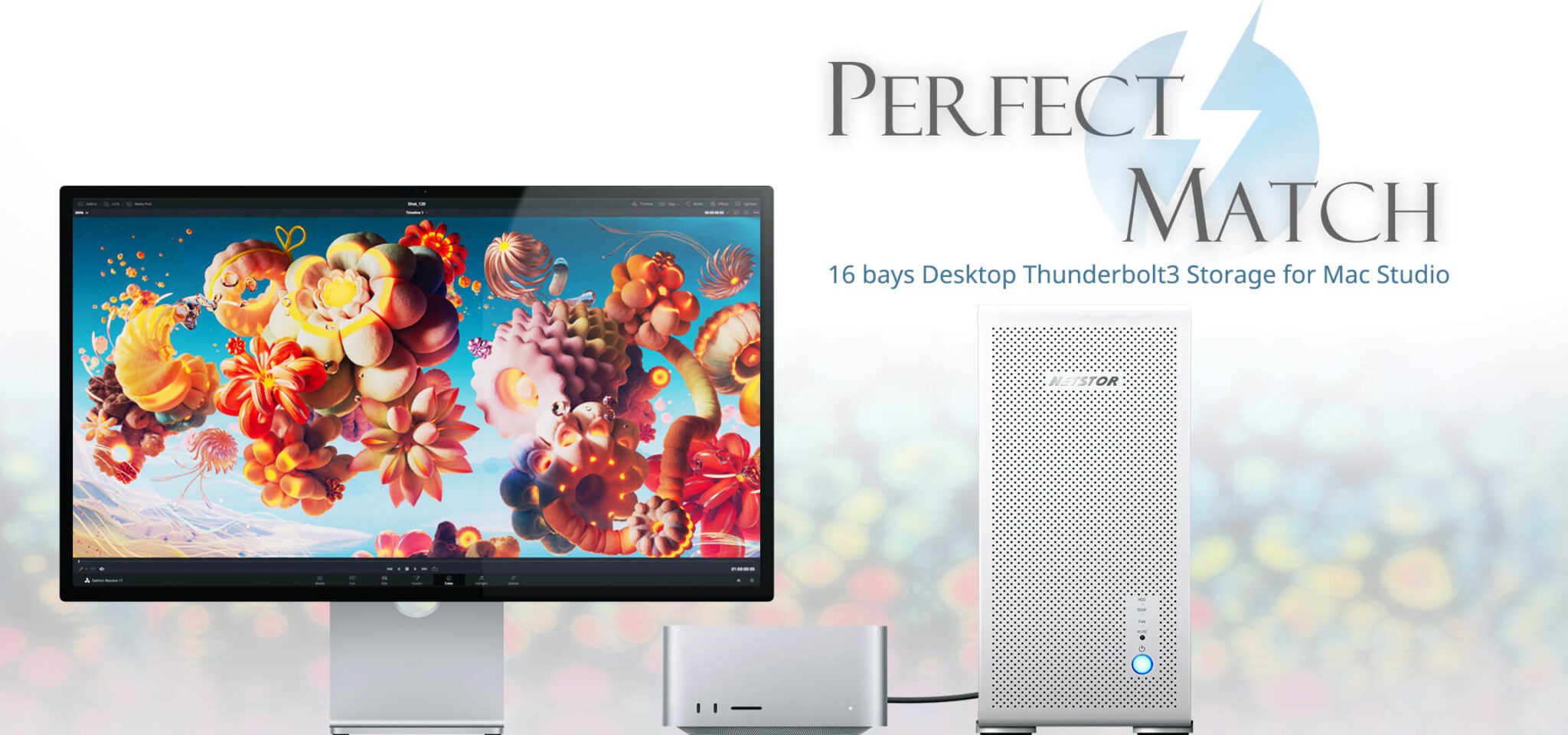 Do 320TB w sprzętowym RAID poprzez port Thunderbolt. Z Mac Studio idealna para!
Netstor NS780TB3 is a 16-bay enclosure that allows you to connect up to 320TB of fast mass storage to a computer...Read more
Do 320TB w sprzętowym RAID poprzez port Thunderbolt. Z Mac Studio idealna para!
Netstor NS780TB3 is a 16-bay enclosure that allows you to connect up to 320TB of fast mass storage to a computer...Read more -
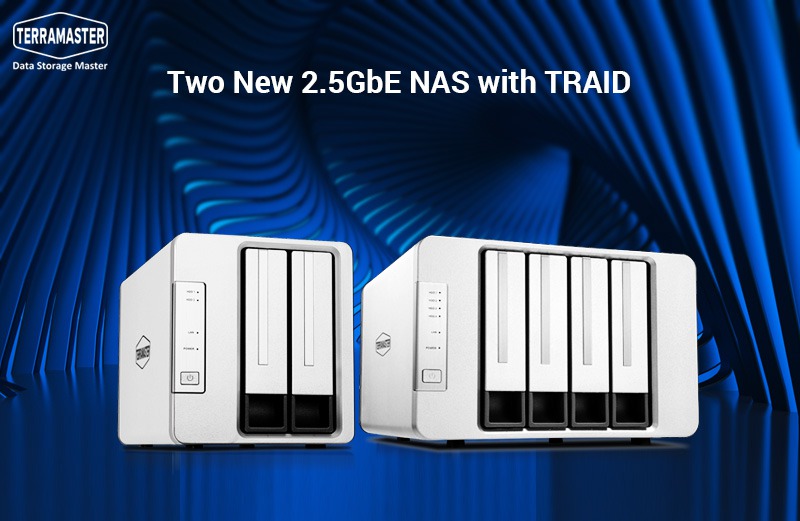 Nowe NASy od TerraMaster z 2x 2,5GbE i zatokami na 2x M.2 SSD
The new TerraMaster F2-223 and F4-223 NAS devices support TRAID. This is a flexible disk array management tool...Read more
Nowe NASy od TerraMaster z 2x 2,5GbE i zatokami na 2x M.2 SSD
The new TerraMaster F2-223 and F4-223 NAS devices support TRAID. This is a flexible disk array management tool...Read more
Leave a comment