Z naszego bloga
-
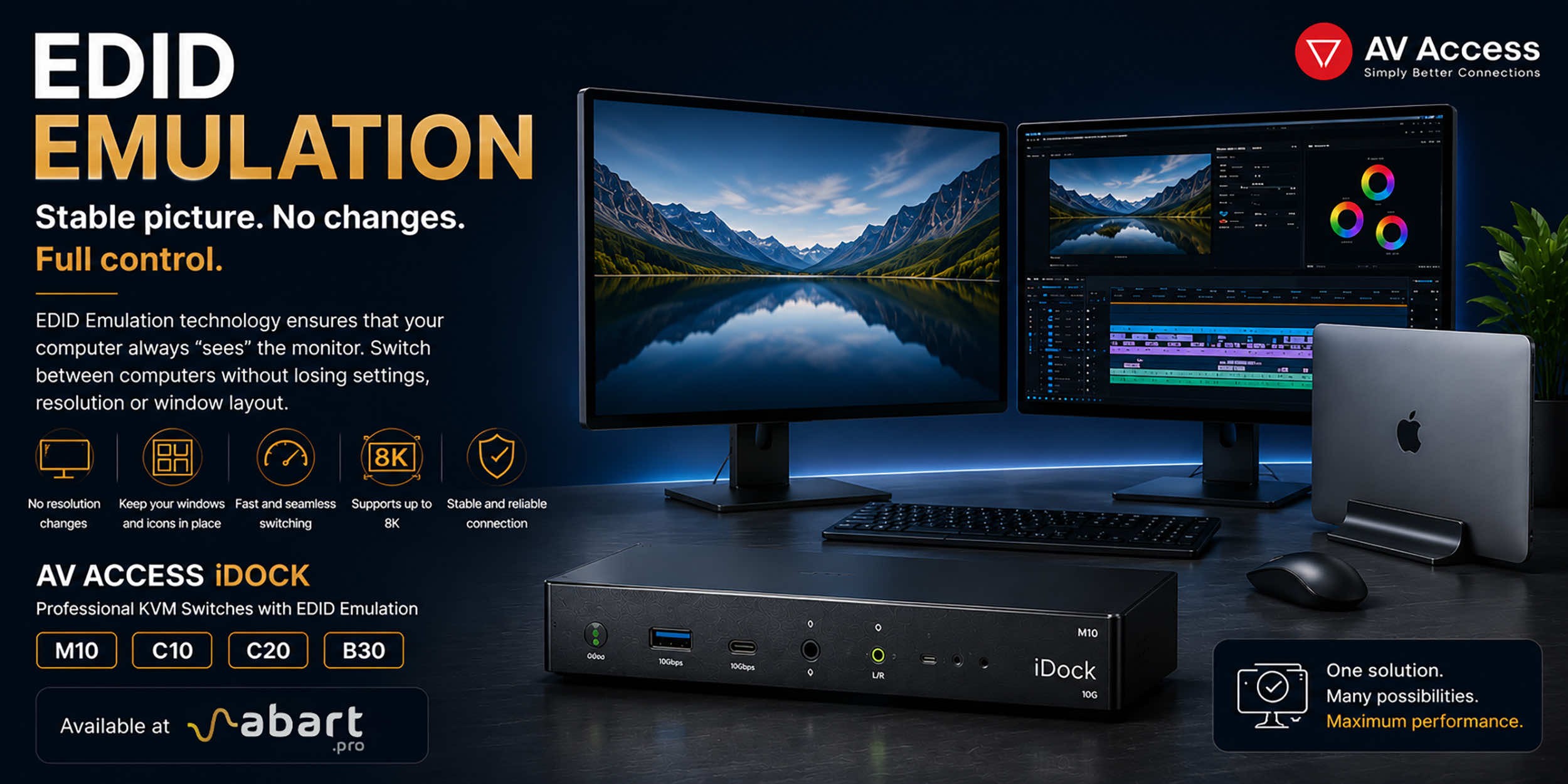 EDID Emulation – What Is It and Why Should You Choose AV...
When working with multiple computers using a KVM switch, one of the most common issues is the need to re-detect the monitor after switching the signal source. This can result in changes to the resolution, icons shifting on the desktop, application windows moving to different locations, and sometimes even a temporary loss of the image. The solution to this problem is EDID Emulation technology, available in professional AV Access iDock KVM switches offered by Abart Pro.
-
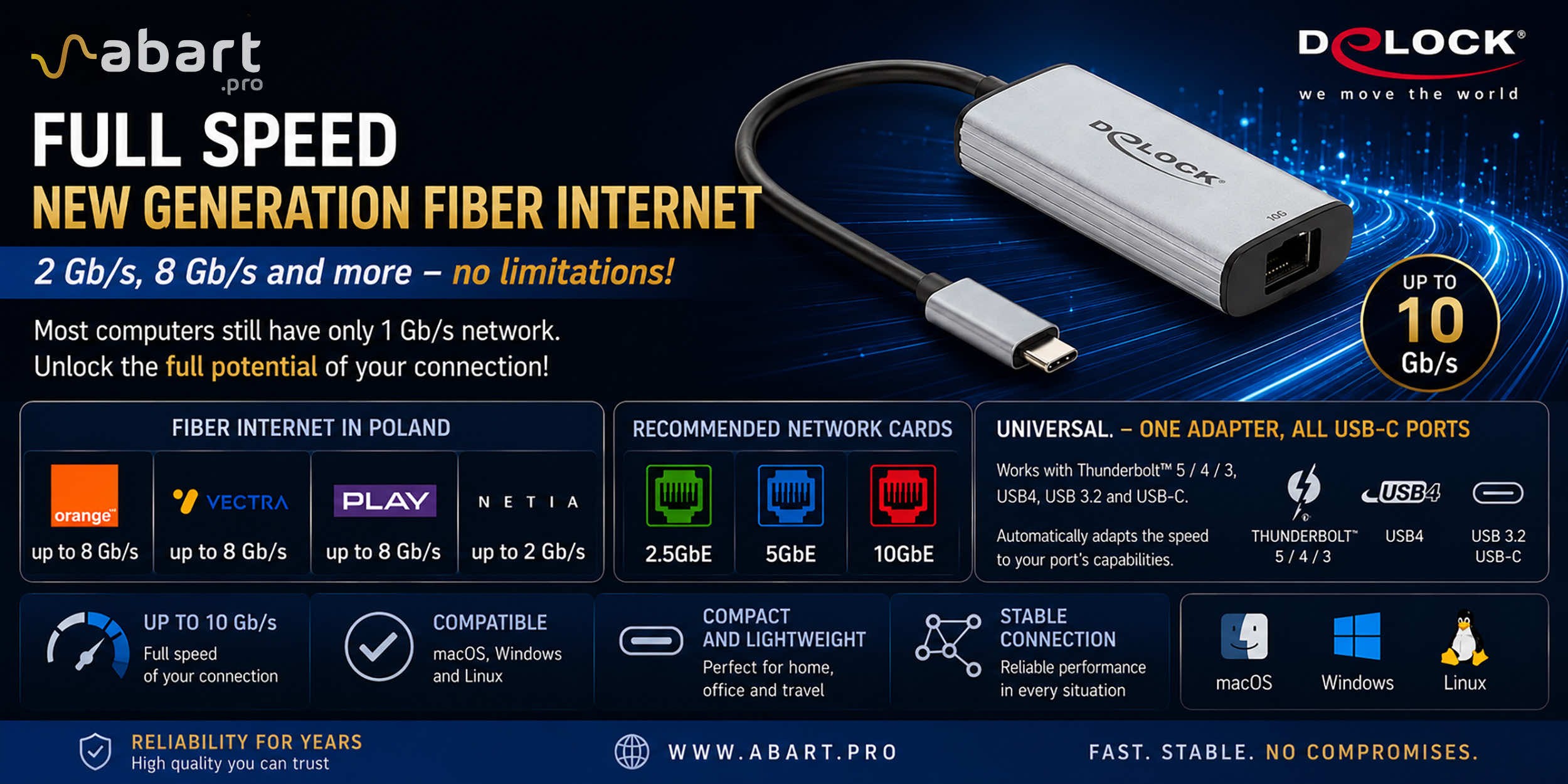 Internet światłowodowy 2 Gb/s, 8 Gb/s i więcej w Polsce –...
Just a few years ago, 1 Gb/s fiber-optic Internet seemed like a solution reserved for the most demanding business users. Today, the situation is completely different. More and more providers in Poland are offering connections exceeding 1 Gb/s, and Internet access with speeds of 2 Gb/s or even 8 Gb/s is becoming a reality for both home users and professionals.
-
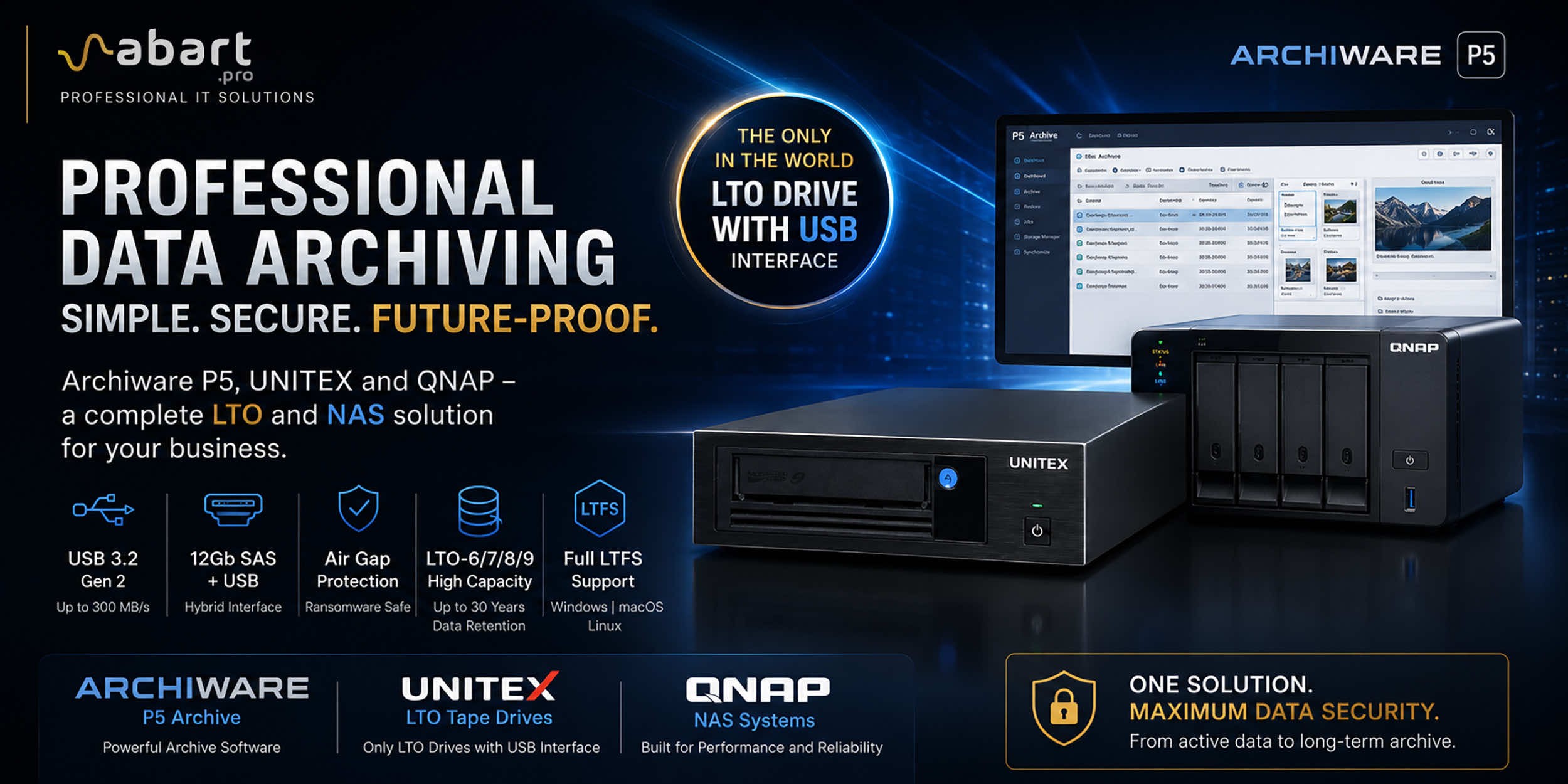 Archiware P5, UNITEX, and QNAP – a complete solution for...
Data Archiving Without Compromise – Archiware P5, UNITEX, and QNAP Create a Comprehensive Data Protection Environment In an era of growing data volumes and increasingly frequent ransomware threats, professional archiving is becoming an essential component of IT infrastructure. Companies involved in film production, photography, CAD design, scientific research, and public administration need a solution that is secure, easy to use, and cost-effective. The combination of Archiware P5 software, UNITEX LTO external drives, and QNAP NAS servers creates a comprehensive environment for long-term data archiving, eliminating many of the limitations of traditional solutions.
-
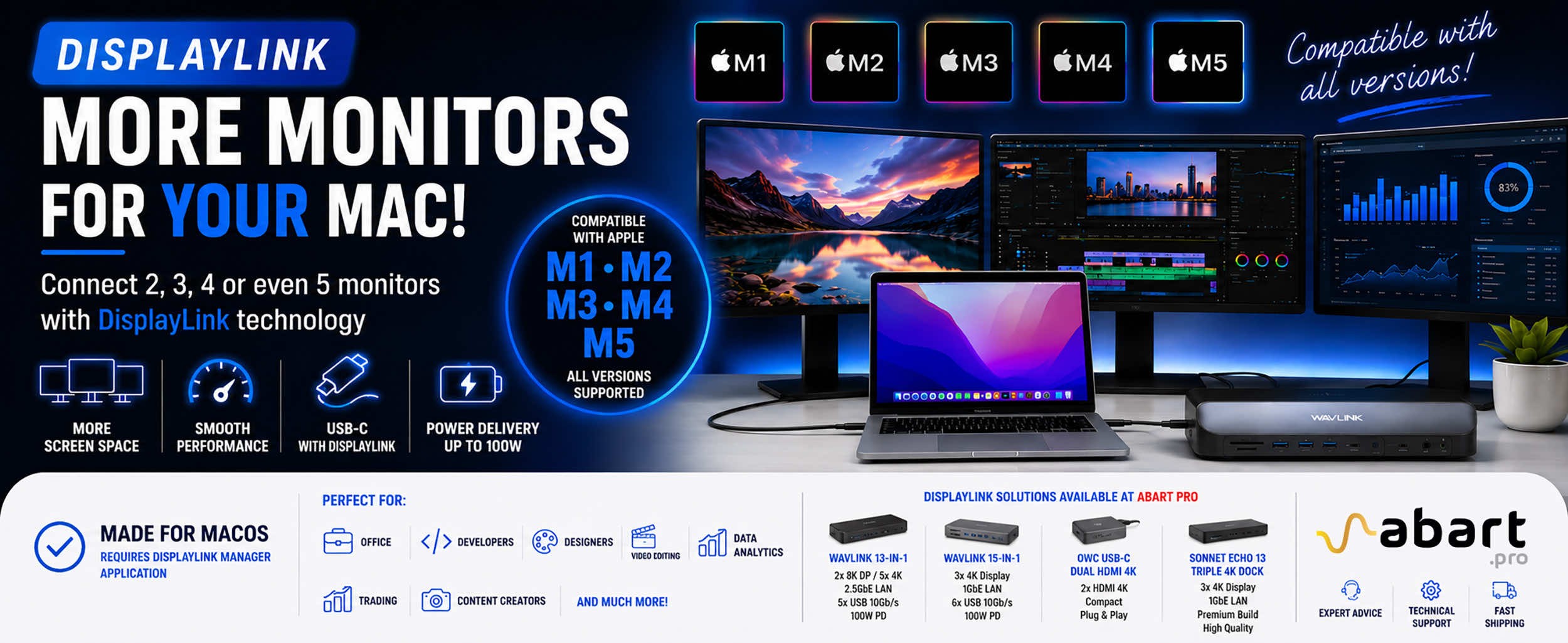 DisplayLink – How to Connect More Monitors to Apple Mac...
DisplayLink is a technology that easily expands the workspace of Apple Mac computers running macOS, PCs running Windows, and devices running ChromeOS and Android without compromising image quality or the performance of your Mac
Blog categories
Search in blog
Video capture cards
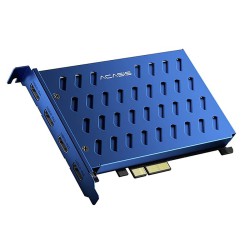
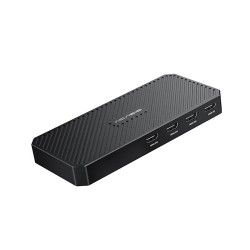
Video capture cards, also known as video capture cards, are devices used to record or capture video signals from a variety of sources, such as camcorders, game consoles, televisions or computers. These cards allow users to transfer video from one source to another for further processing, recording or streaming. Here are some key aspects related to video capture cards:
Ports and Interfaces:
Today's video capture cards are often equipped with USB, Thunderbolt, PCIe or HDMI interfaces.
HDMI ports are commonly used to capture video signals as well as audio.
Resolution and Frames Per Second (FPS):
Cards offer different levels of resolution, typically ranging from standard definition (SD) to high definition (HD) and even 4K.
The maximum frame rate is worth noting, as it affects the smoothness of the image.
Multiplexer support:
Some cards feature support for multiple sources simultaneously, which is useful in situations where the user wants to capture video from different devices.
Input Connectors:
The cards have a variety of input connectors, such as HDMI, DisplayPort, Composite, Component, USB, and Thunderbolt, allowing for variety in connecting different video sources.
Capture and Editing Software:
Many cards come with dedicated software for capturing, recording and editing video.
This software can also offer features such as live streaming, overlaying effects or recording voice commentary.
HDR and 3D support:
Some cards offer support for HDR (High Dynamic Range) and 3D technology, allowing the capture and playback of more advanced video content.
Operating System Compatibility:
It's worth checking if the card is compatible with the operating system you plan to use it on (e.g. Windows, macOS, Linux).
When choosing a video capture card, it's important to tailor the features and specifications to your individual needs, such as the type of source devices you're using, your intended use (recording, streaming, editing), and your budget.