
Z naszego bloga
-
 EDID Emulation – What Is It and Why Should You Choose AV...
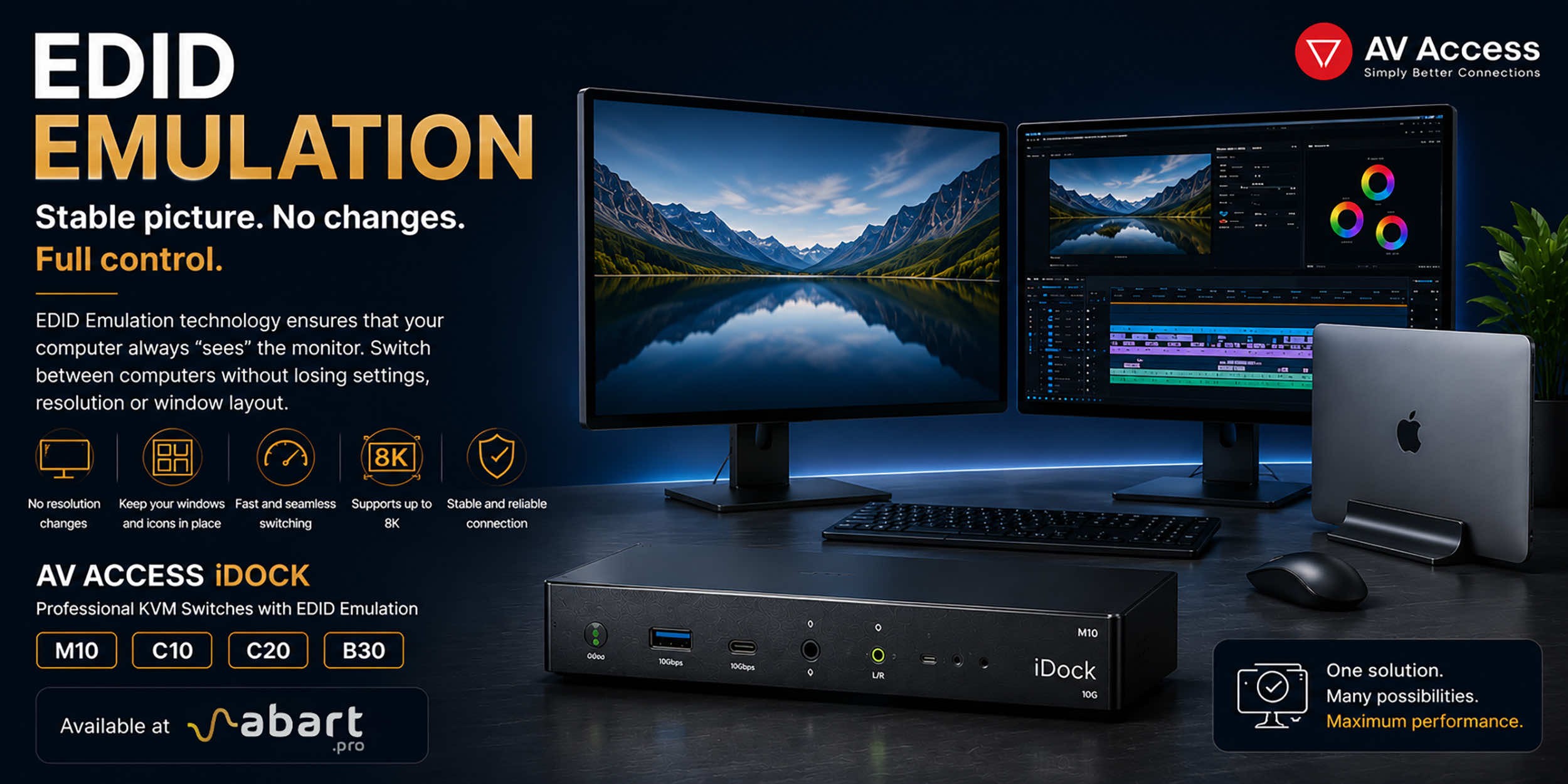
When working with multiple computers using a KVM switch, one of the most common issues is the need to re-detect the monitor after switching the signal source. This can result in changes to the resolution, icons shifting on the desktop, application windows moving to different locations, and sometimes even a temporary loss of the image. The solution to this problem is EDID Emulation technology, available in professional AV Access iDock KVM switches offered by Abart Pro.
-
 Internet światłowodowy 2 Gb/s, 8 Gb/s i więcej w Polsce –...
Just a few years ago, 1 Gb/s fiber-optic Internet seemed like a solution reserved for the most demanding business users. Today, the situation is completely different. More and more providers in Poland are offering connections exceeding 1 Gb/s, and Internet access with speeds of 2 Gb/s or even 8 Gb/s is becoming a reality for both home users and professionals.
-
 Archiware P5, UNITEX, and QNAP – a complete solution for...
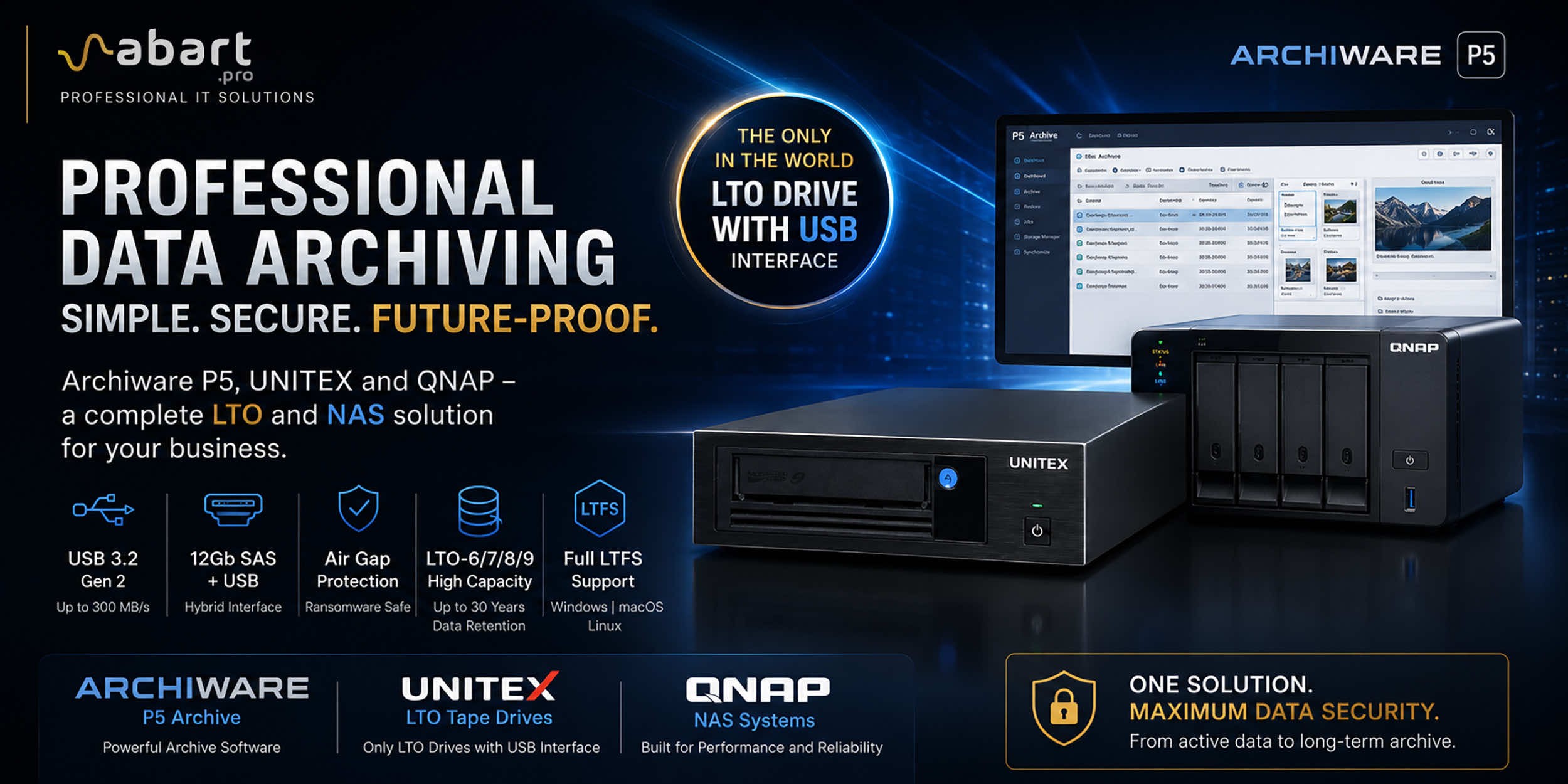
Data Archiving Without Compromise – Archiware P5, UNITEX, and QNAP Create a Comprehensive Data Protection Environment In an era of growing data volumes and increasingly frequent ransomware threats, professional archiving is becoming an essential component of IT infrastructure. Companies involved in film production, photography, CAD design, scientific research, and public administration need a solution that is secure, easy to use, and cost-effective. The combination of Archiware P5 software, UNITEX LTO external drives, and QNAP NAS servers creates a comprehensive environment for long-term data archiving, eliminating many of the limitations of traditional solutions.
-
 DisplayLink – How to Connect More Monitors to Apple Mac...
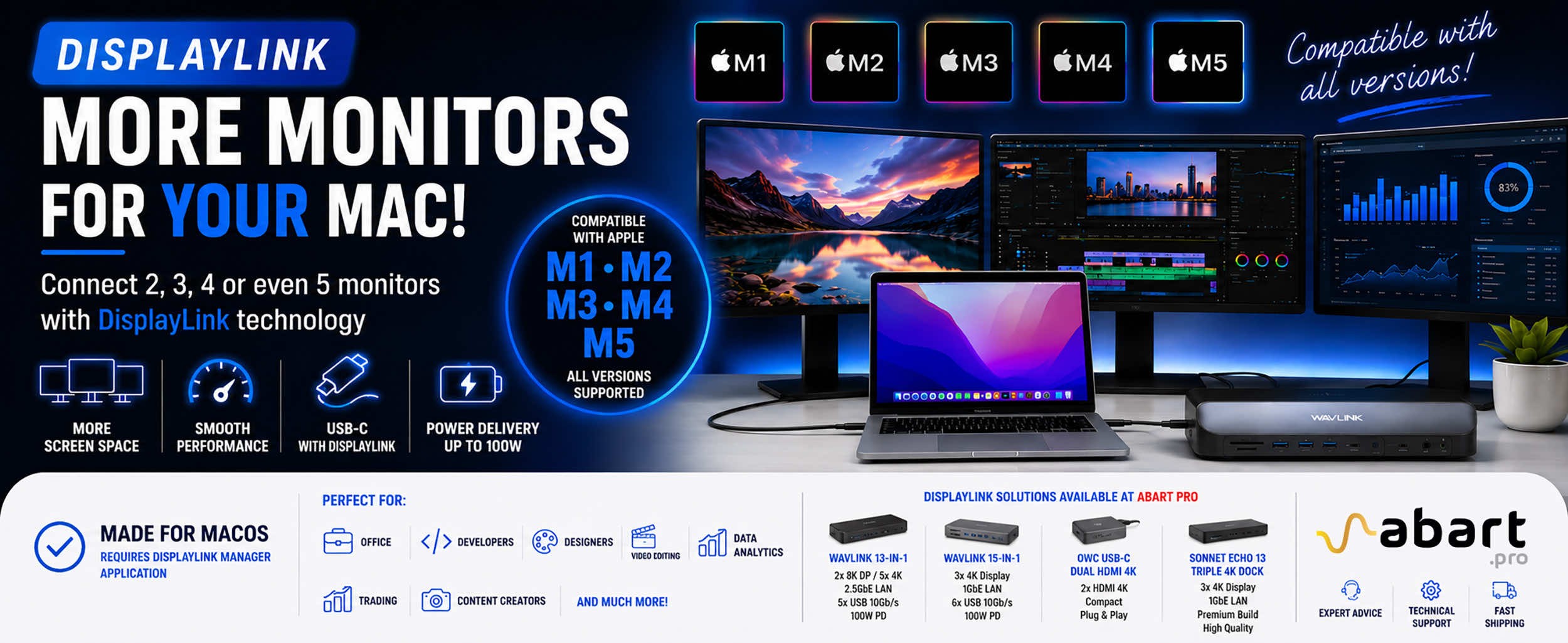
DisplayLink is a technology that easily expands the workspace of Apple Mac computers running macOS, PCs running Windows, and devices running ChromeOS and Android without compromising image quality or the performance of your Mac
Blog categories
Search in blog
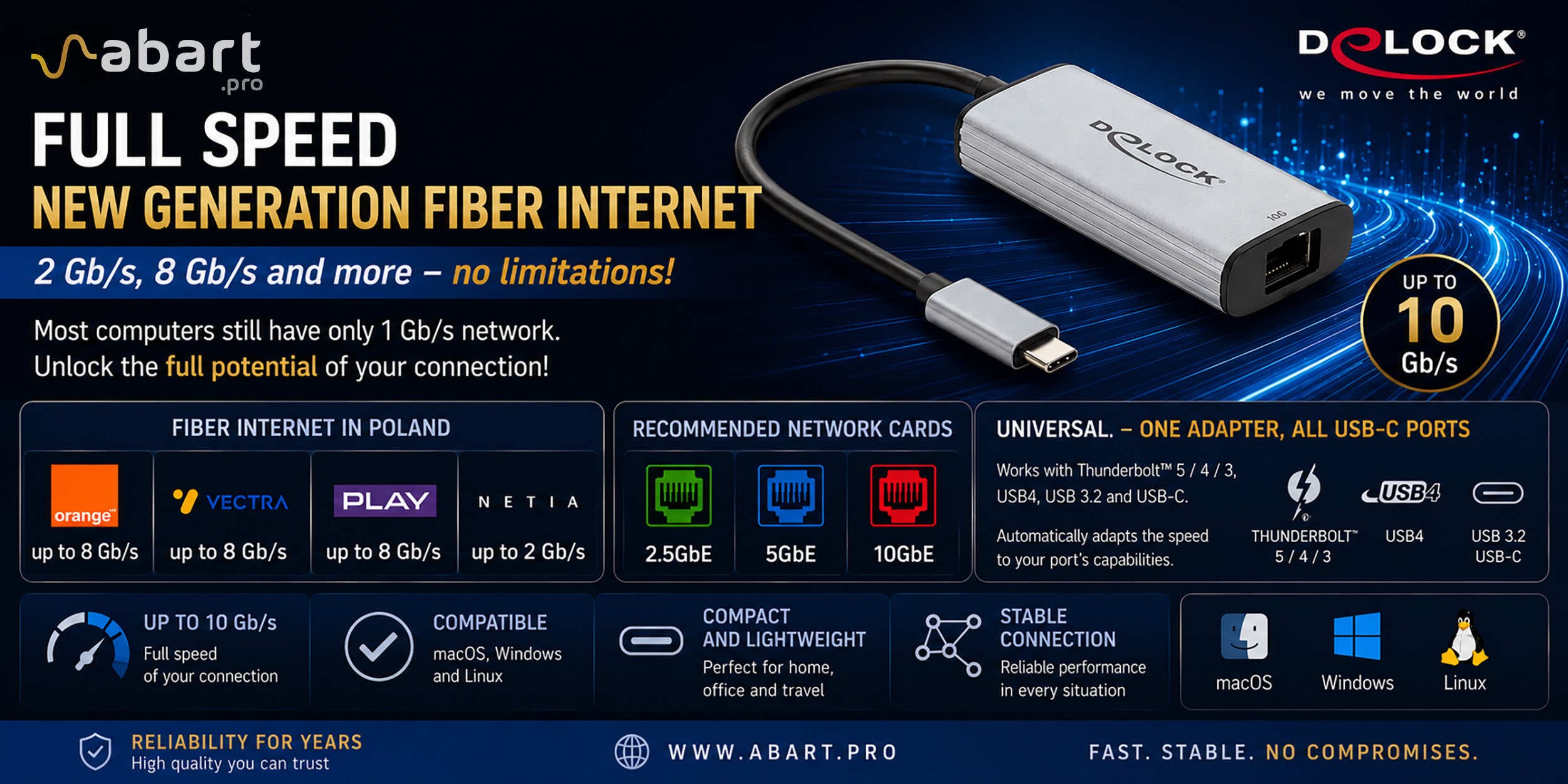
Internet światłowodowy 2 Gb/s, 8 Gb/s i więcej w Polsce – czy Twój komputer potrafi wykorzystać pełną prędkość?
Just a few years ago, 1 Gb/s fiber-optic Internet seemed like a solution reserved for the most demanding business users. Today, the situation is completely different. More and more providers in Poland are offering connections exceeding 1 Gb/s, and Internet access with speeds of 2 Gb/s or even 8 Gb/s is becoming a reality for both home users and professionals.
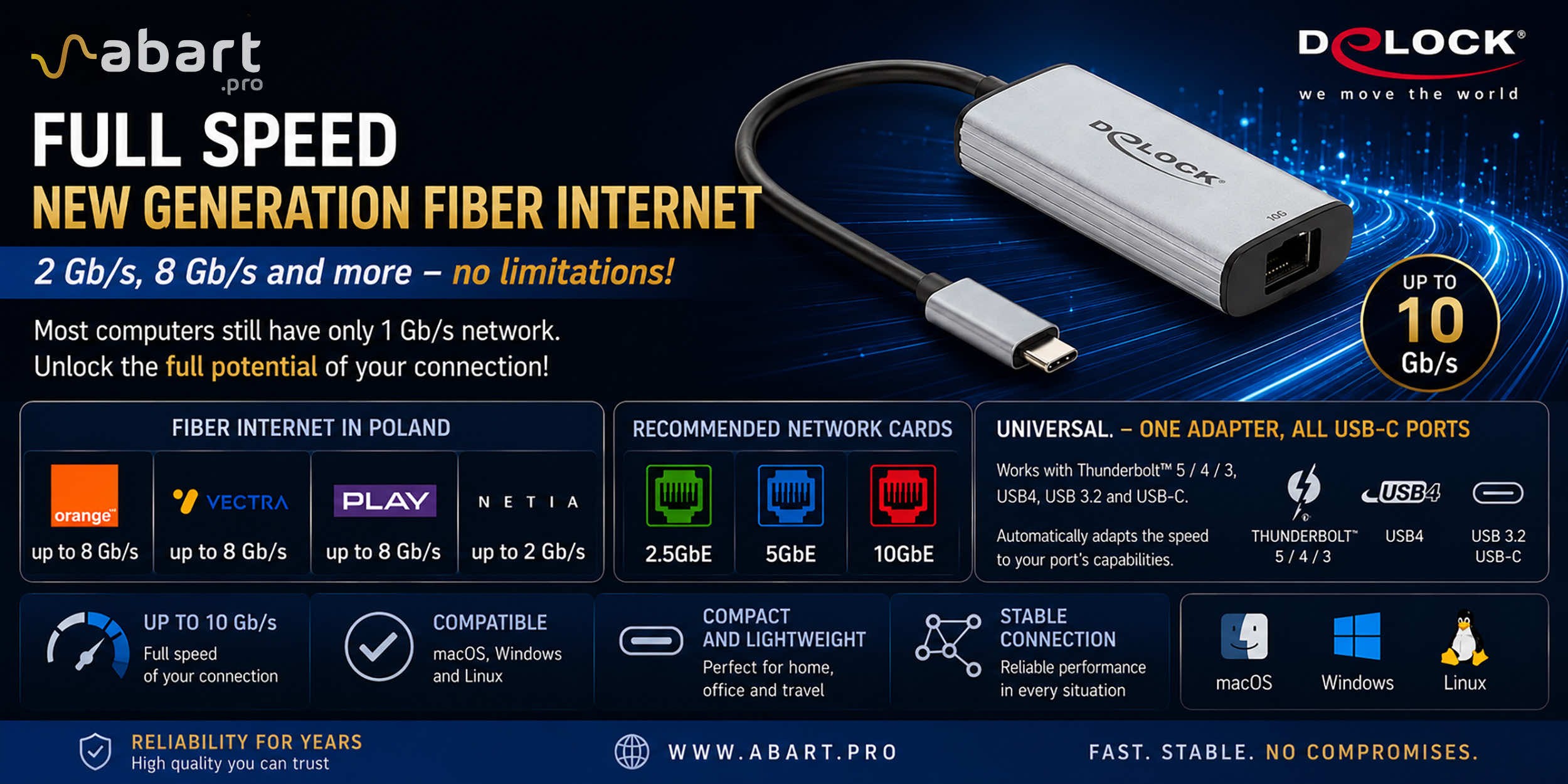
Orange offers fiber-optic Internet with speeds of up to 8 Gb/s, Netia provides Internet speeds of up to 2 Gb/s, and providers such as Vectra and Play are also expanding their offerings of multi-gigabit connections, with some locations offering packages reaching speeds of up to 8 Gb/s. Of course, availability depends on the infrastructure in a given region, but the direction of market development is clear—Internet speeds faster than 1 Gb/s are no longer a novelty but are becoming the new standard.
The problem? Most computers still only have a 1 Gigabit Ethernet card
Even if an ISP provides a 2 Gb/s, 5 Gb/s, or 8 Gb/s connection, many users won’t be able to take full advantage of it. The reason is very simple.
The vast majority of desktop computers, laptops, and Apple computers come equipped with a 1 Gigabit Ethernet (1GbE) network card as standard. This means that the actual transmission speed will be limited to approximately 940 Mb/s, regardless of how fast a fiber-optic connection was purchased from the provider.
This situation is similar to driving a modern car on a road with a 50 km/h speed limit—the car’s capabilities are much greater, but there’s no way to take advantage of them.
The solution is a modern Multi-Gigabit network card
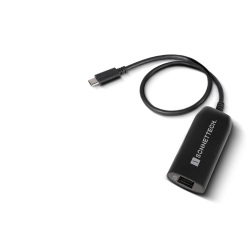
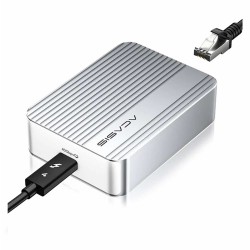
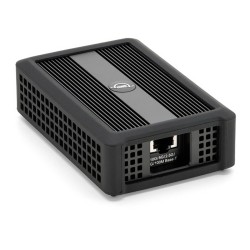
To take full advantage of the bandwidth of a modern fiber-optic connection, it’s worth using an external network adapter that supports Multi-Gigabit Ethernet standards.
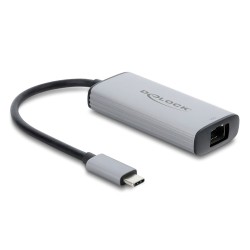
Among other products, Abart Pro offers an exceptionally versatile USB-C / Thunderbolt network adapter that automatically adjusts its maximum operating speed to match the capabilities of the port to which it is connected. This adapter is the Delock USB Type-C™ 10 Gigabit LAN RJ45—a universal 10GbE network adapter for USB-C, USB4, and Thunderbolt. With this adapter, you don’t have to worry about whether your computer has a Thunderbolt 3, Thunderbolt 4, Thunderbolt 5, USB4, or standard USB-C port.
A single adapter works with virtually all modern computers equipped with a USB-C port.
One adapter – multiple standards
The biggest advantage of this solution is its versatility.
The adapter is compatible with the following ports:
- Thunderbolt 5
- Thunderbolt 4
- Thunderbolt 3
- USB4
- USB 3.2 USB-C
- USB-C on older computers
The device automatically negotiates the highest possible data transfer speed supported by a given computer and interface. This means the same adapter can be used with the latest MacBook Pro, a Windows 11 computer, a Linux workstation, as well as an older laptop equipped only with a USB-C port.
This solution is particularly convenient for people who work on multiple computers or plan to upgrade their hardware in the future.
Compatibility with macOS, Windows, and Linux
The adapter was designed with users of all the most popular operating systems in mind.
It supports:
- macOS
- Windows 10 and Windows 11
- Linux
This makes it ideal for use in professional Apple macOS environments as well as on PCs or Linux-based hosts. The Delock USB Type-C™ 10 Gigabit LAN RJ45 Network Card—a universal 10GbE network card for USB-C, USB4, and Thunderbolt—can be used for office work, graphics, video editing, virtualization, network administration, or working with large datasets.
When should you upgrade to a faster network adapter?
Upgrading your computer makes particular sense when:
- you use an internet connection faster than 1 Gb/s,
- you plan to purchase a 2 Gb/s or 8 Gb/s fiber-optic connection,
- you’re copying large files between your computer and a NAS server,
- you’re working with 4K or 8K content or graphic design projects,
- you’re backing up data to a server or RAID array,
- or you’re using high-speed local networks such as 2.5GbE, 5GbE, or 10GbE.
In many cases, the difference in performance is noticeable even during everyday use of the local network.
A Versatile Adapter for Years to Come
When buying a network card, it’s worth thinking ahead. Internet service providers are systematically increasing the available speeds of fiber-optic internet, and computer manufacturers are increasingly equipping devices with high-speed USB-C and Thunderbolt ports.
Fiber Optics in Poland and the Capabilities of Network Cards
The development of fiber-optic infrastructure means that more and more users can subscribe to internet service with bandwidths far exceeding 1 Gb/s. However, to take full advantage of the connection’s speed, the computer must also have a sufficiently powerful network card.
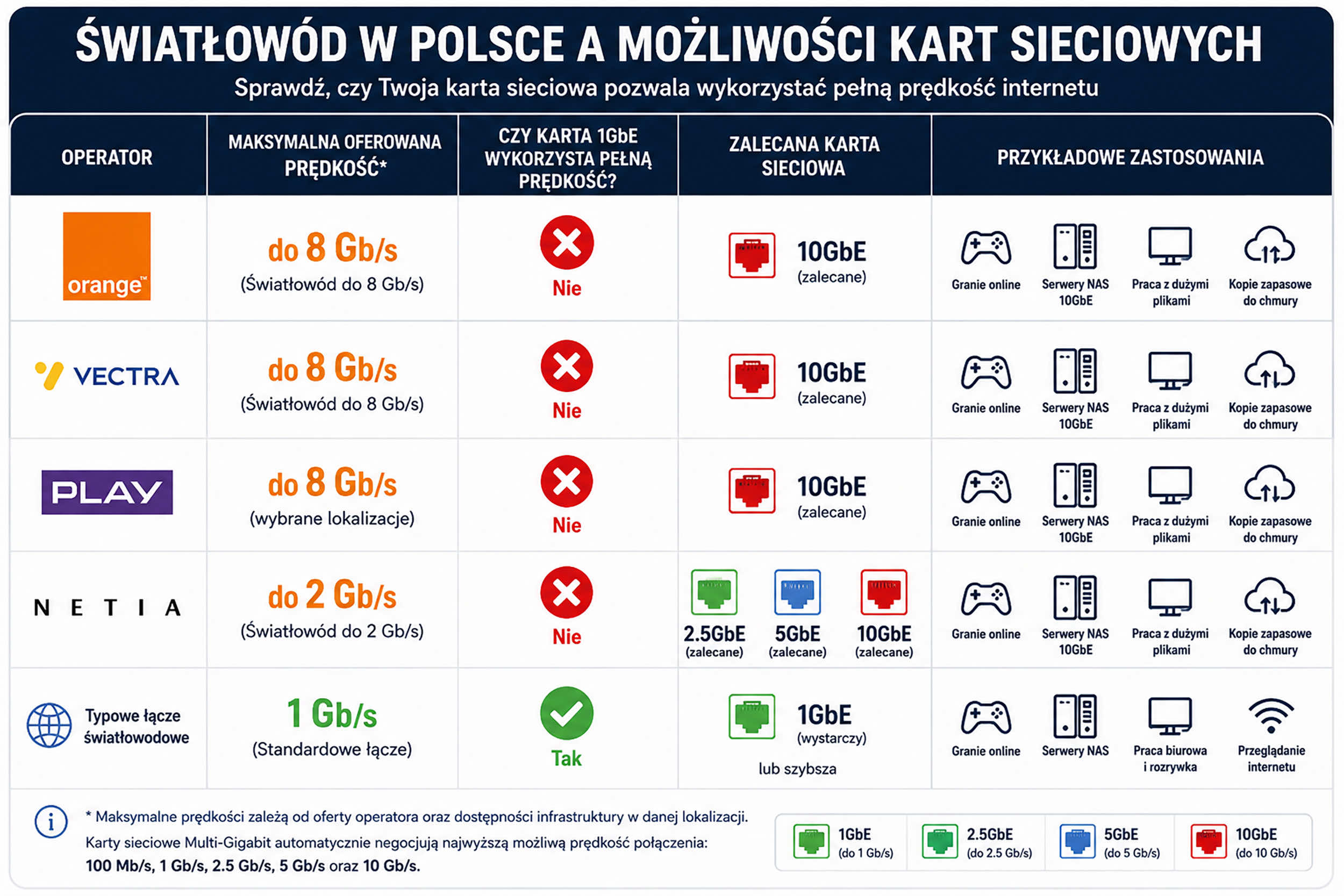
Why Doesn’t Wi-Fi Always Take Full Advantage of 8 Gb/s Fiber Optic Capabilities?
Even with fiber-optic internet offering speeds of 2 Gb/s, 5 Gb/s, or 8 Gb/s, it’s not always possible to achieve those speeds over a wireless network. Actual Wi-Fi performance is influenced by factors such as distance from the router, the number of connected devices, radio interference, and the capabilities of the laptop or smartphone itself.
That’s why, whenever maximum performance matters—such as during video editing, working with NAS servers, performing backups, running virtual machines, downloading large files, or playing online games—a wired Ethernet connection remains the best solution.
The universal external adapter available from Abart Pro allows you to harness the full potential of modern fiber-optic connections on both Apple computers running macOS and on Windows and Linux computers, ensuring a fast, stable, and reliable network connection.
If your computer still uses a standard 1GbE network card, and your internet service provider already offers 2 Gb/s or more, it’s worth checking whether your network card is currently the biggest bottleneck in your connection’s performance.



Related posts
-
 Nowość! Stacja dokująca od Sonnet z dwoma zatokami na dyski NVMe
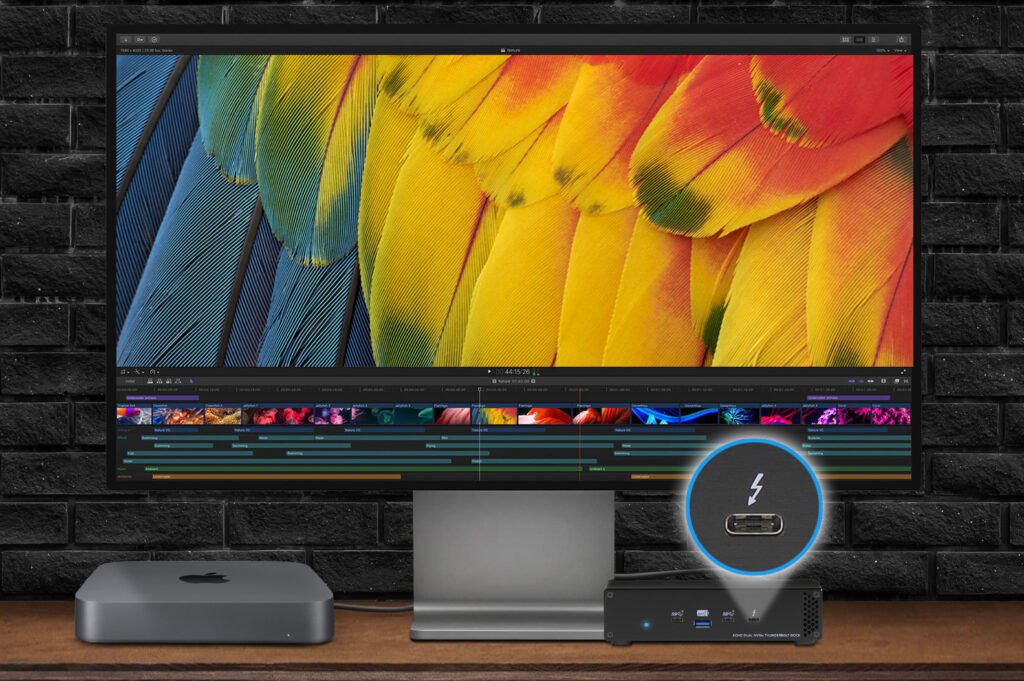
Sonnet has released the latest docking station enabling the installation of two PCIe NVMe M.2 2280 drives with a...Read more
Nowość! Stacja dokująca od Sonnet z dwoma zatokami na dyski NVMe
Sonnet has released the latest docking station enabling the installation of two PCIe NVMe M.2 2280 drives with a...Read more -
 Trzy wyświetlacze do Apple Mac z M1/M2/M3? To nie problem!
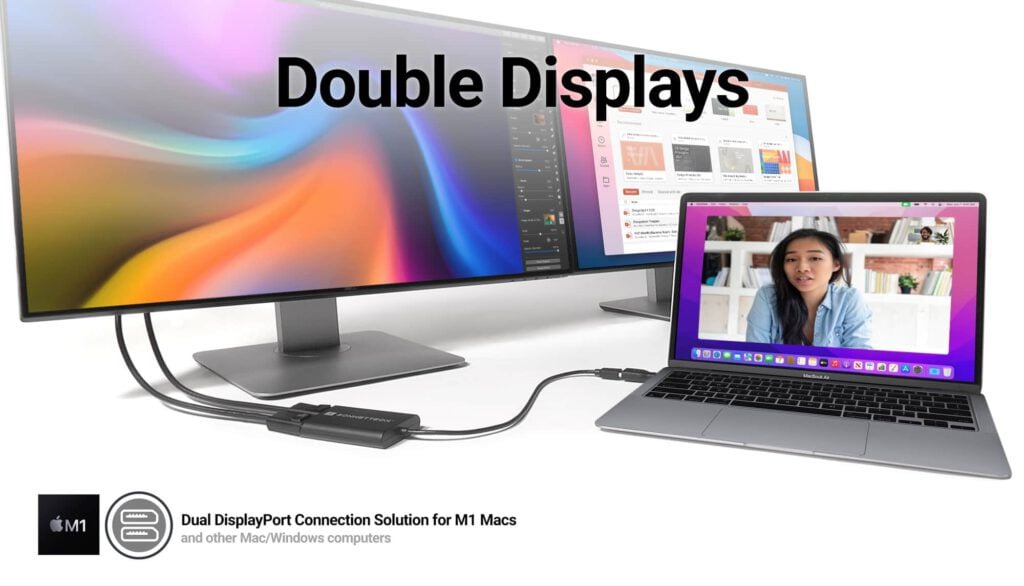
We know perfectly well how good Apple processors from the M1, M2 and M3 families are. These systems used in Apple...Read more
Trzy wyświetlacze do Apple Mac z M1/M2/M3? To nie problem!
We know perfectly well how good Apple processors from the M1, M2 and M3 families are. These systems used in Apple...Read more -
 OWC Thunderbolt Pro Dock - The best docking station for professional developers
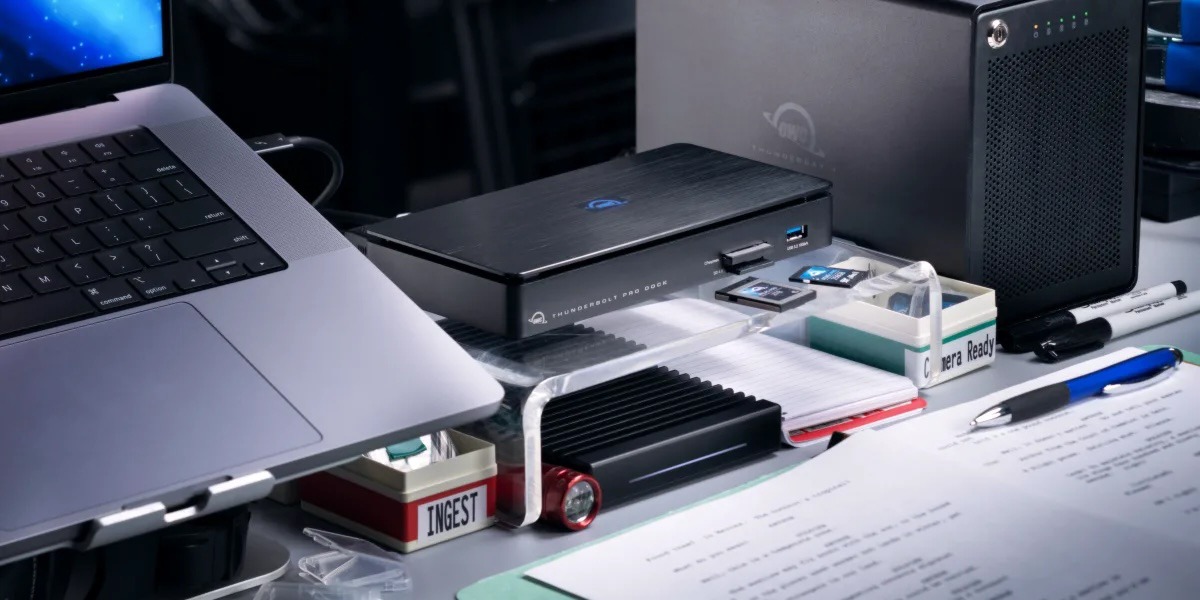
OWC Thunderbolt Pro Dock – high throughput and flexibility for demanding professionals working with high resolution...Read more
OWC Thunderbolt Pro Dock - The best docking station for professional developers
OWC Thunderbolt Pro Dock – high throughput and flexibility for demanding professionals working with high resolution...Read more -
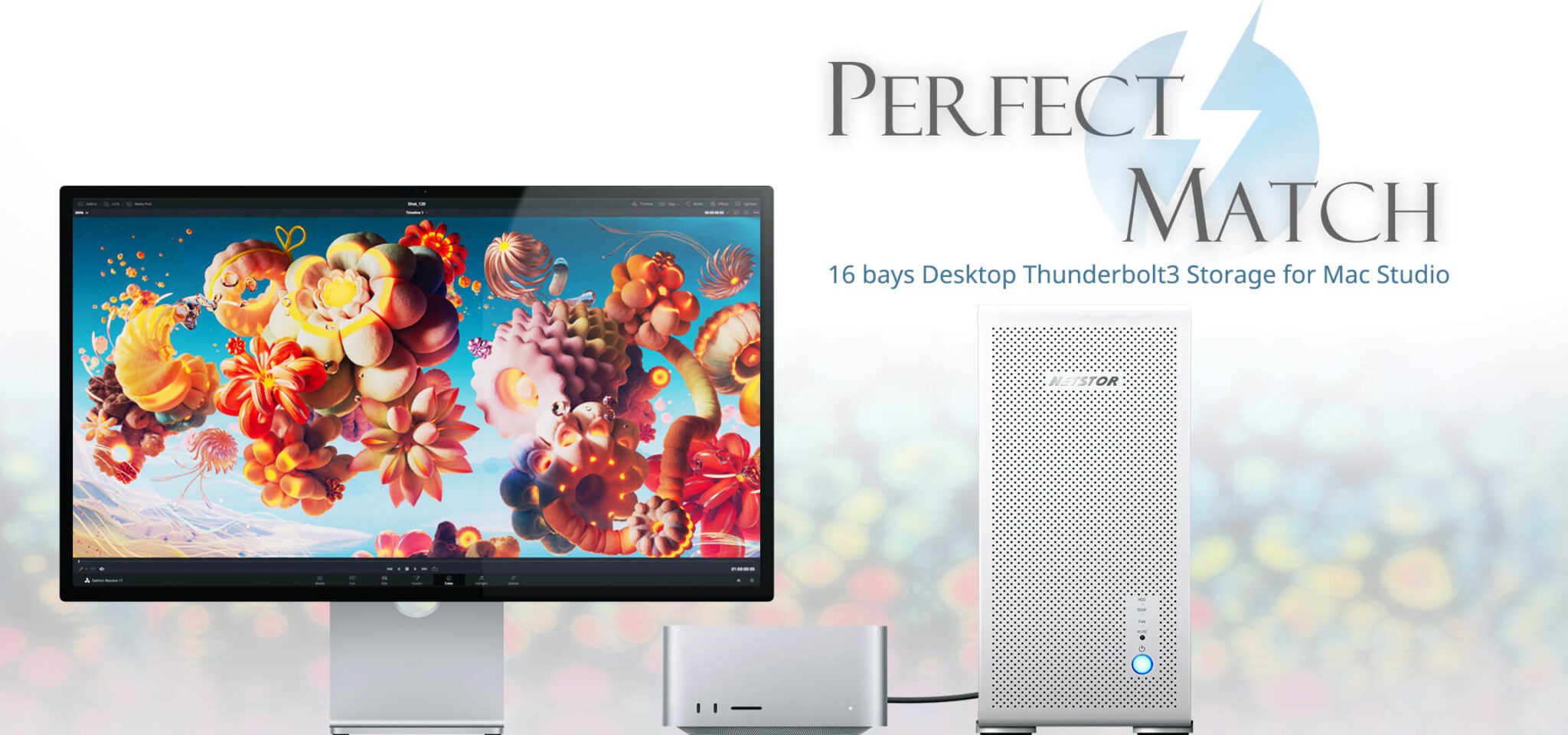 Do 320TB w sprzętowym RAID poprzez port Thunderbolt. Z Mac Studio idealna para!
Netstor NS780TB3 is a 16-bay enclosure that allows you to connect up to 320TB of fast mass storage to a computer...Read more
Do 320TB w sprzętowym RAID poprzez port Thunderbolt. Z Mac Studio idealna para!
Netstor NS780TB3 is a 16-bay enclosure that allows you to connect up to 320TB of fast mass storage to a computer...Read more -
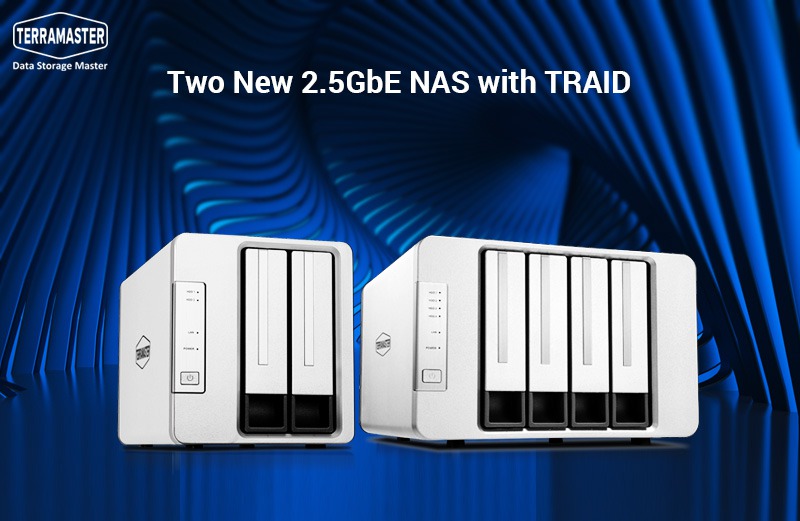 Nowe NASy od TerraMaster z 2x 2,5GbE i zatokami na 2x M.2 SSD
The new TerraMaster F2-223 and F4-223 NAS devices support TRAID. This is a flexible disk array management tool...Read more
Nowe NASy od TerraMaster z 2x 2,5GbE i zatokami na 2x M.2 SSD
The new TerraMaster F2-223 and F4-223 NAS devices support TRAID. This is a flexible disk array management tool...Read more
Leave a comment