
Z naszego bloga
-
 EDID Emulation – What Is It and Why Should You Choose AV...
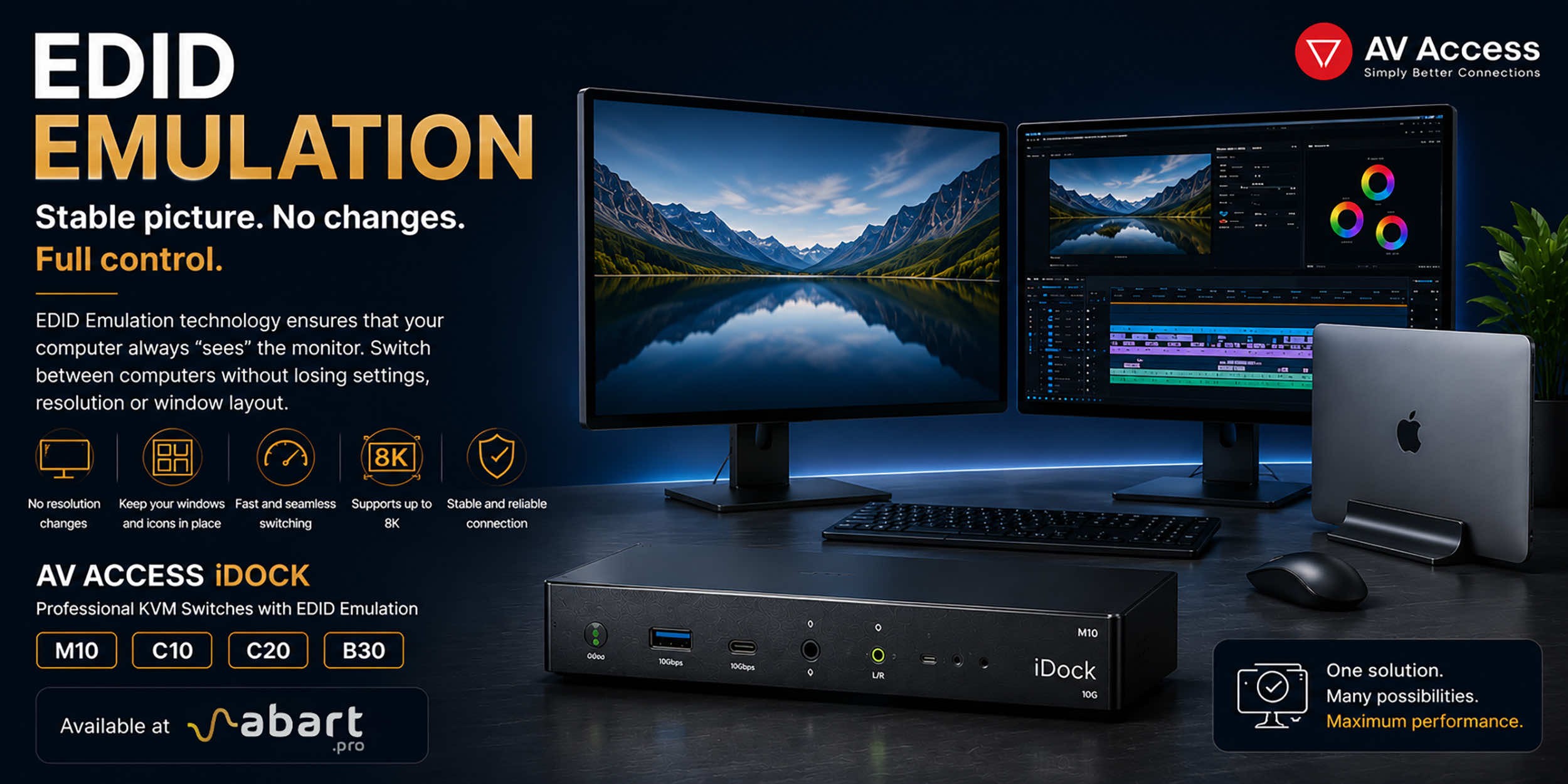
When working with multiple computers using a KVM switch, one of the most common issues is the need to re-detect the monitor after switching the signal source. This can result in changes to the resolution, icons shifting on the desktop, application windows moving to different locations, and sometimes even a temporary loss of the image. The solution to this problem is EDID Emulation technology, available in professional AV Access iDock KVM switches offered by Abart Pro.
-
 Internet światłowodowy 2 Gb/s, 8 Gb/s i więcej w Polsce –...
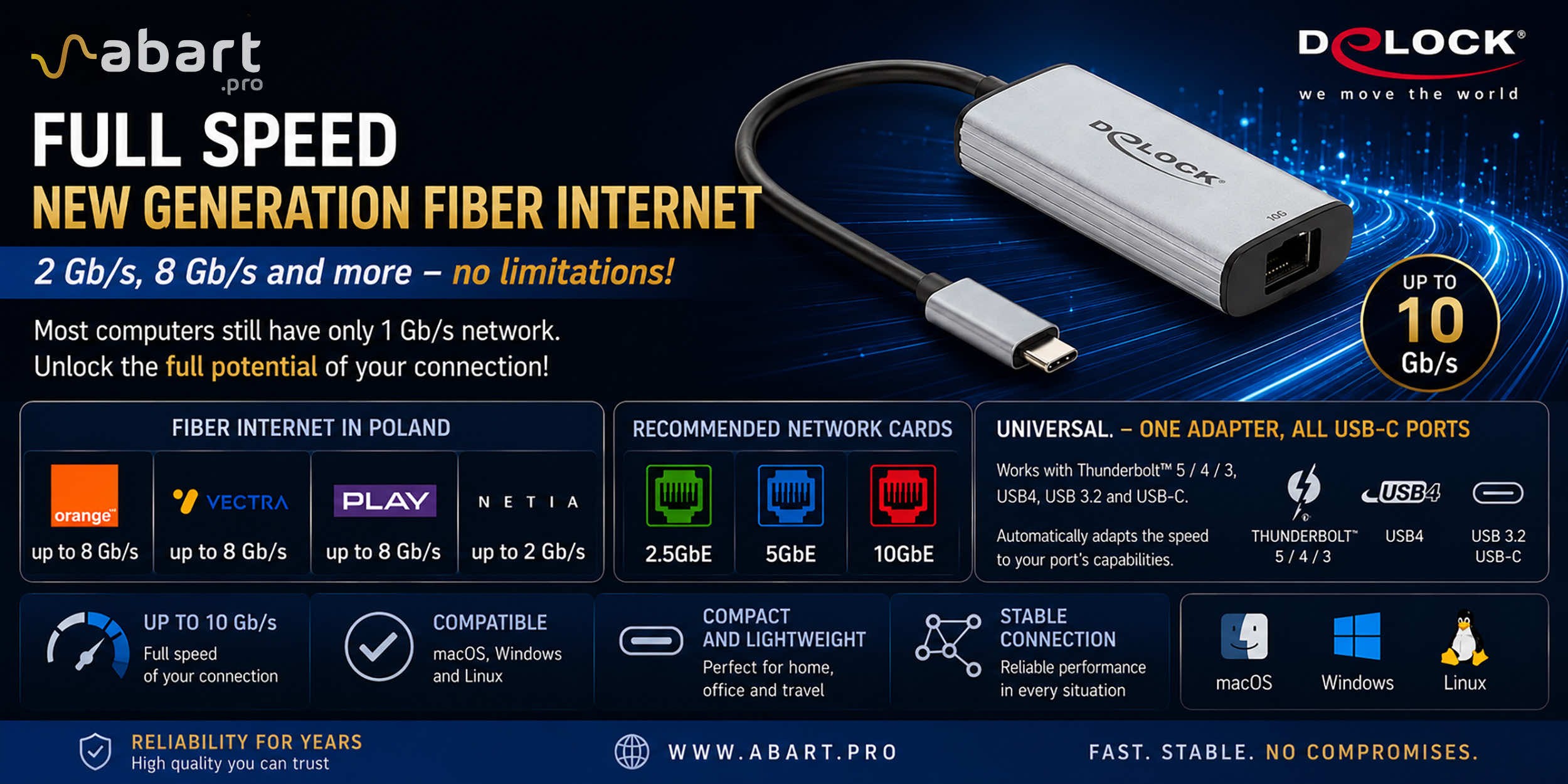
Just a few years ago, 1 Gb/s fiber-optic Internet seemed like a solution reserved for the most demanding business users. Today, the situation is completely different. More and more providers in Poland are offering connections exceeding 1 Gb/s, and Internet access with speeds of 2 Gb/s or even 8 Gb/s is becoming a reality for both home users and professionals.
-
 Archiware P5, UNITEX, and QNAP – a complete solution for...
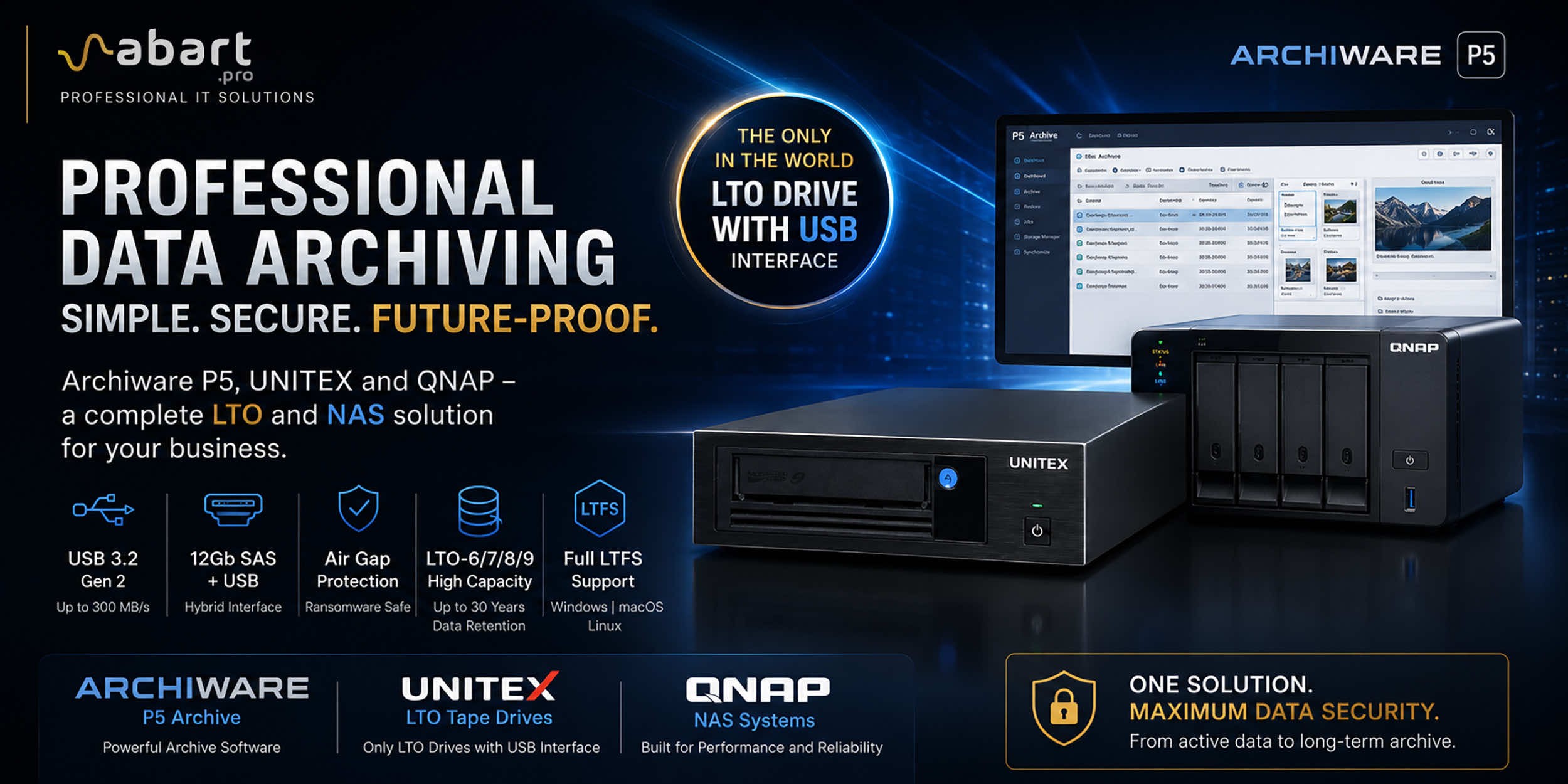
Data Archiving Without Compromise – Archiware P5, UNITEX, and QNAP Create a Comprehensive Data Protection Environment In an era of growing data volumes and increasingly frequent ransomware threats, professional archiving is becoming an essential component of IT infrastructure. Companies involved in film production, photography, CAD design, scientific research, and public administration need a solution that is secure, easy to use, and cost-effective. The combination of Archiware P5 software, UNITEX LTO external drives, and QNAP NAS servers creates a comprehensive environment for long-term data archiving, eliminating many of the limitations of traditional solutions.
-
 DisplayLink – How to Connect More Monitors to Apple Mac...
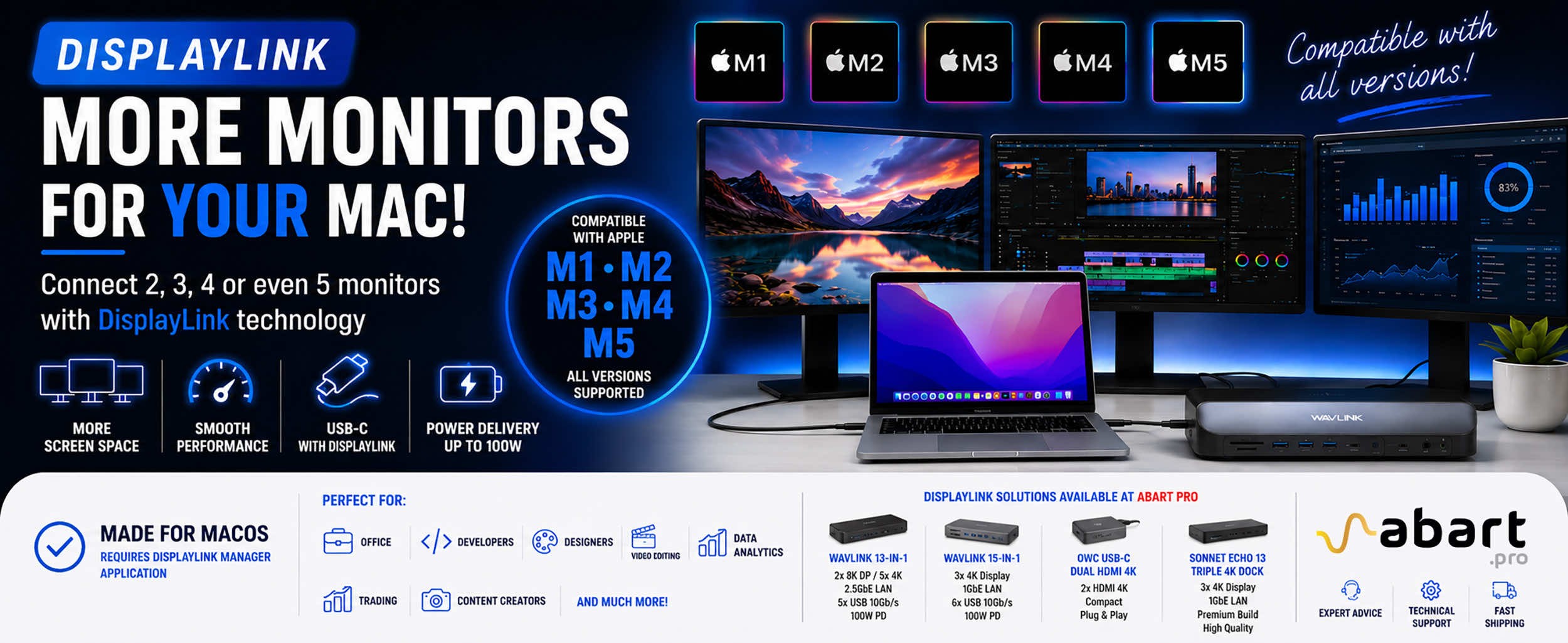
DisplayLink is a technology that easily expands the workspace of Apple Mac computers running macOS, PCs running Windows, and devices running ChromeOS and Android without compromising image quality or the performance of your Mac
Blog categories
Search in blog
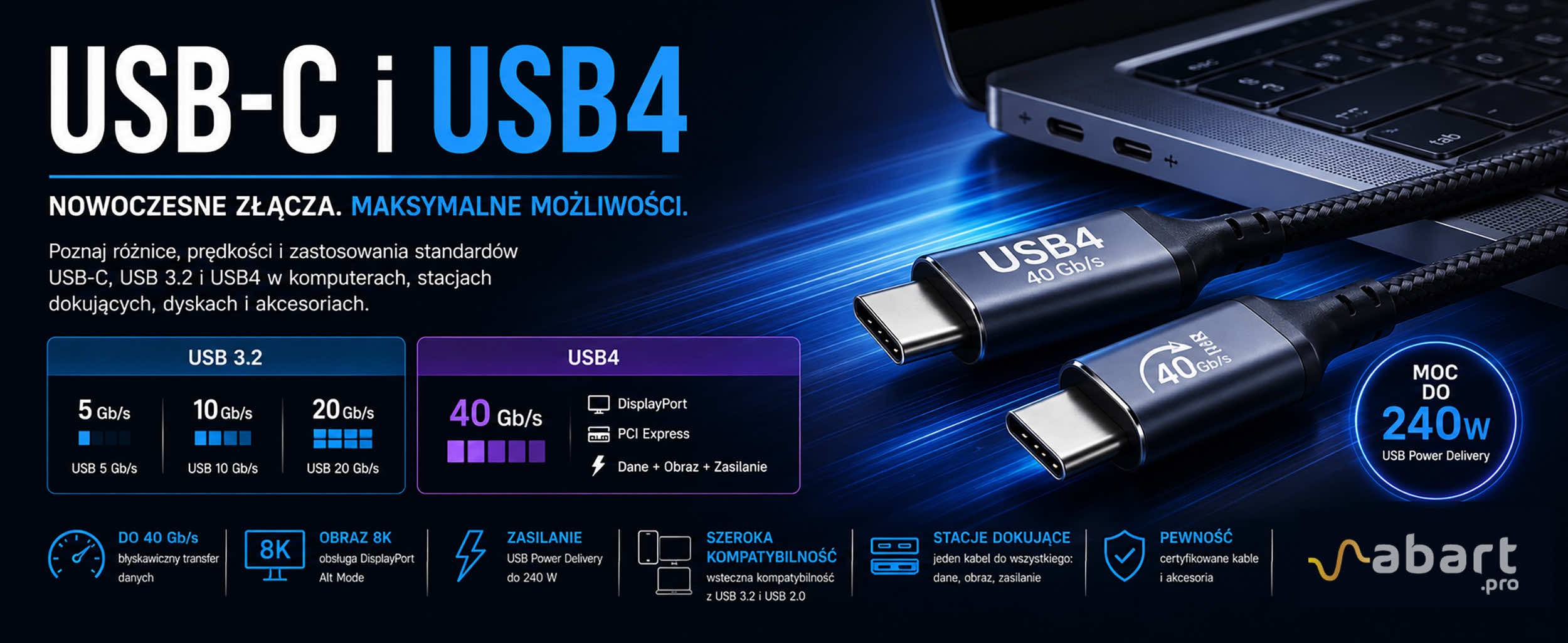
USB-C and USB4 – Differences, Speeds, and Applications | Abart Pro
USB-C and USB4 – Everything You Need to Know About Modern Interfaces
Just a few years ago, choosing the right USB cable was simple. Today, the situation is completely different. The market offers USB-C, USB 10 Gb/s, USB 20 Gb/s, USB4, Thunderbolt 4, and Thunderbolt 5. Although many of these standards use the same connector, their capabilities can vary dramatically.
In this article, we explain what USB-C is, the differences between USB 3.2 and USB4, and how to choose the right accessories for use with Apple computers, PCs, docking stations, and professional peripherals.
USB-C – The Connector of the Future
USB-C (USB Type-C) is a modern connector type that has replaced earlier standards such as USB-A, Micro USB, and many dedicated power ports. The biggest advantage of USB-C is its symmetrical design, which allows the plug to be inserted in any orientation.
However, it’s important to remember that USB-C refers only to the type of connector, not its capabilities. Two devices equipped with a USB-C port may offer completely different features:
- data transfer speeds ranging from 480 Mb/s to as high as 80 Gb/s,
- DisplayPort video output,
- device charging at up to 240 W,
- support for docking stations,
- compatibility with Thunderbolt devices.
Therefore, the appearance of a USB-C port alone does not reveal anything about its actual capabilities.
USB 3.2 – Still a Very Popular Standard
USB 3.2 remains one of the most common data transfer standards today. In practice, it comes in several versions:
- USB 5 Gb/s with speeds up to 5 Gb/s
- USB 10 Gb/s with speeds up to 10 Gb/s
- USB 20 Gb/s with speeds up to 20 Gb/s
Older specifications may use the designations USB 3.2 Gen 1, Gen 2, and Gen 2x2; however, the USB-IF has simplified the naming convention by promoting designations based directly on bandwidth.
Maximum data transfer speeds for individual USB versions
- USB 3.2 Gen 1 Number of lanes: 1 Data transfer speed: 5 Gbps
- USB 3.2 Gen 2 Number of lanes: 1 Data transfer speed: 10 Gbps
- USB 3.2 Gen 1x2 Number of lanes: 2 Data transfer speed: 10 Gbps
- USB 3.2 Gen 2x2 Number of lanes: 2 Data transfer rate: 20 Gbps
- USB4 Gen 2x1 Number of lanes: 1 Data transfer rate: 10 Gbps
- USB4 Gen 2x2 Number of lanes: 2 Data transfer rate: 20 Gbps
- USB4 Gen 3x2 Number of lanes: 2 Data transfer rate: 40 Gbps
For most users, 10 Gb/s USB is more than sufficient for use with:
- external SSDs,
- USB-C docking stations,
- network adapters,
- webcams,
- audio and video devices.
USB4 – A New Generation of Performance
USB4 is the biggest revolution in the world of USB in many years. The standard was developed using Thunderbolt technology and provides significantly higher bandwidth and more efficient data transmission management.
Key advantages of USB4:
- bandwidth up to 40 Gb/s,
- support for DisplayPort and PCI Express over a single cable,
- intelligent bandwidth management,
- the ability to simultaneously transfer data, video, and power,
- backward compatibility with USB 3.2 and USB 2.0.
As a result, a single USB4 cable can replace several separate connections, significantly simplifying the workspace.
USB4 vs. Thunderbolt
The USB4 specification was published in the fall of 2019 and serves as the successor to both USB 3.2 and Thunderbolt™ 3. To enable USB4 to utilize Thunderbolt™ 3 features and be compatible with Thunderbolt™ 3 devices, Intel made the Thunderbolt™ specification available to the USB-IF (USB Implementers Forum) in 2019. Support for various other protocols, such as DisplayPort, PCI Express, and even host-to-host transfers—which were previously unique to Thunderbolt™—has been inherited by USB4 from Thunderbolt™ and is one of its main advantages over USB 3.2. Different types of data are “tunneled,” meaning they are transmitted in packets over the same data line.
Many Apple computer users wonder how USB4 differs from Thunderbolt.
Both standards are very closely related technologically. USB4 utilizes solutions previously developed for Thunderbolt 3, allowing it to offer bandwidth of up to 40 Gb/s and support for high-resolution displays.
In practice, this means that many modern Mac computers—including the MacBook Pro, Mac Studio, and Mac mini—use both USB4 and Thunderbolt technologies simultaneously.
For professionals working with 4K and 8K content, RAID arrays, high-speed NVMe drives, or advanced docking stations, USB4 is currently one of the best communication standards available on the market.
Differences Compared to Thunderbolt™ 3
USB4, like its predecessors, still relies on its own USB hub architecture, which is why it has not adopted the daisy-chain connection method characteristic of Thunderbolt™. Unlike Thunderbolt™, hardware manufacturers can use USB4 without needing a license, which makes USB4 devices relatively less expensive. USB4 supports the new DisplayPort 2.0 Alternate Mode, which enables monitor resolutions up to 8K at 60 Hz and HDR10.
Intelligent Resource Allocation for Data Streams
An important advantage of USB4 is its efficient, intelligent bandwidth allocation. Previously, bandwidth was divided equally between two channels (data streams), meaning 50% of the bandwidth per channel. Now, data streams are allocated with a much higher degree of precision. If data and videos are being transferred simultaneously, USB4 can efficiently allocate resources as needed. This means optimized performance of data streams, as data is intelligently compressed, consolidated, or aggregated as needed.
USB Power Delivery – up to 240 W of power
Modern USB-C ports can be used not only for data transfer but also to power devices. The USB Power Delivery (USB PD) standard currently allows for power delivery of up to 240 W. This means you can charge:
- smartphones,
- tablets,
- monitors,
- docking stations,
- high-performance laptops, and mobile workstations.
- As a result, a single USB-C cable can simultaneously:
- transfer data,
- transmit video,
- and power a computer.
This is precisely why USB-C has become the dominant standard in both the Windows and macOS worlds.
How to Choose the Right USB-C Cable?
This is one of the most common mistakes. Two USB-C cables may look identical but offer completely different capabilities.
When choosing a cable, it’s worth checking:
- maximum bandwidth (5, 10, 20, 40, or 80 Gb/s),
- support for USB4 or Thunderbolt,
- support for DisplayPort Alt Mode,
- maximum PD charging power,
- USB-IF certification.
In professional applications, such as video editing, data backup, RAID array support, or Thunderbolt docking stations, the right cable is just as important as the device itself.
Is every USB4 device compatible with Thunderbolt™ 3?
Manufacturers may implement Thunderbolt™ 3 support within the USB4 specification, but they are not required to do so—only the USB4 hub must ensure compatibility. Therefore, a USB4-enabled device may ultimately prove incompatible with Thunderbolt™ 3. For consumers and buyers, this means they should carefully review the specifications of a given device in detail before purchasing—if compatibility with Thunderbolt™ 3 is important to them. Manufacturers may implement support for the Thunderbolt™ 3 standard within the USB4 specification, but they are not required to do so—only USB4 hubs must be compatible. Consequently, a device that supports USB4 may ultimately not be compatible with the Thunderbolt™ 3 standard. This means that customers and buyers must carefully and thoroughly check the specifications of a given device before purchasing—if they value compatibility with the Thunderbolt™ 3 standard.
USB-C and USB4 in the Abart Pro Lineup
At Abart Pro, we specialize in solutions that utilize the latest USB-C, USB4, and Thunderbolt standards. We offer professional docking stations, USB-C hubs, active and optical Thunderbolt cables, high-speed external drives, RAID arrays, network cards, and solutions for Apple and Windows users.
If you’re looking for maximum performance, reliability, and full compatibility with modern computers, USB4 and USB-C are currently the best choice for both professional content creators and demanding business users.
Related posts
-
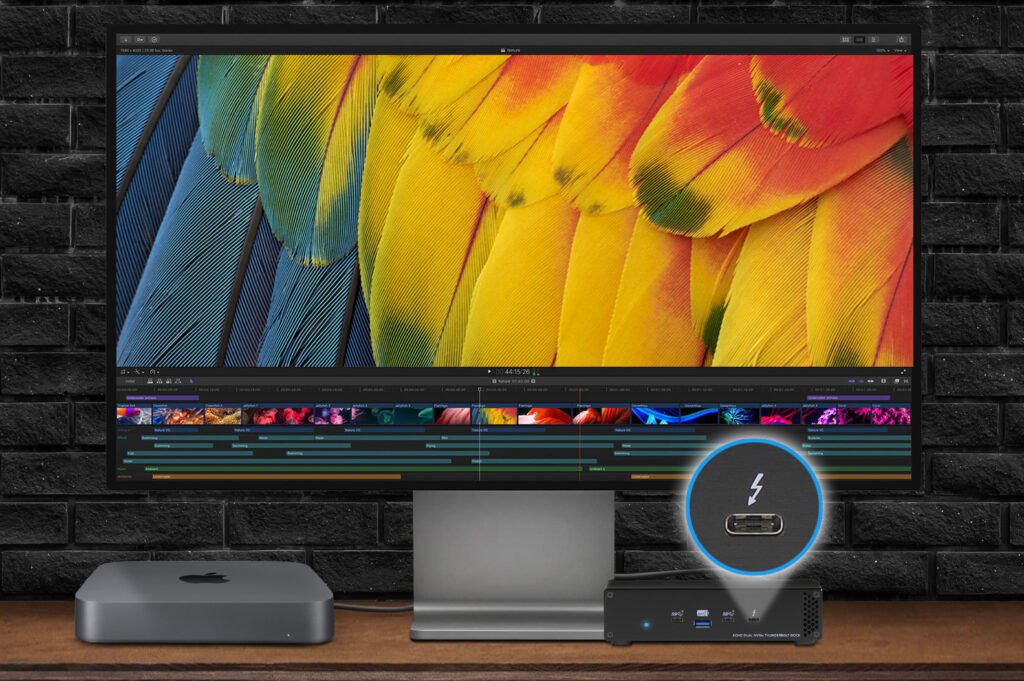 Nowość! Stacja dokująca od Sonnet z dwoma zatokami na dyski NVMe
Sonnet has released the latest docking station enabling the installation of two PCIe NVMe M.2 2280 drives with a...Read more
Nowość! Stacja dokująca od Sonnet z dwoma zatokami na dyski NVMe
Sonnet has released the latest docking station enabling the installation of two PCIe NVMe M.2 2280 drives with a...Read more -
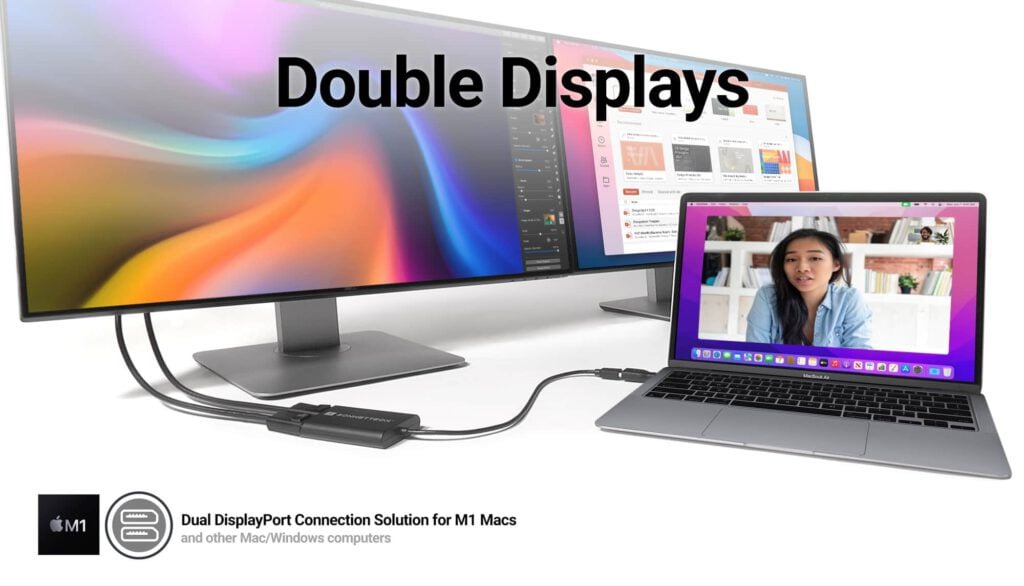 Trzy wyświetlacze do Apple Mac z M1/M2/M3? To nie problem!
We know perfectly well how good Apple processors from the M1, M2 and M3 families are. These systems used in Apple...Read more
Trzy wyświetlacze do Apple Mac z M1/M2/M3? To nie problem!
We know perfectly well how good Apple processors from the M1, M2 and M3 families are. These systems used in Apple...Read more -
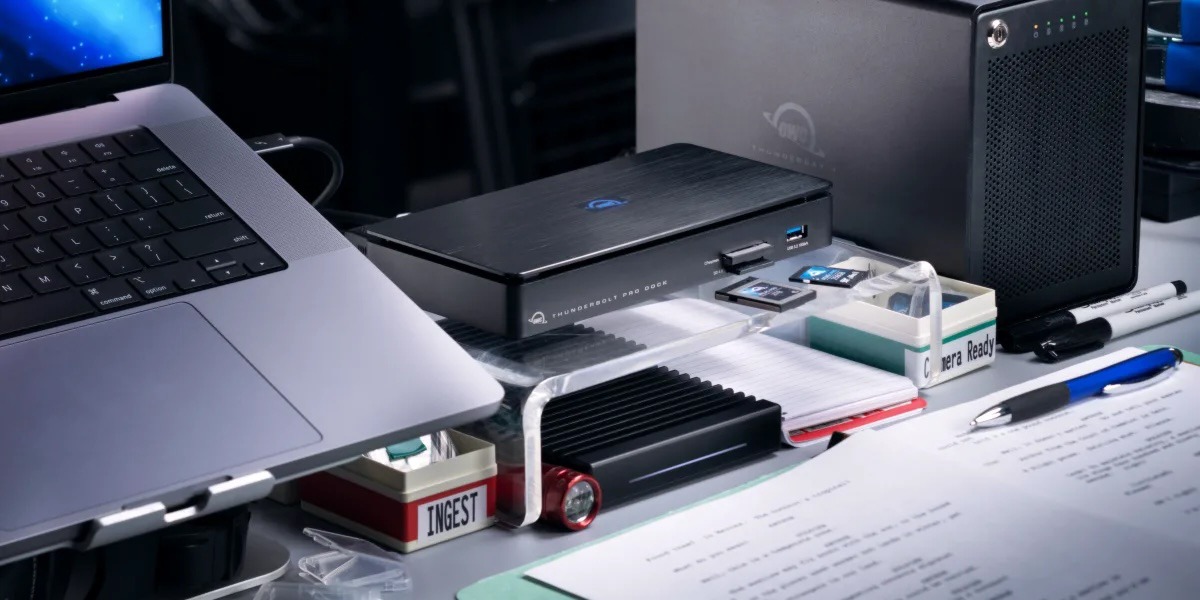 OWC Thunderbolt Pro Dock - The best docking station for professional developers
OWC Thunderbolt Pro Dock – high throughput and flexibility for demanding professionals working with high resolution...Read more
OWC Thunderbolt Pro Dock - The best docking station for professional developers
OWC Thunderbolt Pro Dock – high throughput and flexibility for demanding professionals working with high resolution...Read more -
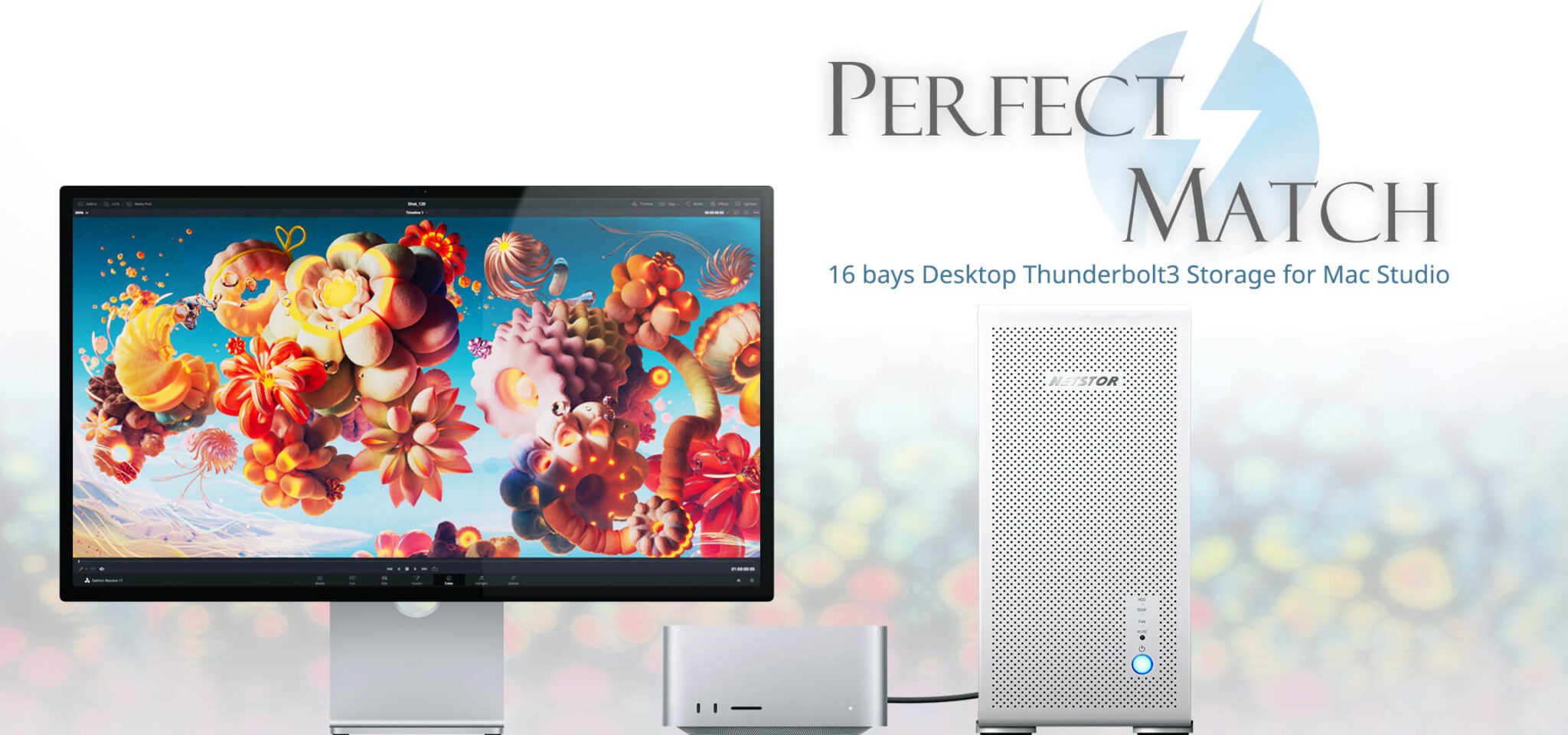 Do 320TB w sprzętowym RAID poprzez port Thunderbolt. Z Mac Studio idealna para!
Netstor NS780TB3 is a 16-bay enclosure that allows you to connect up to 320TB of fast mass storage to a computer...Read more
Do 320TB w sprzętowym RAID poprzez port Thunderbolt. Z Mac Studio idealna para!
Netstor NS780TB3 is a 16-bay enclosure that allows you to connect up to 320TB of fast mass storage to a computer...Read more -
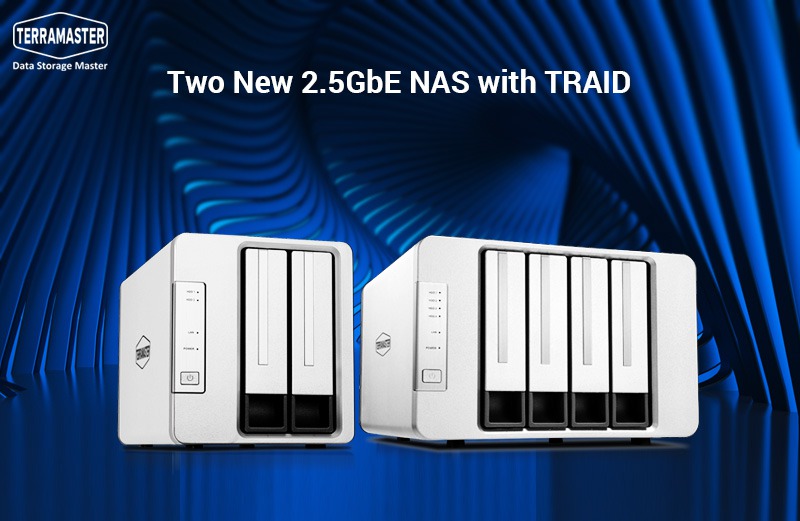 Nowe NASy od TerraMaster z 2x 2,5GbE i zatokami na 2x M.2 SSD
The new TerraMaster F2-223 and F4-223 NAS devices support TRAID. This is a flexible disk array management tool...Read more
Nowe NASy od TerraMaster z 2x 2,5GbE i zatokami na 2x M.2 SSD
The new TerraMaster F2-223 and F4-223 NAS devices support TRAID. This is a flexible disk array management tool...Read more
Leave a comment