
Z naszego bloga
-
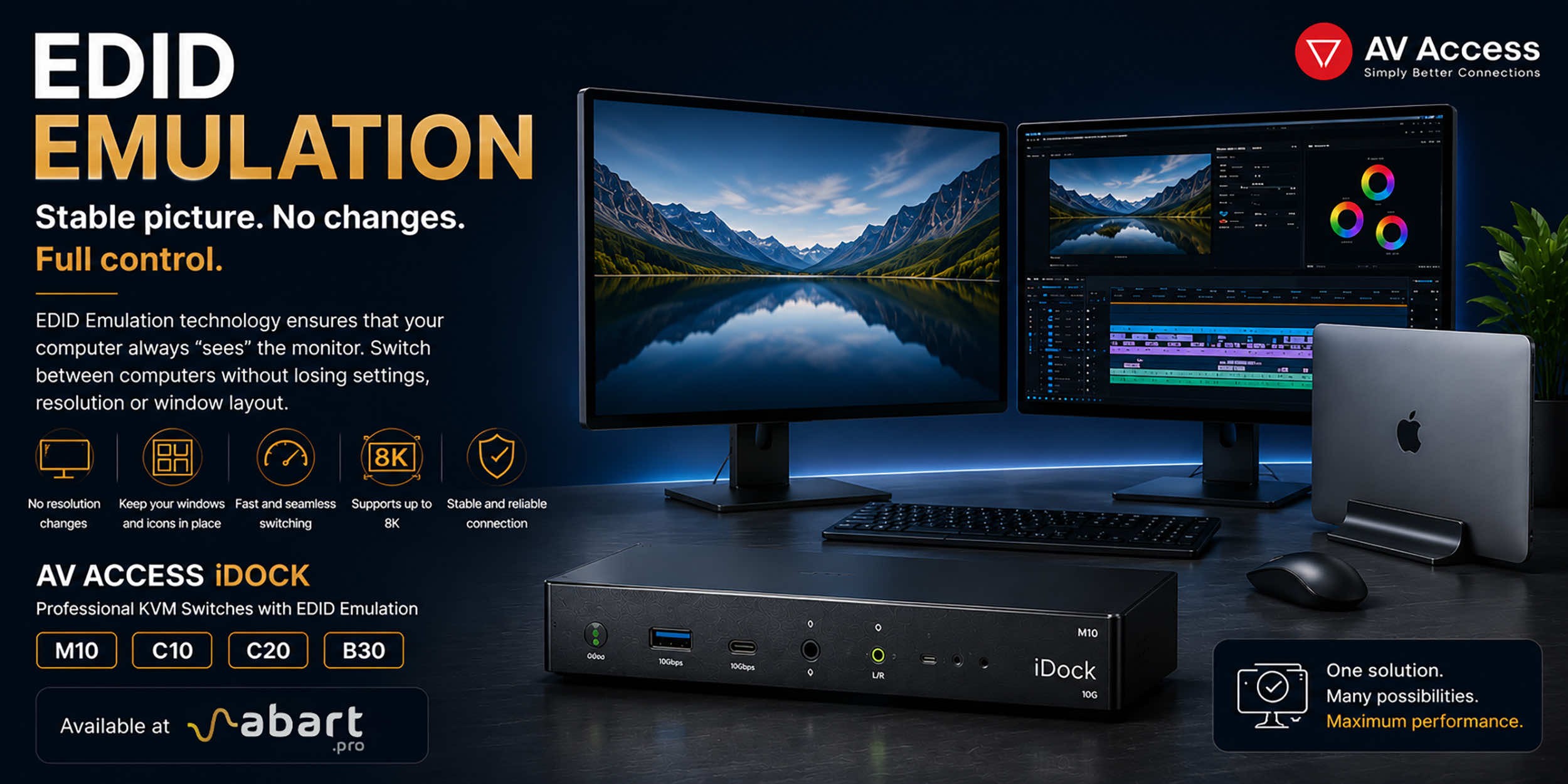 EDID Emulation – What Is It and Why Should You Choose AV...
When working with multiple computers using a KVM switch, one of the most common issues is the need to re-detect the monitor after switching the signal source. This can result in changes to the resolution, icons shifting on the desktop, application windows moving to different locations, and sometimes even a temporary loss of the image. The solution to this problem is EDID Emulation technology, available in professional AV Access iDock KVM switches offered by Abart Pro.
-
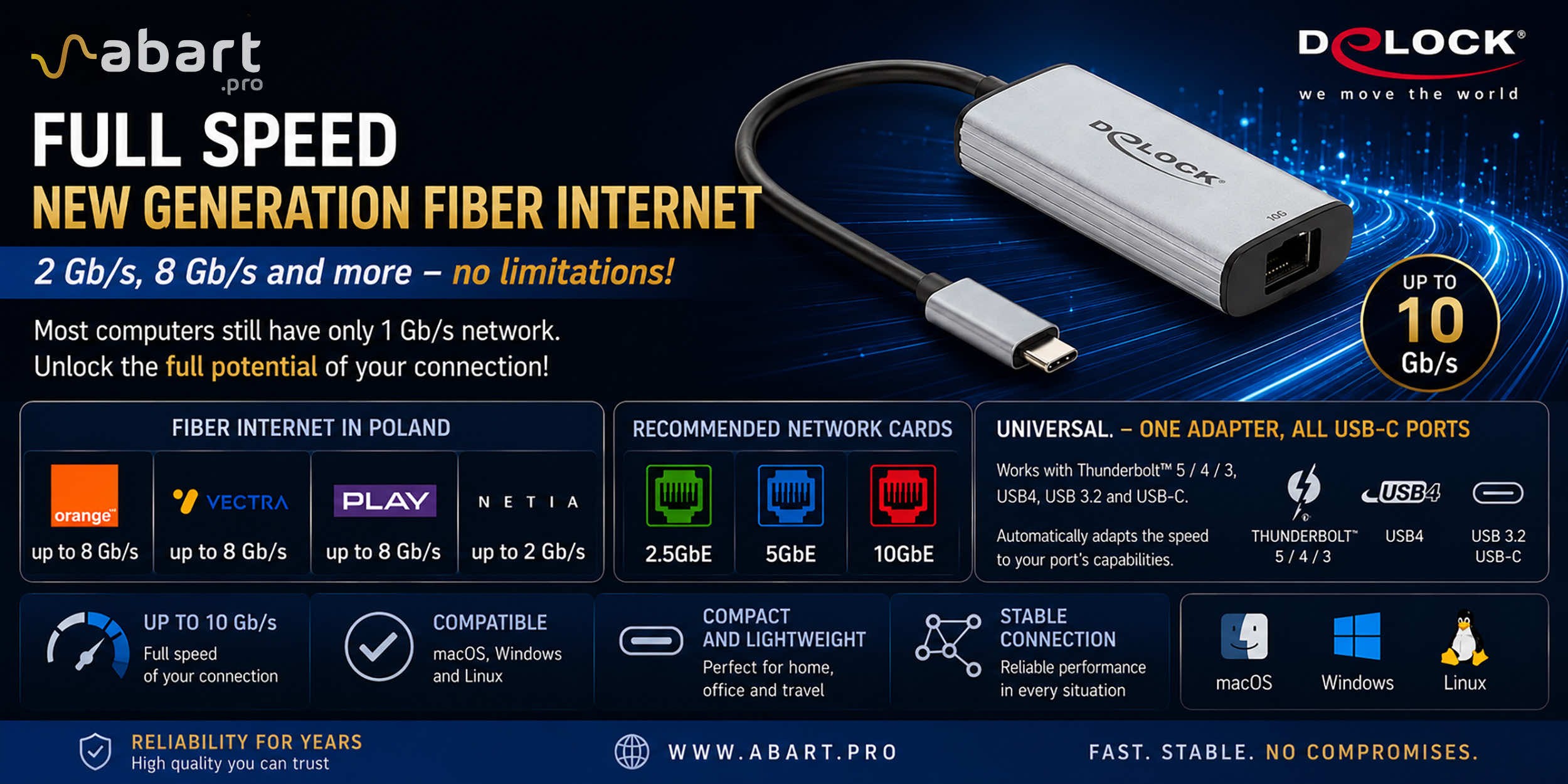 Internet światłowodowy 2 Gb/s, 8 Gb/s i więcej w Polsce –...
Just a few years ago, 1 Gb/s fiber-optic Internet seemed like a solution reserved for the most demanding business users. Today, the situation is completely different. More and more providers in Poland are offering connections exceeding 1 Gb/s, and Internet access with speeds of 2 Gb/s or even 8 Gb/s is becoming a reality for both home users and professionals.
-
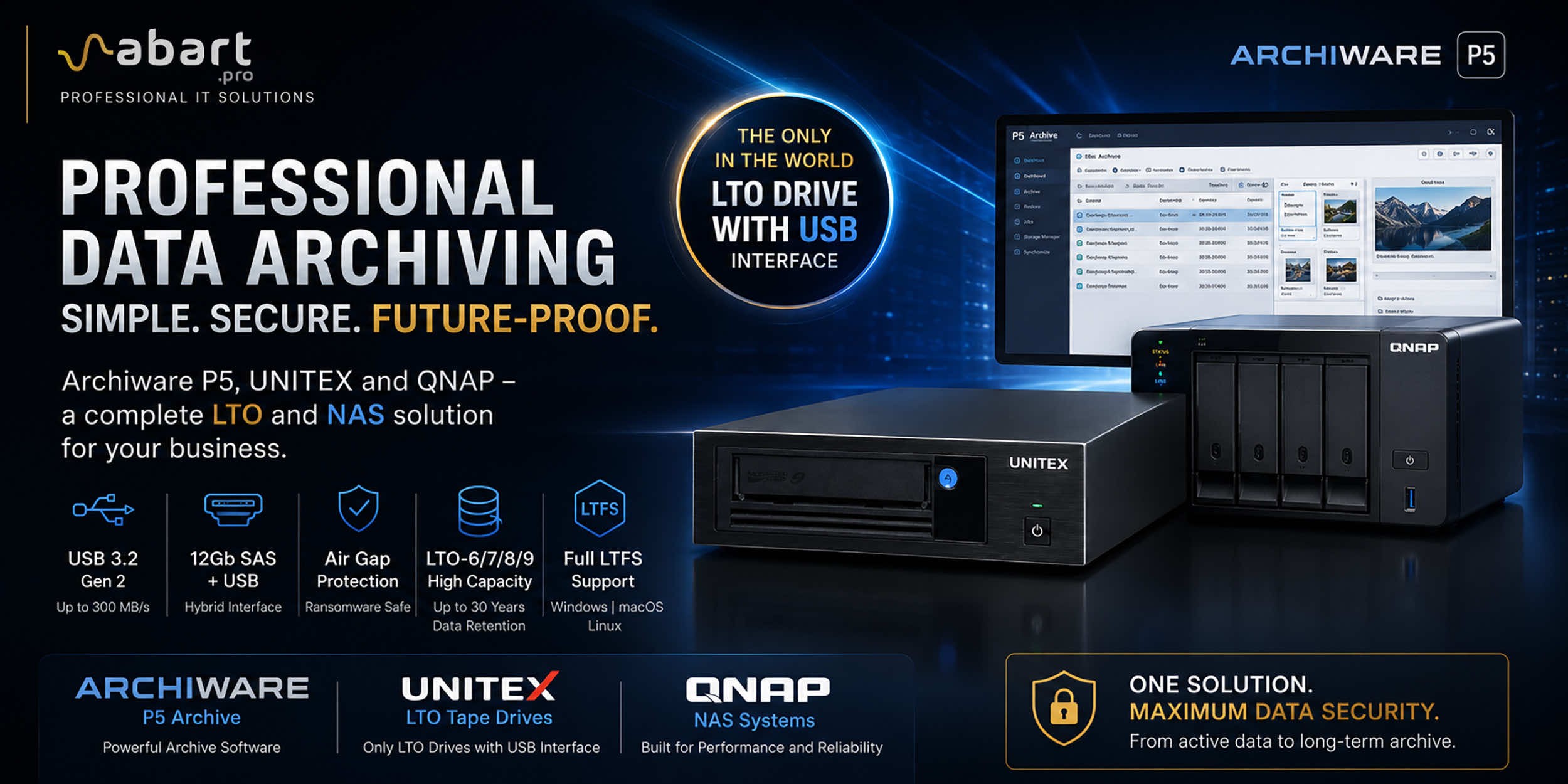 Archiware P5, UNITEX, and QNAP – a complete solution for...
Data Archiving Without Compromise – Archiware P5, UNITEX, and QNAP Create a Comprehensive Data Protection Environment In an era of growing data volumes and increasingly frequent ransomware threats, professional archiving is becoming an essential component of IT infrastructure. Companies involved in film production, photography, CAD design, scientific research, and public administration need a solution that is secure, easy to use, and cost-effective. The combination of Archiware P5 software, UNITEX LTO external drives, and QNAP NAS servers creates a comprehensive environment for long-term data archiving, eliminating many of the limitations of traditional solutions.
-
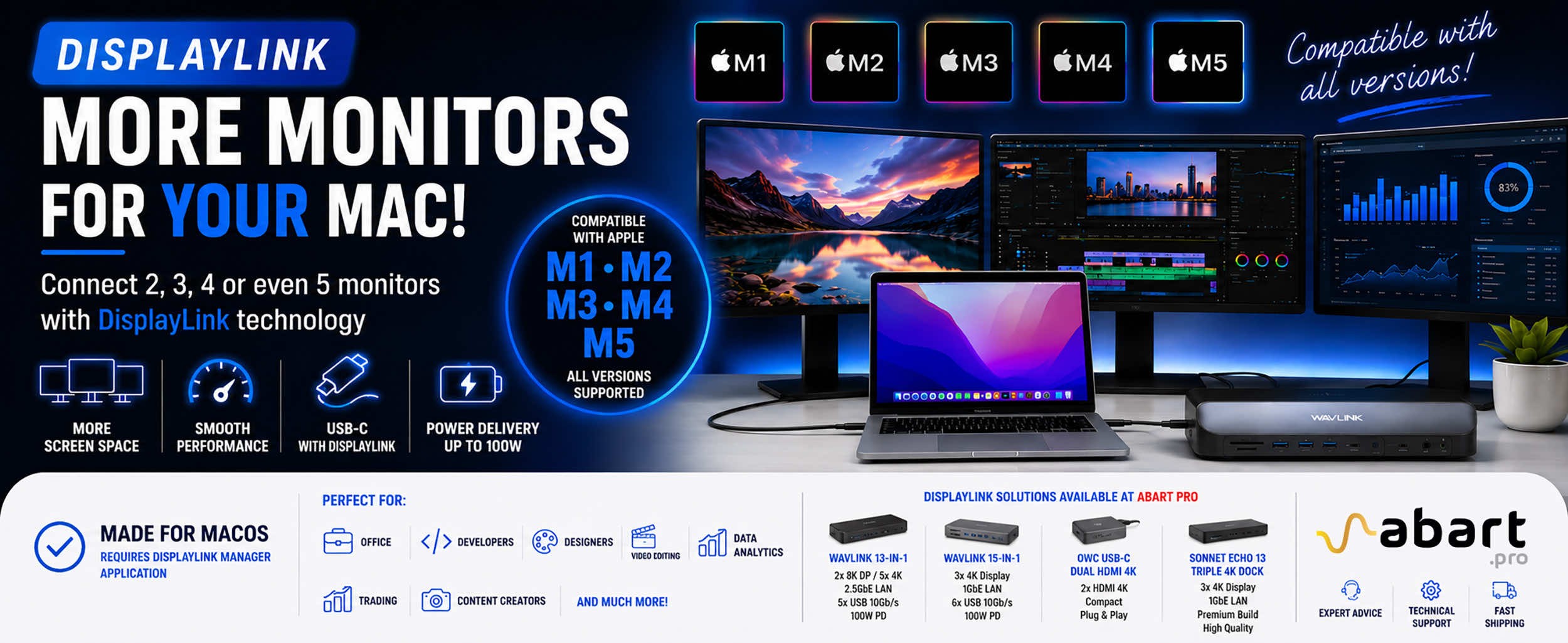 DisplayLink – How to Connect More Monitors to Apple Mac...
DisplayLink is a technology that easily expands the workspace of Apple Mac computers running macOS, PCs running Windows, and devices running ChromeOS and Android without compromising image quality or the performance of your Mac
Blog categories
Search in blog
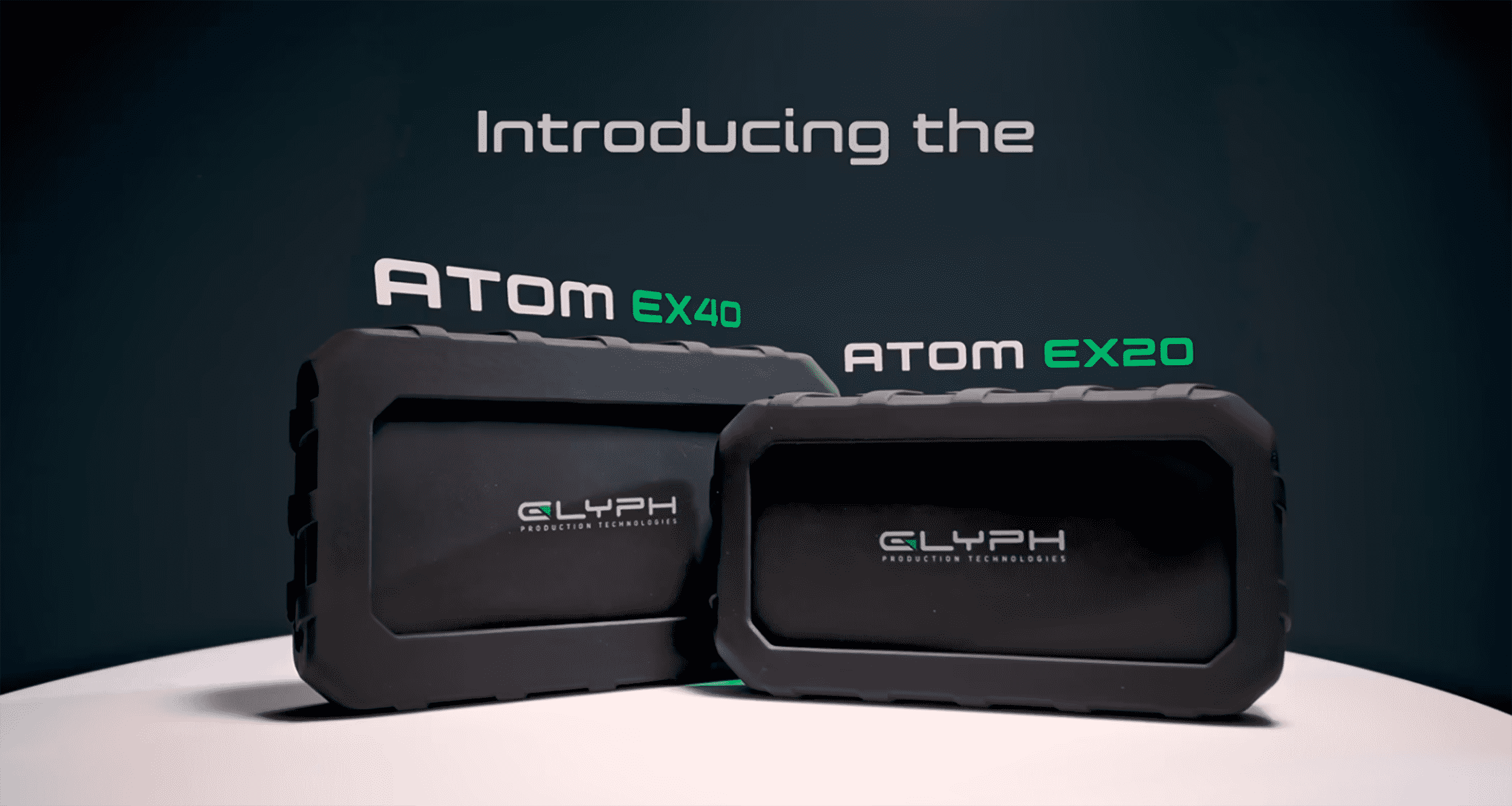
The Glyph Atom EX40 drives deliver performance that keeps pace with your work environment
In creative work, hardware shouldn’t be a limiting factor. When dealing with 4K/8K footage, large RAW libraries, or audio projects, one thing matters: stable, predictable, and high performance. The Glyph Atom EX40 is a drive designed not for benchmarks, but for real-world, high-demand production workloads.
It’s a difference you’ll notice from the very first use.
Architecture and interface are the foundation of the Glyph Atom EX40’s performance
The Glyph Atom EX40 is based on NVMe SSD PCIe technology and utilizes a USB4 (40 Gb/s) interface as well as Thunderbolt 40 Gb/s via a USB-C connector.
What does this mean in practice?
- Transfer speeds significantly higher than USB 3.x – up to 3,500 MB/s
- Compatibility with USB4 and Thunderbolt 3/4/5
- No bottlenecks when working with large files or during long-term transfers
This isn’t “just another fast portable drive”—it’s an external extension of your workstation’s capacity and performance.
Performance – numbers vs. reality
- Rated speed: up to ~4,000 MB/s read and write
- Real-world performance: ~3000–3200 MB/s in practice
- Stable high-speed transfer regardless of transfer length, fill level, and operating time
The key difference between the Glyph Atom EX40 and other solutions:
- Most drives only reach maximum speeds for a brief moment (cache).
- The Glyph Atom EX40 maintains high performance continuously.
High-Intensity Performance – what does it really mean
The term “High-Intensity” is not just a marketing slogan here—it has a specific technical meaning. What does it mean in practice?
- Consistent performance (sustained throughput)
- No sudden drops in speed
- Predictable performance when working with large files
- Ability to transfer hundreds of GB / TB without the “stuttering” often seen in other portable NVMe SSDs
- Temperature management, i.e., an aluminum casing acting as a heat sink
- Passive cooling (fanless)
- No throttling even under prolonged load
- Controller and memory stability, i.e., no performance degradation when fully filled
- Consistent results regardless of the scenario
- Firmware optimized for continuous operation
In practice, the Glyph Atom EX40 performs the same at the beginning as it does at the end of a project.
Real-world workflow applications
The Glyph Atom EX40 was designed for specific applications:
- Video: 4K/8K editing without multicam proxies, working directly from the drive
- Photography: fast RAW import and export, working with large catalogs
- Audio: DAW projects, sample libraries
- VFX / 3D: caching, simulations, intensive I/O operations
- The Glyph Atom EX40 is hardware that doesn’t force you to change your workflow—it just speeds it up.
Mobility without compromise
Performance is one thing—but in creative work, mobility matters too. The Glyph Atom EX40 features:
- compact, rugged design
- aluminum housing + rubber protection
- shock resistance (MIL-STD-810F standard)
- bus-powered
Thanks to this design, the Glyph Atom EX40 performs well:
- on set
- while traveling
- in the field
It should be noted that the Glyph Atom EX40 is not a delicate “desktop” device. Its design ensures maximum durability. The drive was designed for professional working conditions, i.e.:
- full aluminum housing (better cooling + rigidity)
- no moving parts
- resistance to transport and intensive use
Additionally, in addition to a high-performance drive designed for demanding, continuous high-transfer-rate operations from Glyph, you also get a 3-2-1 warranty (hardware / data recovery / replacement). This is important in situations where the data is worth more than the hardware.
What really sets the Glyph Atom EX40 apart
On paper, many drives look similar. The differences only become apparent in actual use. The advantages of the Glyph Atom EX40 drives are undoubtedly
- consistent performance instead of “peaks”
- no throttling during long writes
- real-world ~3 GB/s, not just in tests
- stability when fully loaded
- ready for production use
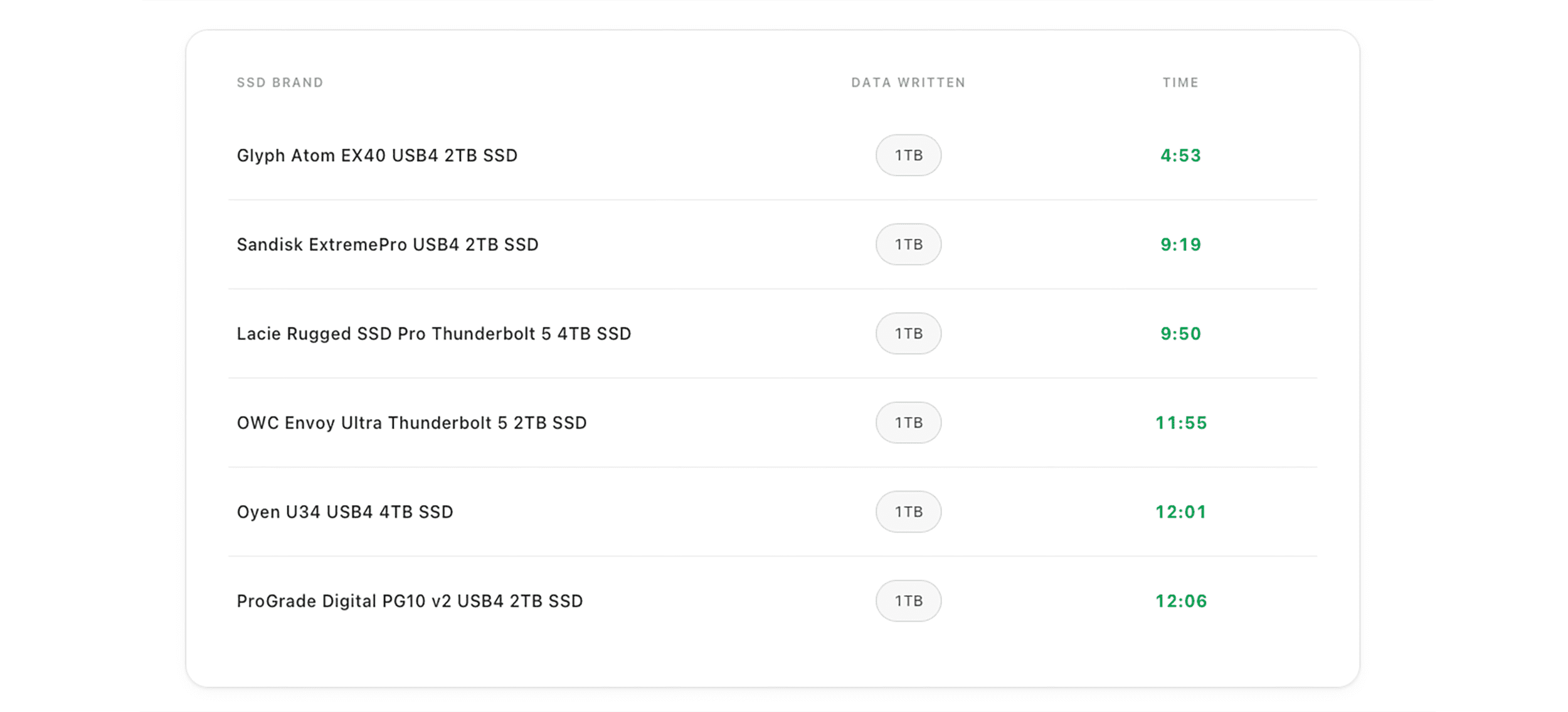
In summary, the Glyph Atom EX40 isn’t for everyone. It’s a solution for professionals who work with large files and can’t afford any drop in performance.
For professionals who need mobile, uncompromising storage
If your work depends on speed and stability, the Glyph Atom EX40 isn’t just an upgrade. It’s a game-changer. Glyph Atom EX40 – when hardware stops being a limitation and becomes an advantage.
Related posts
-
 Nowość! Stacja dokująca od Sonnet z dwoma zatokami na dyski NVMe
Sonnet has released the latest docking station enabling the installation of two PCIe NVMe M.2 2280 drives with a...Read more
Nowość! Stacja dokująca od Sonnet z dwoma zatokami na dyski NVMe
Sonnet has released the latest docking station enabling the installation of two PCIe NVMe M.2 2280 drives with a...Read more -
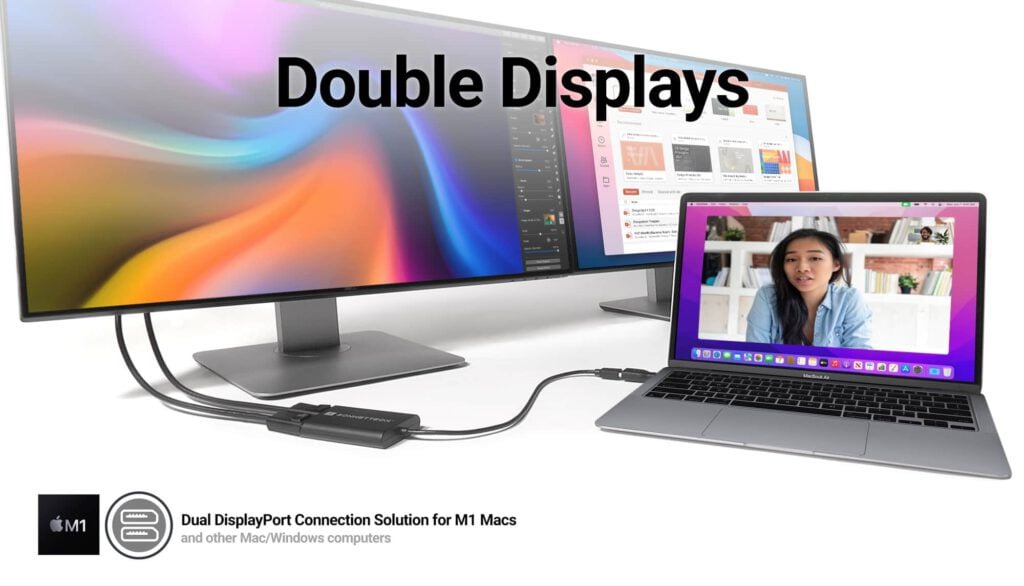 Trzy wyświetlacze do Apple Mac z M1/M2/M3? To nie problem!
We know perfectly well how good Apple processors from the M1, M2 and M3 families are. These systems used in Apple...Read more
Trzy wyświetlacze do Apple Mac z M1/M2/M3? To nie problem!
We know perfectly well how good Apple processors from the M1, M2 and M3 families are. These systems used in Apple...Read more -
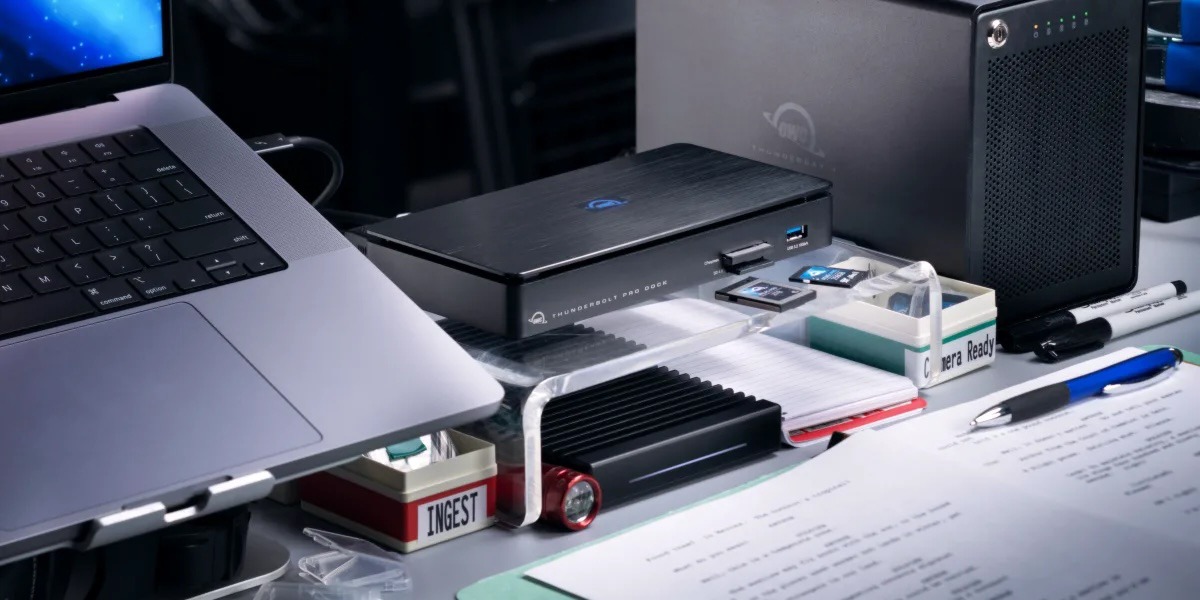 OWC Thunderbolt Pro Dock - The best docking station for professional developers
OWC Thunderbolt Pro Dock – high throughput and flexibility for demanding professionals working with high resolution...Read more
OWC Thunderbolt Pro Dock - The best docking station for professional developers
OWC Thunderbolt Pro Dock – high throughput and flexibility for demanding professionals working with high resolution...Read more -
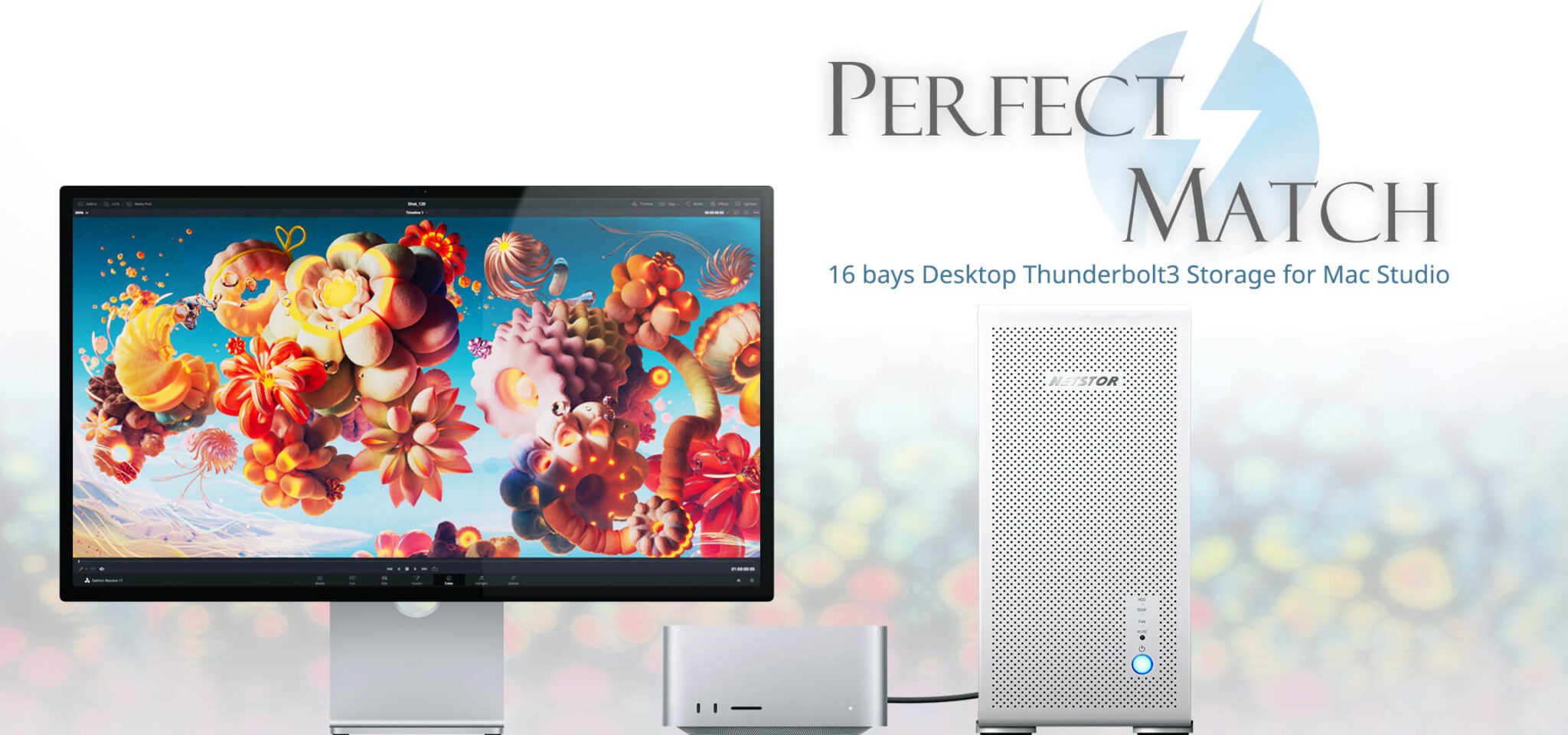 Do 320TB w sprzętowym RAID poprzez port Thunderbolt. Z Mac Studio idealna para!
Netstor NS780TB3 is a 16-bay enclosure that allows you to connect up to 320TB of fast mass storage to a computer...Read more
Do 320TB w sprzętowym RAID poprzez port Thunderbolt. Z Mac Studio idealna para!
Netstor NS780TB3 is a 16-bay enclosure that allows you to connect up to 320TB of fast mass storage to a computer...Read more -
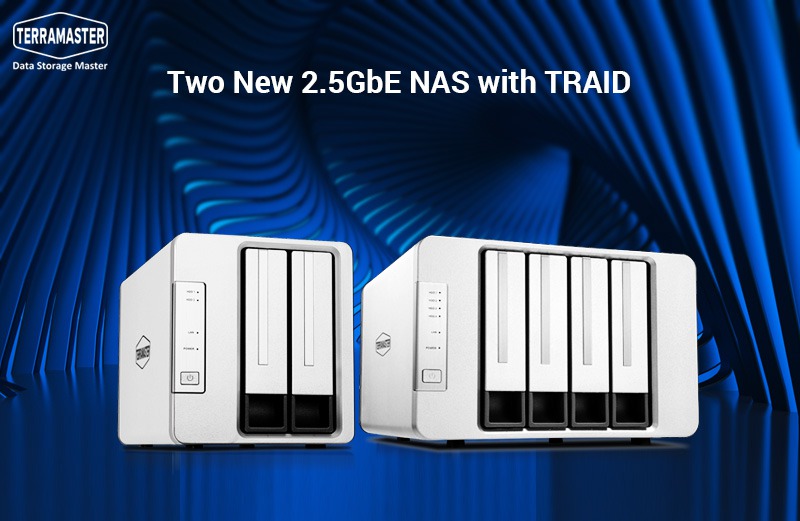 Nowe NASy od TerraMaster z 2x 2,5GbE i zatokami na 2x M.2 SSD
The new TerraMaster F2-223 and F4-223 NAS devices support TRAID. This is a flexible disk array management tool...Read more
Nowe NASy od TerraMaster z 2x 2,5GbE i zatokami na 2x M.2 SSD
The new TerraMaster F2-223 and F4-223 NAS devices support TRAID. This is a flexible disk array management tool...Read more
Leave a comment