
Z naszego bloga
-
 EDID Emulation – What Is It and Why Should You Choose AV...
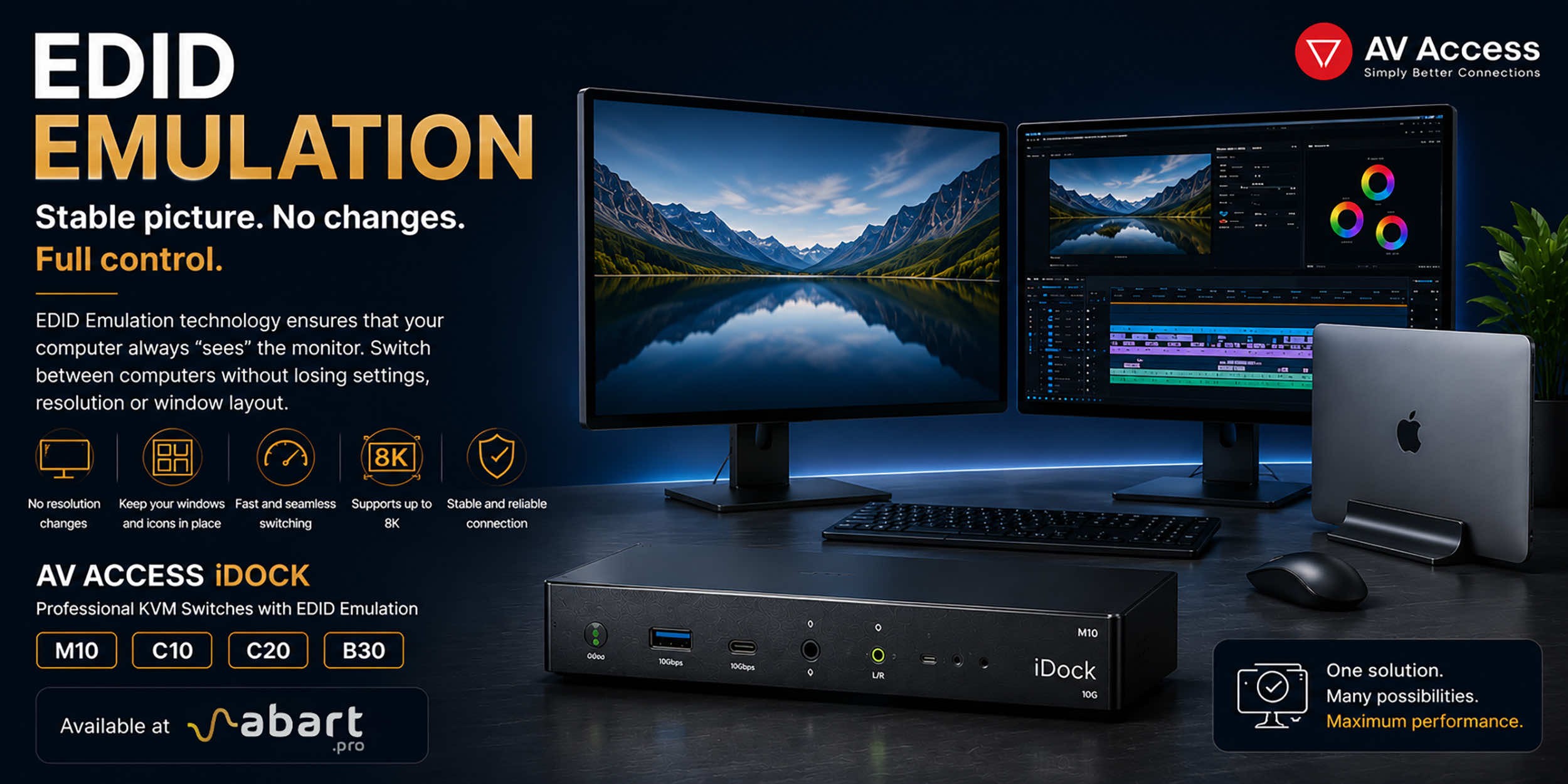
When working with multiple computers using a KVM switch, one of the most common issues is the need to re-detect the monitor after switching the signal source. This can result in changes to the resolution, icons shifting on the desktop, application windows moving to different locations, and sometimes even a temporary loss of the image. The solution to this problem is EDID Emulation technology, available in professional AV Access iDock KVM switches offered by Abart Pro.
-
 Internet światłowodowy 2 Gb/s, 8 Gb/s i więcej w Polsce –...
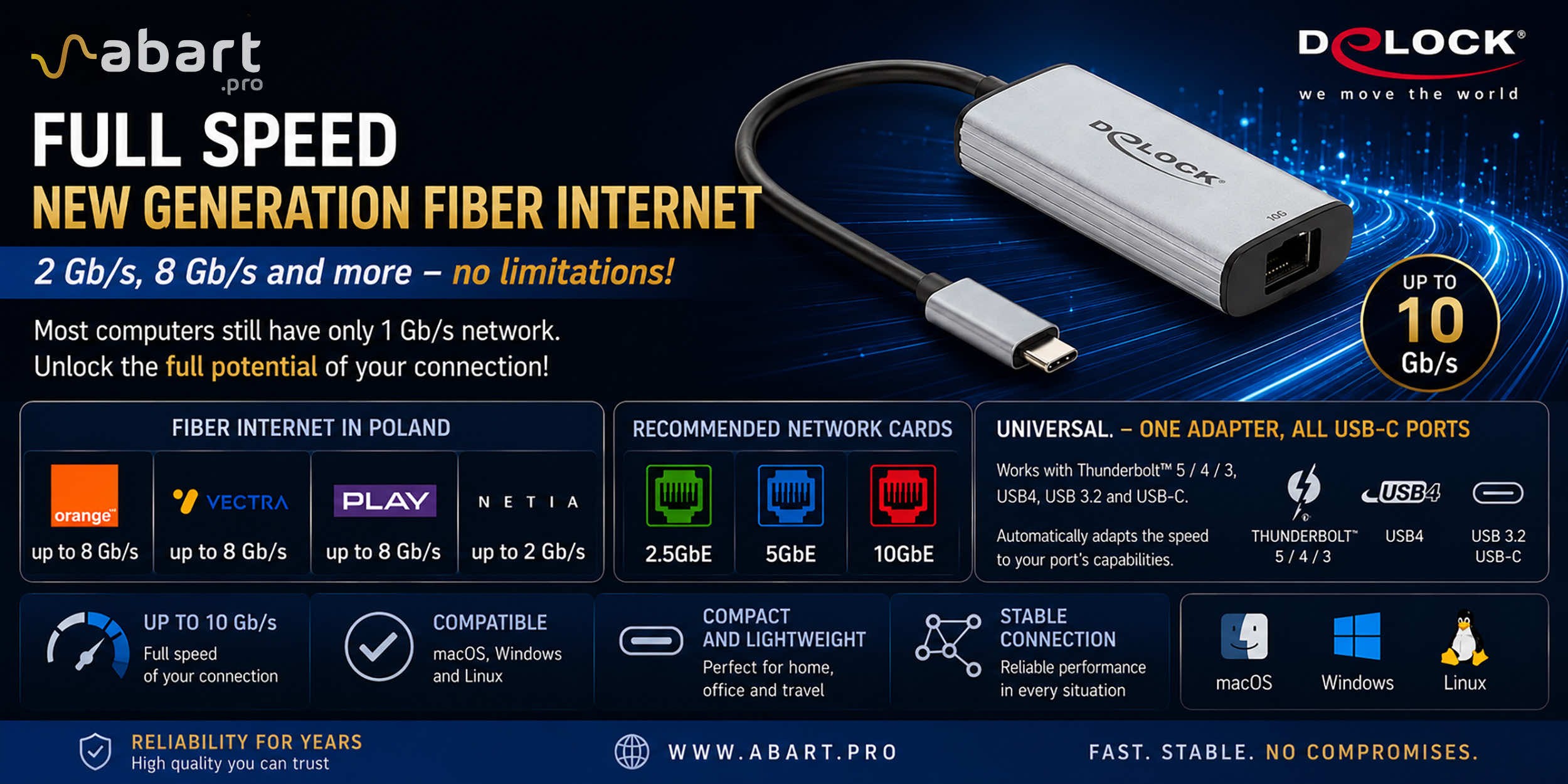
Just a few years ago, 1 Gb/s fiber-optic Internet seemed like a solution reserved for the most demanding business users. Today, the situation is completely different. More and more providers in Poland are offering connections exceeding 1 Gb/s, and Internet access with speeds of 2 Gb/s or even 8 Gb/s is becoming a reality for both home users and professionals.
-
 Archiware P5, UNITEX, and QNAP – a complete solution for...
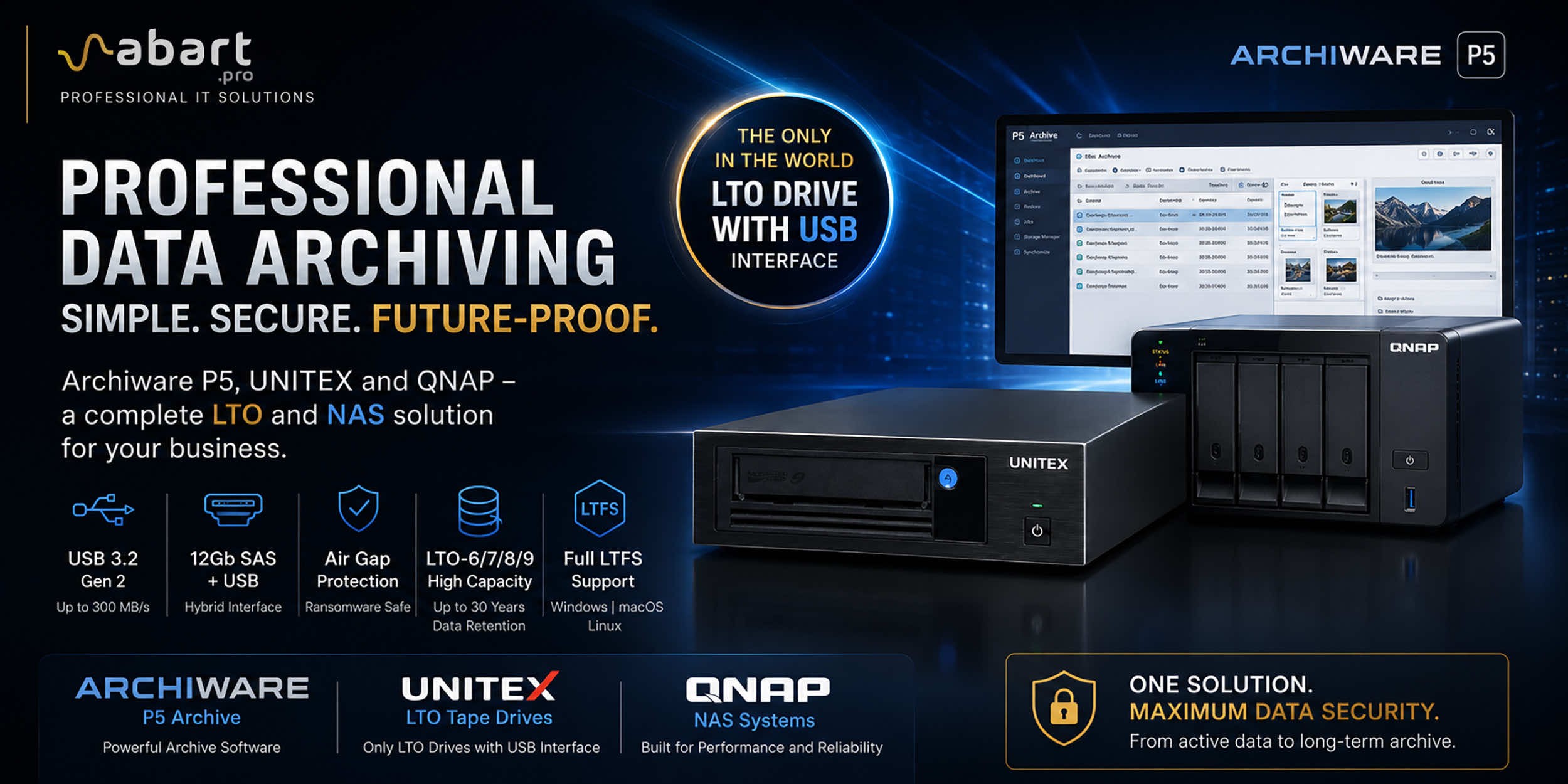
Data Archiving Without Compromise – Archiware P5, UNITEX, and QNAP Create a Comprehensive Data Protection Environment In an era of growing data volumes and increasingly frequent ransomware threats, professional archiving is becoming an essential component of IT infrastructure. Companies involved in film production, photography, CAD design, scientific research, and public administration need a solution that is secure, easy to use, and cost-effective. The combination of Archiware P5 software, UNITEX LTO external drives, and QNAP NAS servers creates a comprehensive environment for long-term data archiving, eliminating many of the limitations of traditional solutions.
-
 DisplayLink – How to Connect More Monitors to Apple Mac...
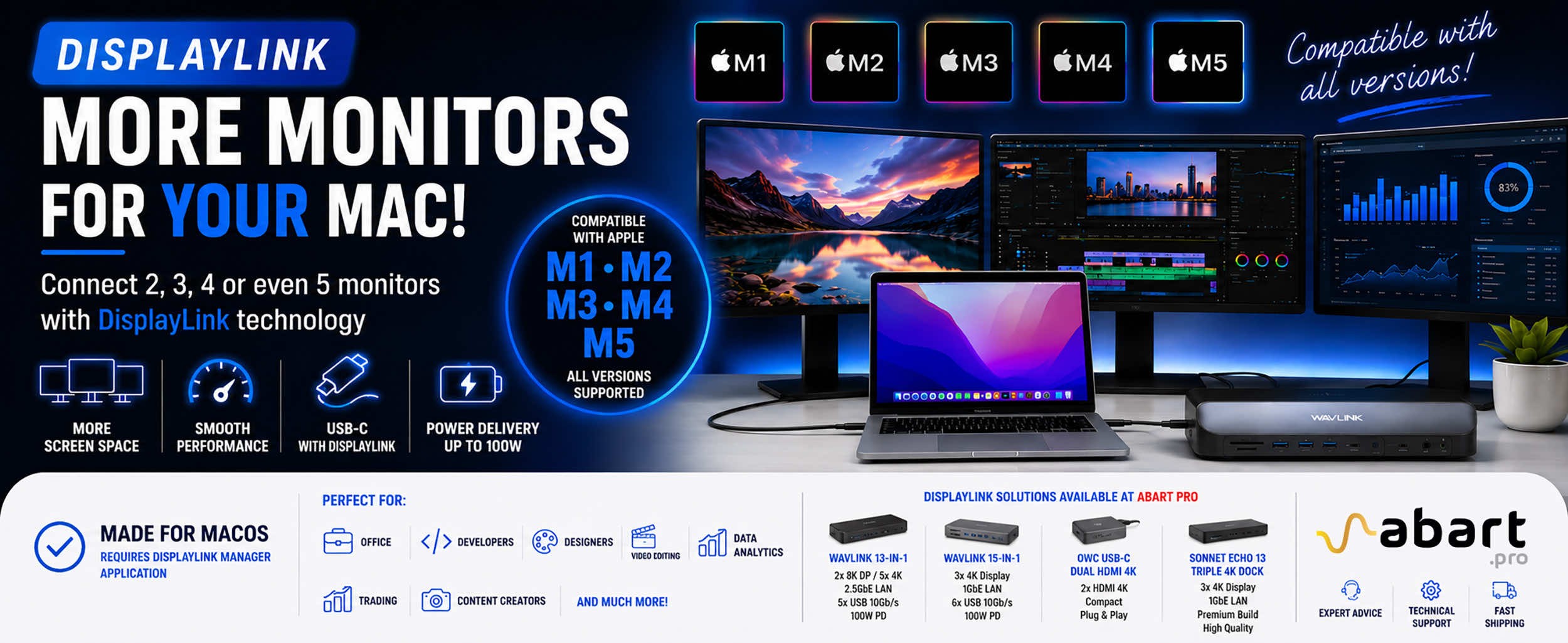
DisplayLink is a technology that easily expands the workspace of Apple Mac computers running macOS, PCs running Windows, and devices running ChromeOS and Android without compromising image quality or the performance of your Mac
Blog categories
Search in blog
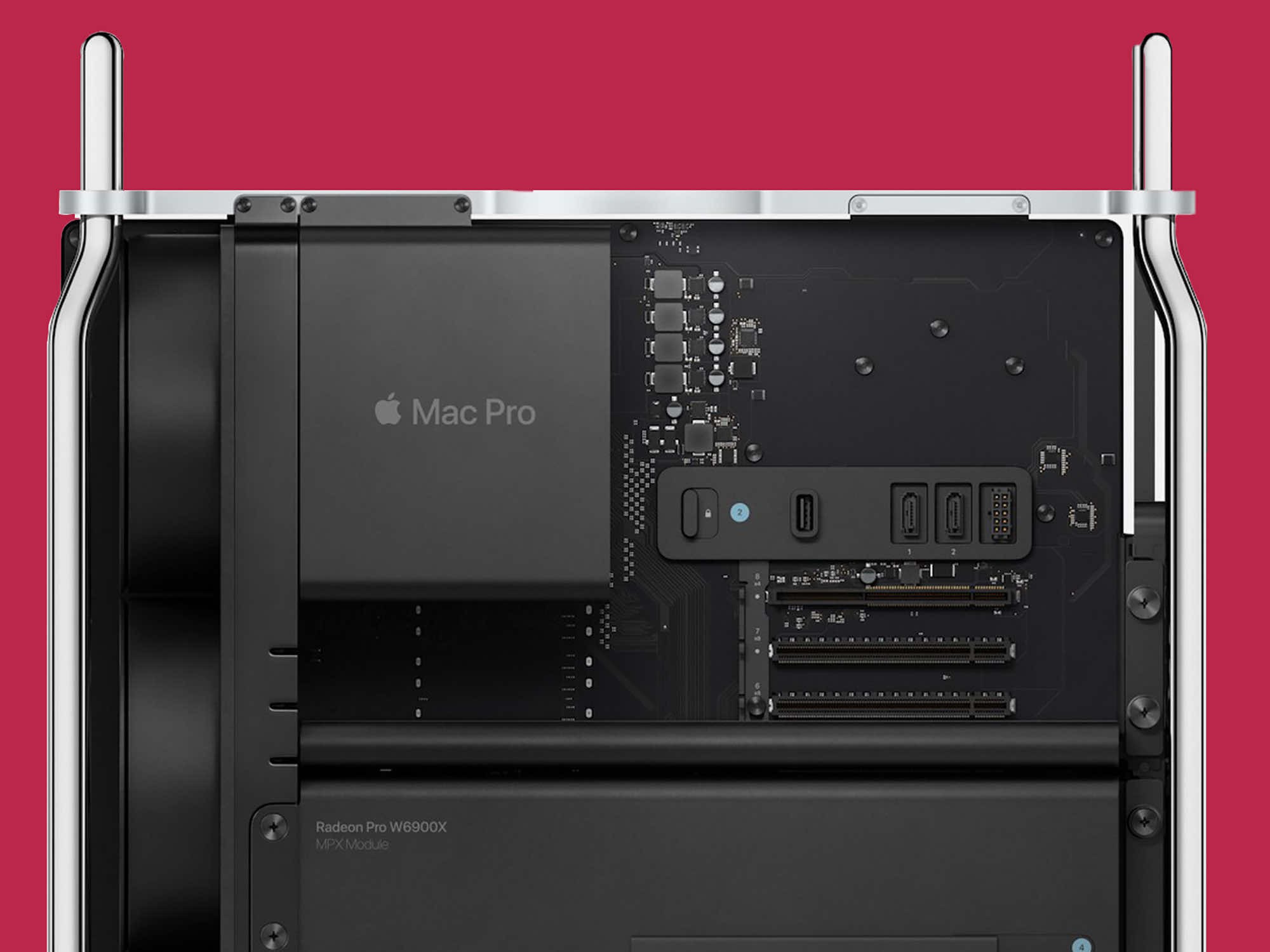
Sonnettech - the five best accessories for your new Mac Pro! Enhance the capabilities of your Mac Pro with these Sonnet solutions.
Five new products from SonnetTech, a leading provider of accessories designed to enhance performance and productivity, will elevate the Mac Pro user experience.
With the recent announcement of the highly anticipated Mac Pro at WWDC 2023, Apple enthusiasts are excited about the addition of up to seven PCIe slots.
Now you have the ability to fully customize your Mac Pro configuration like never before. SonnetTech offers a complete line of cutting-edge accessories specifically designed to unlock the full potential of the Mac Pro’s seven PCIe slots.
M.2 8×4 Silent Gen4 PCIe Card
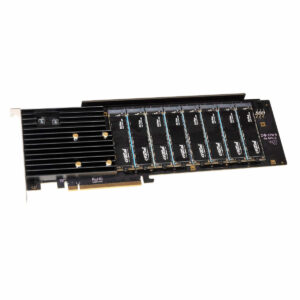
One of the drawbacks of purchasing a new Mac Pro is the limited storage capacity that must be selected at the time of purchase.
The Sonnet M.2 8×4 Silent Gen4 PCIe Card allows you to add up to 64TB of storage using M.2 NVMe SSD drives.
View ProductTwin25G PCIe Card
The SonnetTech Twin25G PCIe Card delivers high-performance 25GbE connectivity for the Mac Pro.
Thanks to the included SFP28 transceivers, setup is extremely simple, and compatibility includes Mac, Windows, and Linux systems.
8-Port Allegro Pro USB-C PCIe Card
This card offers up to eight USB-C 10Gb/s ports, allowing you to connect multiple devices simultaneously.
Four independent USB controllers ensure full bandwidth and stable performance.
Fusion Flex J3i
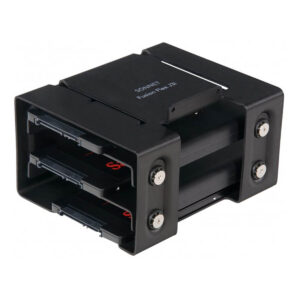
The Fusion Flex J3i mounting system allows installation of up to three SATA drives inside the Mac Pro.
The design was created specifically for Mac Pro computers, ensuring maximum use of the available internal space.
U.2 PCIe Card
The U.2 PCIe Card allows you to add up to 32TB of ultra-fast storage to your Mac Pro.
It supports RAID configurations, macOS boot support, and NVMe and S.M.A.R.T. technologies.
Related posts
-
 Nowość! Stacja dokująca od Sonnet z dwoma zatokami na dyski NVMe
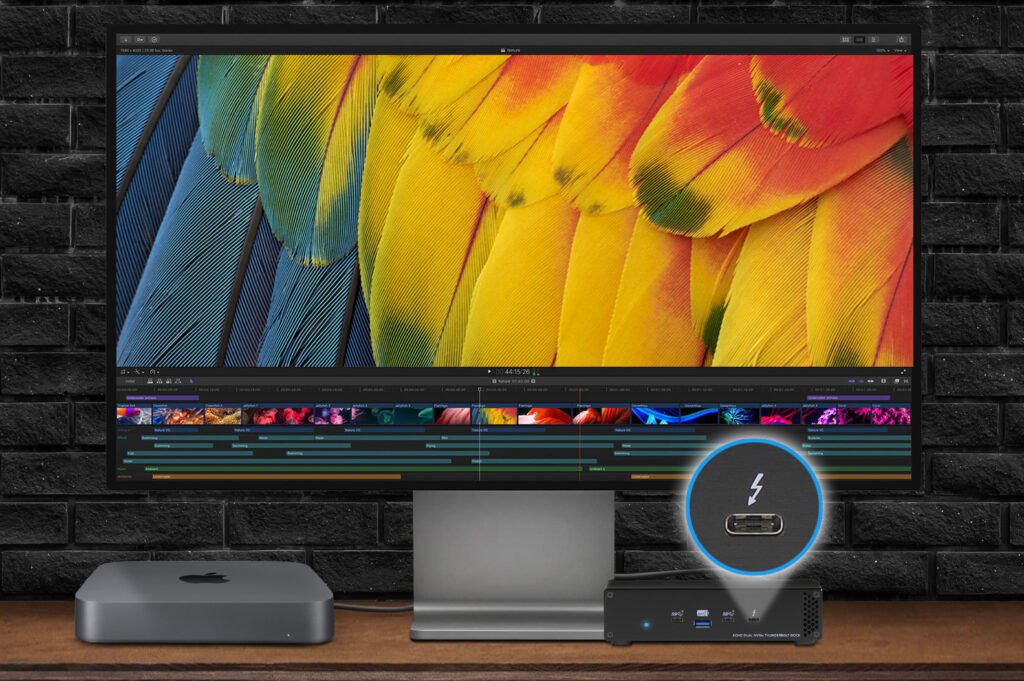
Sonnet has released the latest docking station enabling the installation of two PCIe NVMe M.2 2280 drives with a...Read more
Nowość! Stacja dokująca od Sonnet z dwoma zatokami na dyski NVMe
Sonnet has released the latest docking station enabling the installation of two PCIe NVMe M.2 2280 drives with a...Read more -
 Trzy wyświetlacze do Apple Mac z M1/M2/M3? To nie problem!
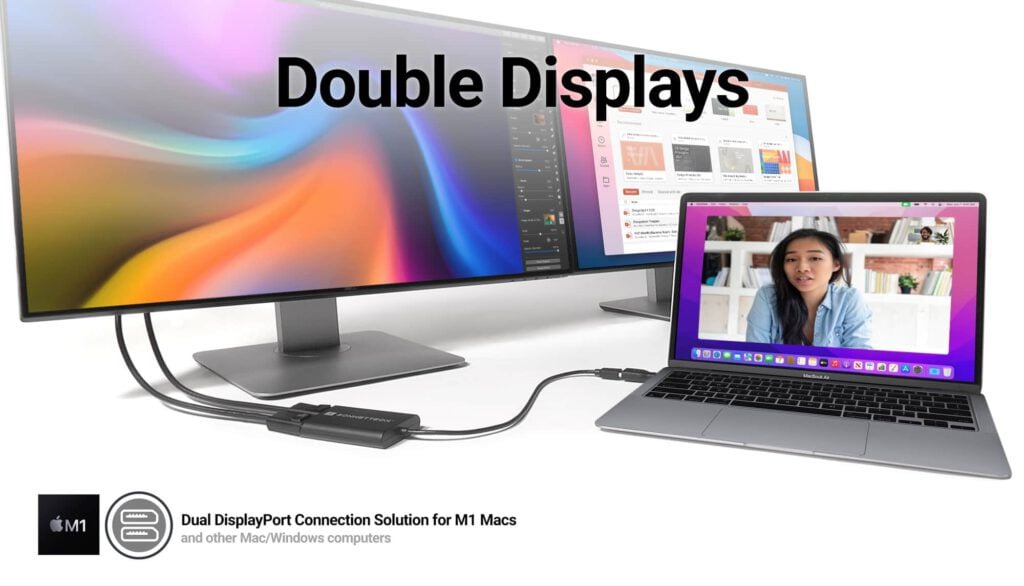
We know perfectly well how good Apple processors from the M1, M2 and M3 families are. These systems used in Apple...Read more
Trzy wyświetlacze do Apple Mac z M1/M2/M3? To nie problem!
We know perfectly well how good Apple processors from the M1, M2 and M3 families are. These systems used in Apple...Read more -
 OWC Thunderbolt Pro Dock - The best docking station for professional developers
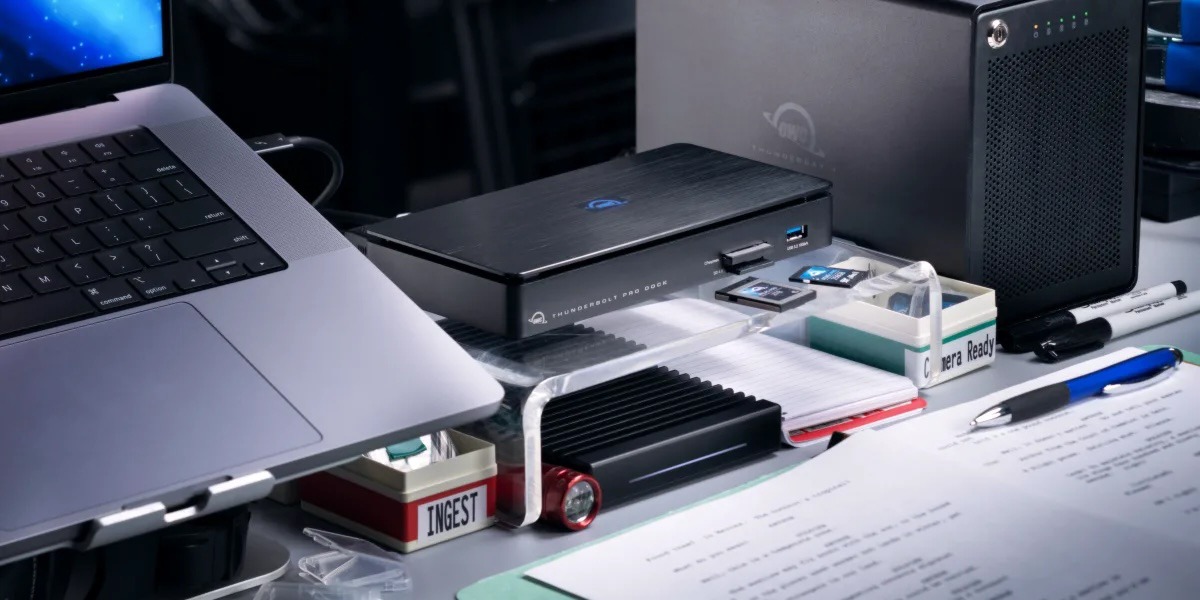
OWC Thunderbolt Pro Dock – high throughput and flexibility for demanding professionals working with high resolution...Read more
OWC Thunderbolt Pro Dock - The best docking station for professional developers
OWC Thunderbolt Pro Dock – high throughput and flexibility for demanding professionals working with high resolution...Read more -
 Do 320TB w sprzętowym RAID poprzez port Thunderbolt. Z Mac Studio idealna para!
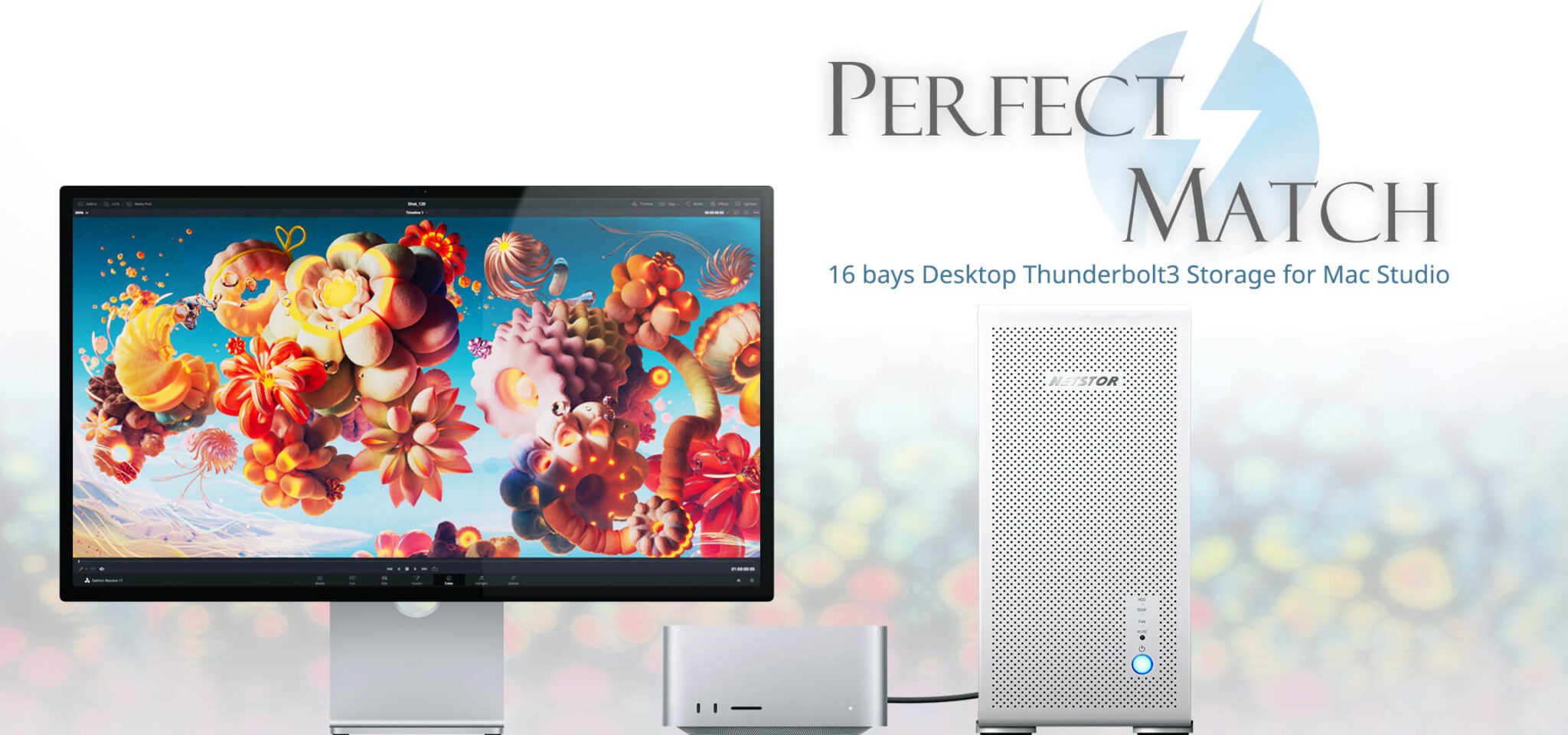
Netstor NS780TB3 is a 16-bay enclosure that allows you to connect up to 320TB of fast mass storage to a computer...Read more
Do 320TB w sprzętowym RAID poprzez port Thunderbolt. Z Mac Studio idealna para!
Netstor NS780TB3 is a 16-bay enclosure that allows you to connect up to 320TB of fast mass storage to a computer...Read more -
 Nowe NASy od TerraMaster z 2x 2,5GbE i zatokami na 2x M.2 SSD
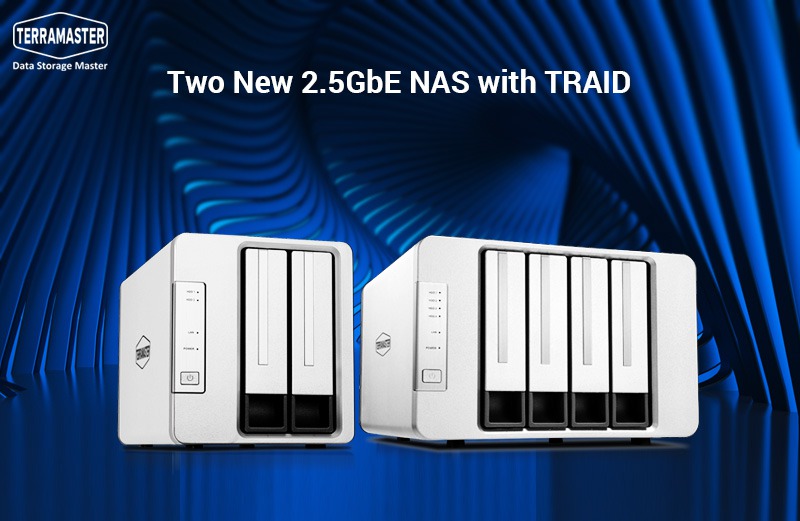
The new TerraMaster F2-223 and F4-223 NAS devices support TRAID. This is a flexible disk array management tool...Read more
Nowe NASy od TerraMaster z 2x 2,5GbE i zatokami na 2x M.2 SSD
The new TerraMaster F2-223 and F4-223 NAS devices support TRAID. This is a flexible disk array management tool...Read more
Leave a comment