
Z naszego bloga
-
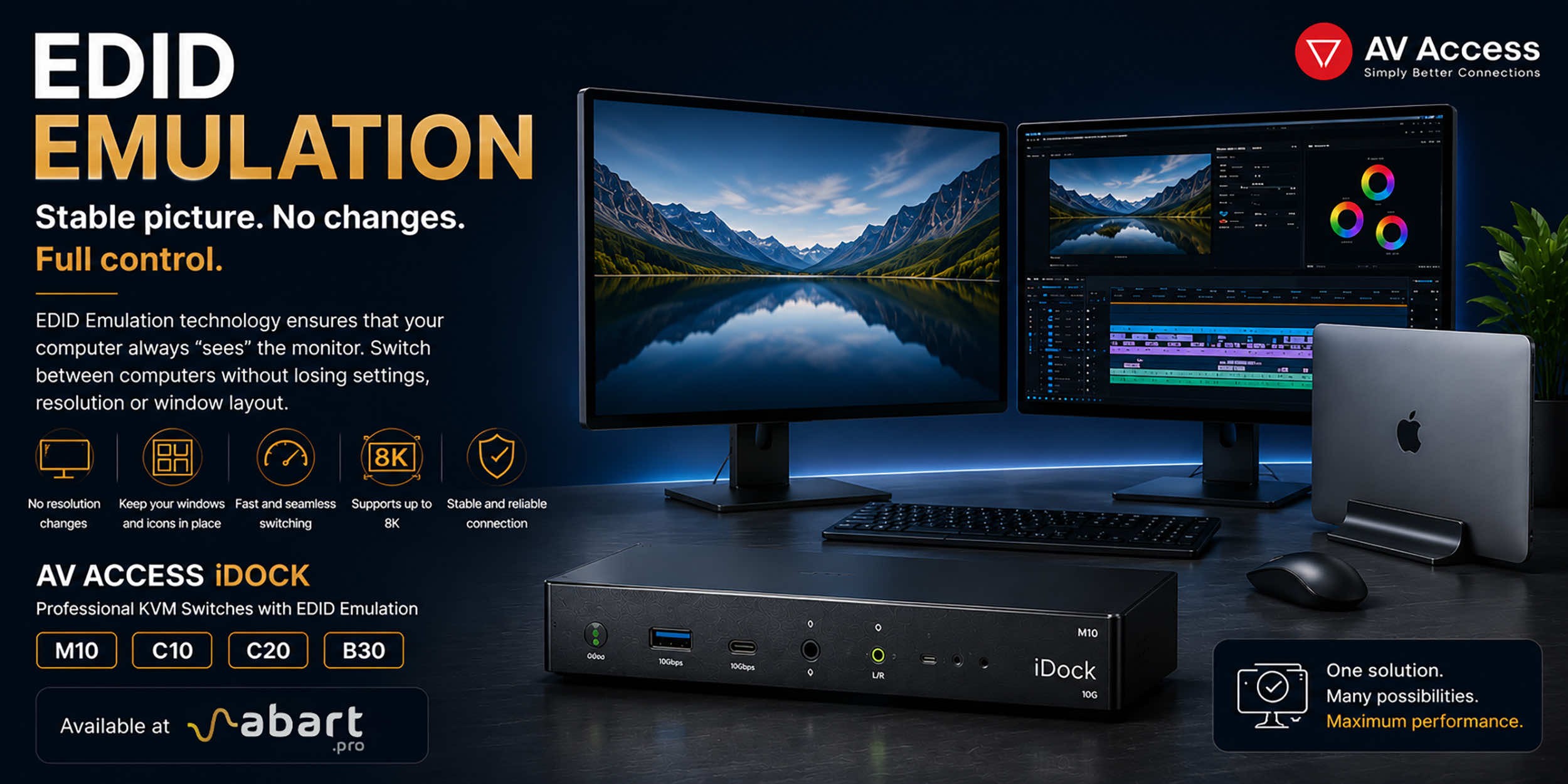 EDID Emulation – What Is It and Why Should You Choose AV...
When working with multiple computers using a KVM switch, one of the most common issues is the need to re-detect the monitor after switching the signal source. This can result in changes to the resolution, icons shifting on the desktop, application windows moving to different locations, and sometimes even a temporary loss of the image. The solution to this problem is EDID Emulation technology, available in professional AV Access iDock KVM switches offered by Abart Pro.
-
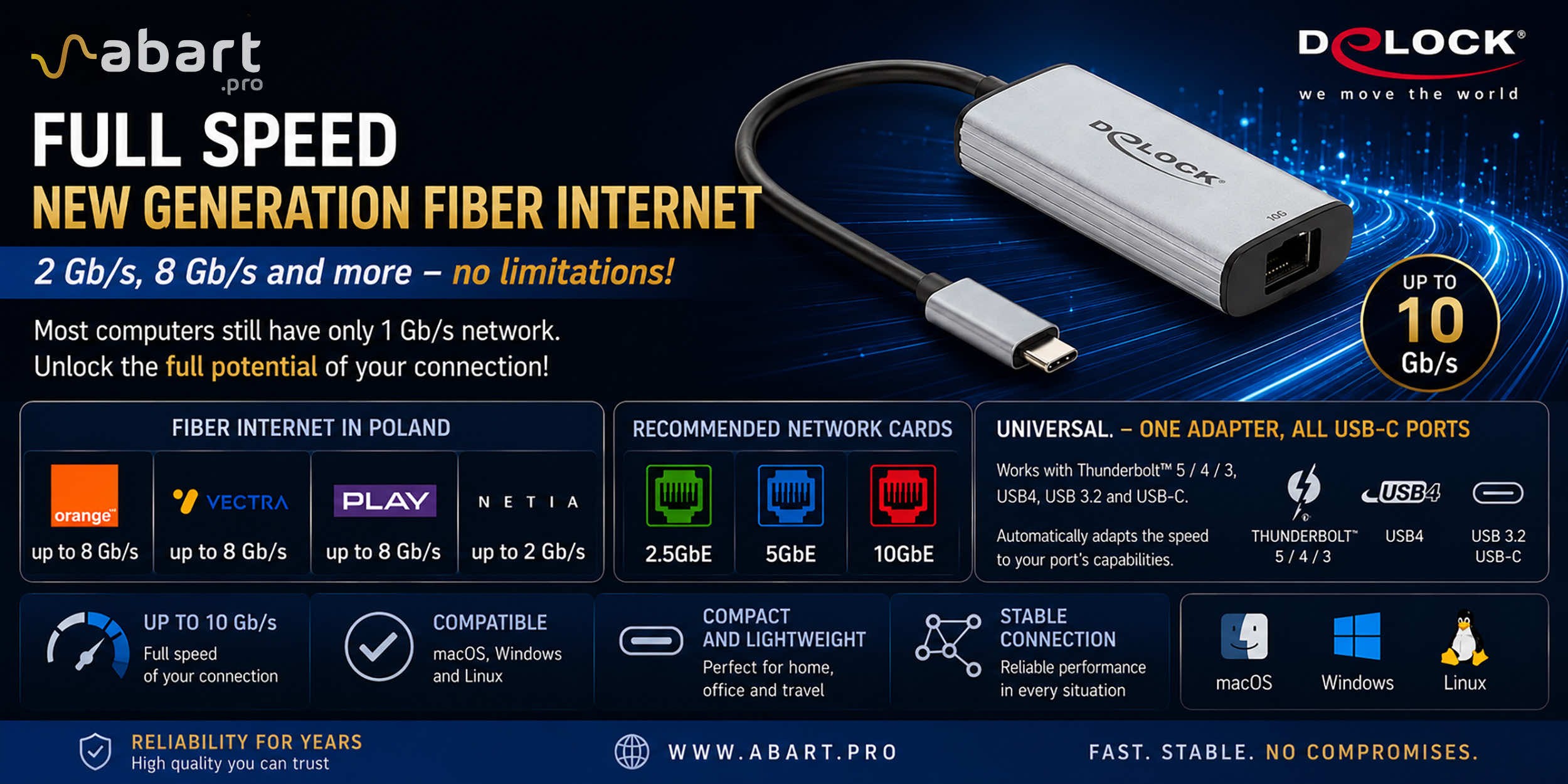 Internet światłowodowy 2 Gb/s, 8 Gb/s i więcej w Polsce –...
Just a few years ago, 1 Gb/s fiber-optic Internet seemed like a solution reserved for the most demanding business users. Today, the situation is completely different. More and more providers in Poland are offering connections exceeding 1 Gb/s, and Internet access with speeds of 2 Gb/s or even 8 Gb/s is becoming a reality for both home users and professionals.
-
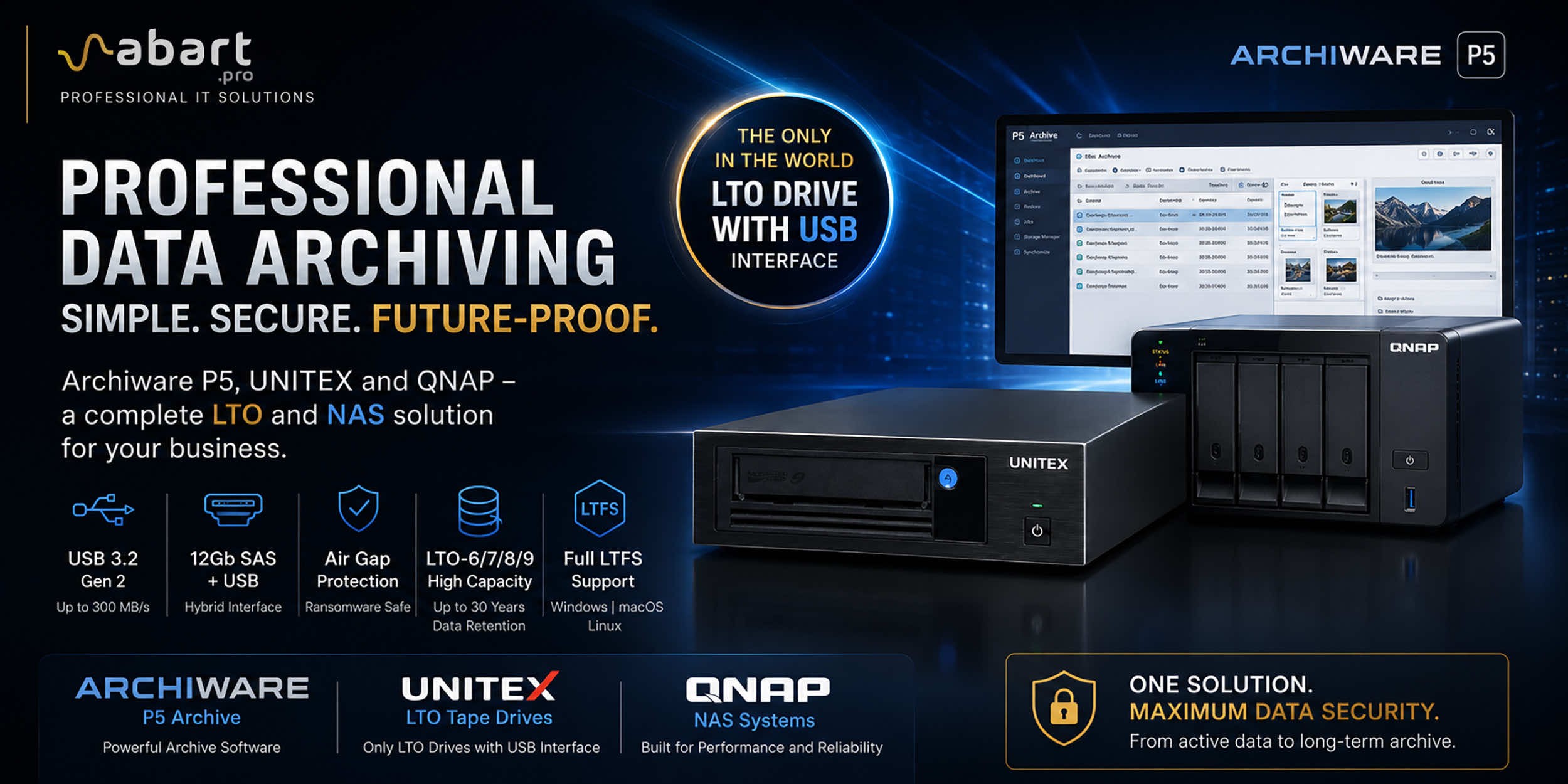 Archiware P5, UNITEX, and QNAP – a complete solution for...
Data Archiving Without Compromise – Archiware P5, UNITEX, and QNAP Create a Comprehensive Data Protection Environment In an era of growing data volumes and increasingly frequent ransomware threats, professional archiving is becoming an essential component of IT infrastructure. Companies involved in film production, photography, CAD design, scientific research, and public administration need a solution that is secure, easy to use, and cost-effective. The combination of Archiware P5 software, UNITEX LTO external drives, and QNAP NAS servers creates a comprehensive environment for long-term data archiving, eliminating many of the limitations of traditional solutions.
-
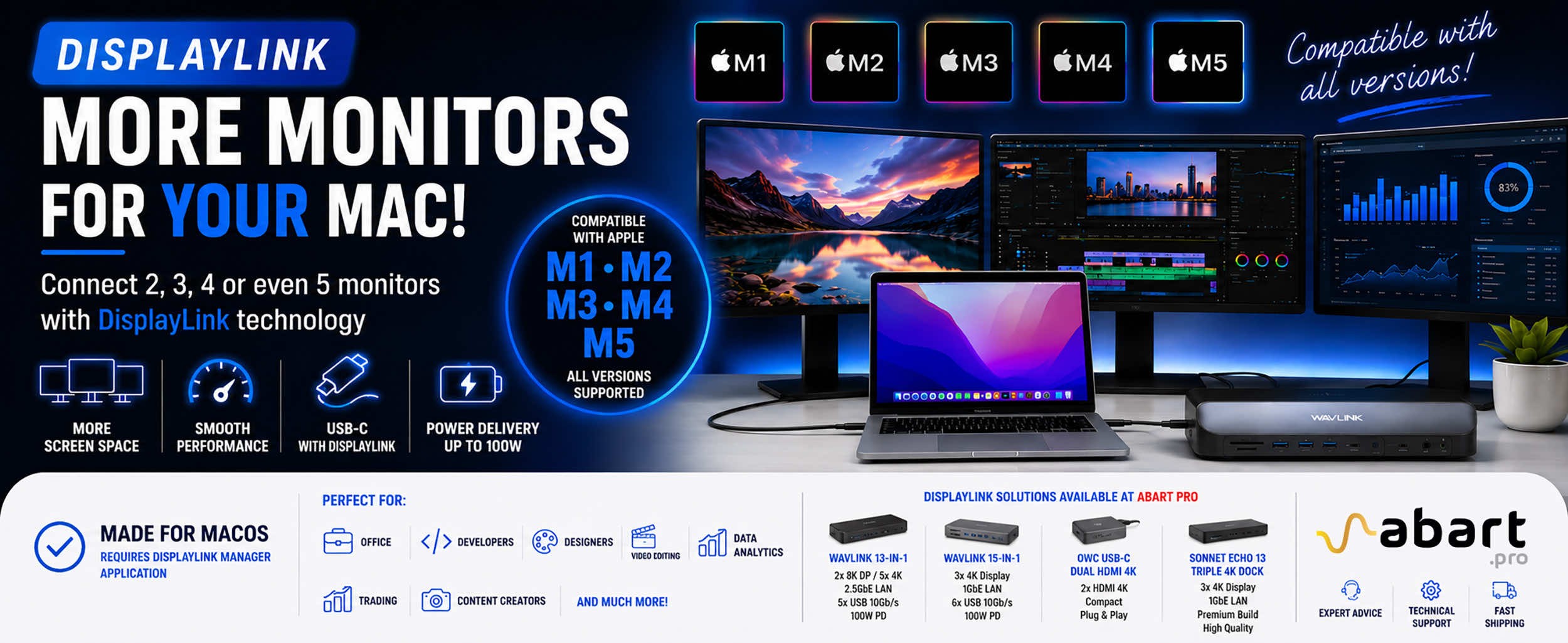 DisplayLink – How to Connect More Monitors to Apple Mac...
DisplayLink is a technology that easily expands the workspace of Apple Mac computers running macOS, PCs running Windows, and devices running ChromeOS and Android without compromising image quality or the performance of your Mac
Blog categories
Search in blog
Evolving Ransomware Threats: Why Offline Storage is Essential for Modern Data Protection
To counter rising ransomware threats, organizations must adopt a multi-faceted defense, focusing on secure storage and cybersecurity-driven backup strategies.
Ransomware attacks have become increasingly sophisticated over the years to keep ahead of evolving cybersecurity strategies, and with the advent of AI, these attacks are only becoming more effective.
According to the latest State of Ransomware report from Sophos, over half of organizations (59%) experienced an attack in the last year. Of these, 63% received a ransom demand for $1 million or more.
The use of ransomware as a preferred cyber-attack method isn’t groundbreaking or new, but the advanced techniques used to execute these types of attacks are. These types of attacks have risen 18% over just the past year – a staggering number that’s only set to rise.
To combat rising ransomware threats, organizations will need to take a multi-faceted approach to defense that includes implementing secure storage and backup strategies designed with cybersecurity top of mind.
It’s as Easy as 1-2-3… or 3-2-2-1-0
Most organizations are already familiar with the “3-2-1 rule” of data backup, which states that enterprises should hold three copies of their data on two different types of media, with one copy held offsite to maximize protection.
However, as ransomware and other types of cyberattacks continue to spike, organizations have recognized the importance of holding onto a fourth copy of their data. Because of this, the 3-2-1 rule has been updated to reflect the realities of today’s expanded threat landscape.
The modernized version of the 3-2-1 rule is called the “3-2-1-1-0 rule,” which stipulates that organizations should now hold at least three copies of data in addition to the original data, while continuing to use two different backup media types. These could include disk, tape, cloud storage, or solid-state drives (SSDs). Further, one copy still needs to be held offsite, and one copy should be kept completely offline.
Lastly, and perhaps most importantly, it must be ensured that the original backup contains zero errors – something that is vital for confirming that the correct, original data restores properly.
Offline Storage as the Anchor
Even AI-powered storage technologies, no matter how advanced they are, will continue to be vulnerable to the evolving methods cyber-attackers are using (after all, attackers can leverage AI to their advantage as well). This is part of the reason why offline storage is critical – organizations need to ensure a physical separation from the broader digital landscape.
Since offline storage isn’t physically connected to an organization’s network, it’s isolated from the “cyber” part of cyber-attacks, meaning that essential data backup remains inaccessible to cybercriminals. This strategy is known as “air gapping,” which gives organizations more control over the security of their data.
Tape technology is the standard offline backup method for large organizations, as it is particularly ideal for air-gapped strategies because backup data is stored on physical cartridges that are then further physically stored either in a tape library or offsite vaulting service. This creates an actual, physical air gap between the data and the network, ensuring cyber-attackers are kept away from it.
There is also the offsite object storage option, which offers an alternative way to facilitate a physical air gap while speeding up recovery times. However, unlike tape-based solutions, they do require a network connection to facilitate data ingestion and will thus require additional safeguards to ensure true isolation.
The Necessity of the Offline Option
In addition to providing air-gapped backup protection against breaches, offline storage offers a number of other valuable benefits. For instance, these solutions can mitigate the impact of a complete network failure due to events like hardware issues or weather emergencies, ensuring that business is able to proceed as usual with as little disruption as possible.
When stored offline or in a physical location, data is also much easier to monitor and manage. Unlike data that’s spread across different servers and networks, offline data makes it simple for organizations to deliver information updates, changes, and deletions. This also makes data much easier to recover, as there’s no guarantee that data stored in the cloud will be able to be fully recovered after a catastrophic event.
Additionally, increasingly sophisticated cyber-attacks may even render data unusable. However, if an organization’s offline storage solution is effectively managed on a continuous basis, this risk can be mitigated, and organizations can rest assured that their data will always remain accessible and intact.
Securing the Future
In a world where ransomware threats continue to evolve, organizations must stay ahead of the curve by implementing robust, multi-layered defense strategies.
The rise of AI-powered cyberattacks only amplifies the need for comprehensive solutions that are a step above, like the 3-2-1-1-0 rule, with offline storage playing a crucial role.
By integrating offline backups and air-gapped systems, companies can ensure their critical data is both protected and recoverable – even in the face of sophisticated cyberattacks or unforeseen disasters. Ultimately, a proactive approach to ransomware defense, rooted in strong storage and backup practices, is key to safeguarding organizations today and in the future.
Our Abart Pro Ltd. offers a wide range of LTO tape drives from companies such as mLogic LTO, OWC LTO, Symply LTO, Quantom LTO, Unitex LTO, and LTO tapes from IBM, Quantum, OWC, as well as LTO Hedge Canister LTO Software for easy backup and maintenance.
Feel free to contact us for full offline backup implementation using LTO media. The LTO standards you will find in our offer are LTO-6, LTO-7, LTO-8 and LTO-9. Feel free to contact us at Abart Pro Ltd.
Related posts
-
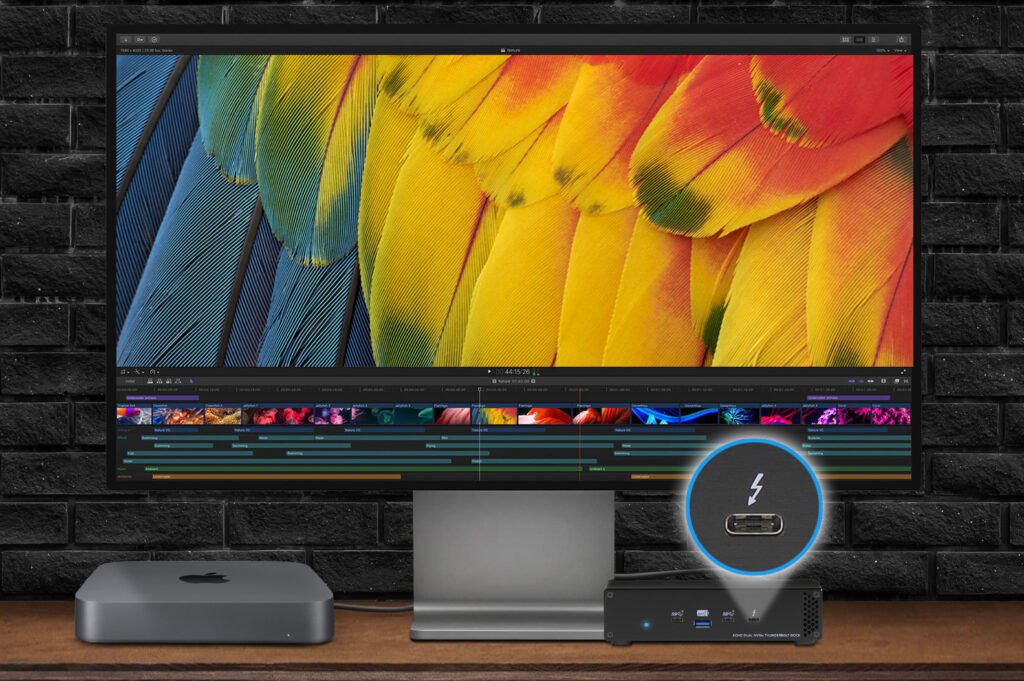 Nowość! Stacja dokująca od Sonnet z dwoma zatokami na dyski NVMe
Sonnet has released the latest docking station enabling the installation of two PCIe NVMe M.2 2280 drives with a...Read more
Nowość! Stacja dokująca od Sonnet z dwoma zatokami na dyski NVMe
Sonnet has released the latest docking station enabling the installation of two PCIe NVMe M.2 2280 drives with a...Read more -
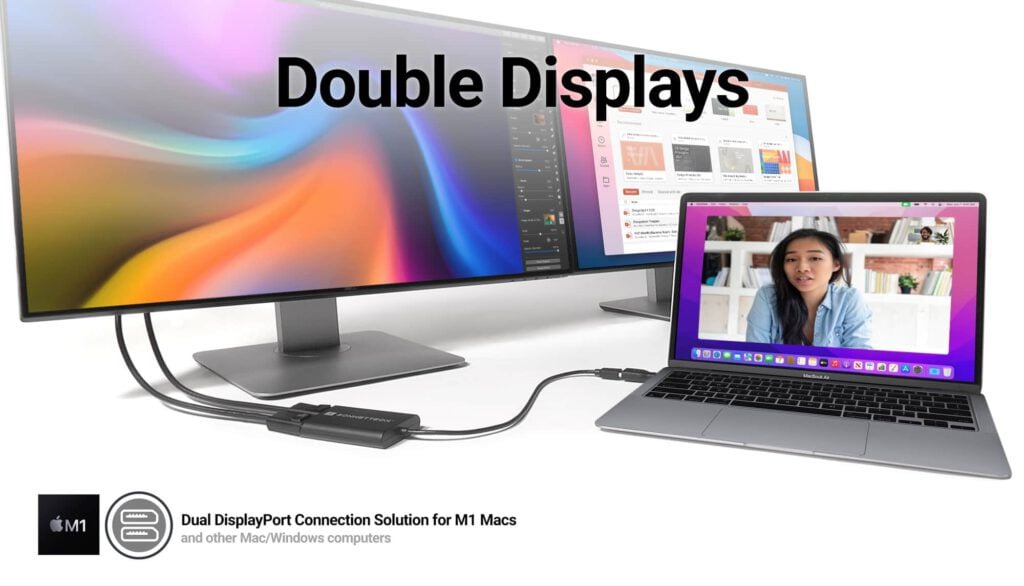 Trzy wyświetlacze do Apple Mac z M1/M2/M3? To nie problem!
We know perfectly well how good Apple processors from the M1, M2 and M3 families are. These systems used in Apple...Read more
Trzy wyświetlacze do Apple Mac z M1/M2/M3? To nie problem!
We know perfectly well how good Apple processors from the M1, M2 and M3 families are. These systems used in Apple...Read more -
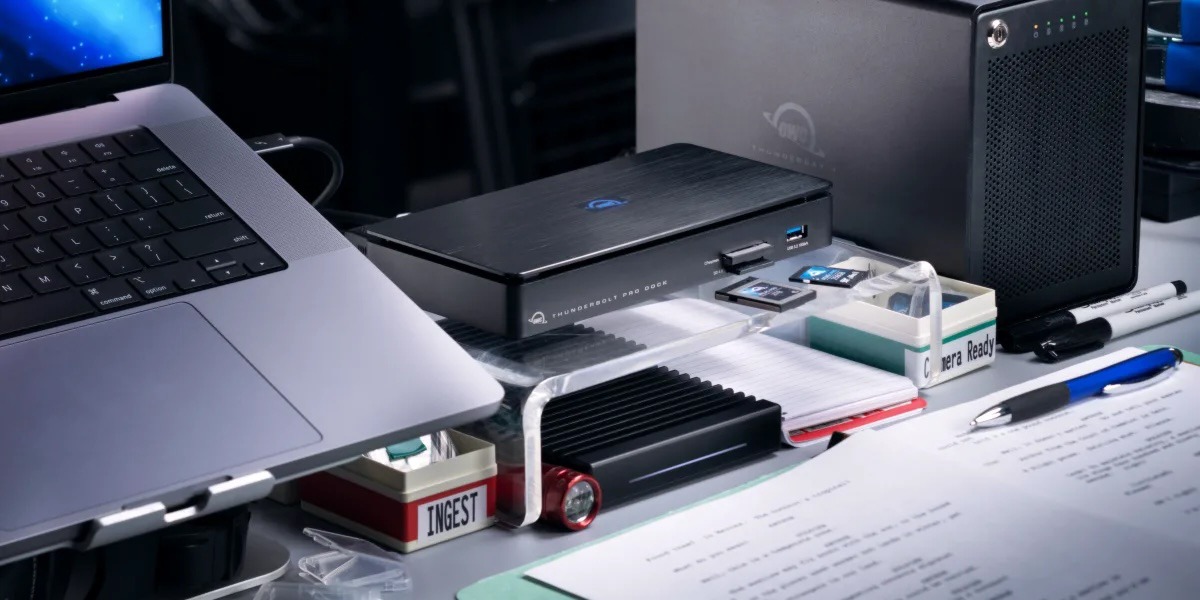 OWC Thunderbolt Pro Dock - The best docking station for professional developers
OWC Thunderbolt Pro Dock – high throughput and flexibility for demanding professionals working with high resolution...Read more
OWC Thunderbolt Pro Dock - The best docking station for professional developers
OWC Thunderbolt Pro Dock – high throughput and flexibility for demanding professionals working with high resolution...Read more -
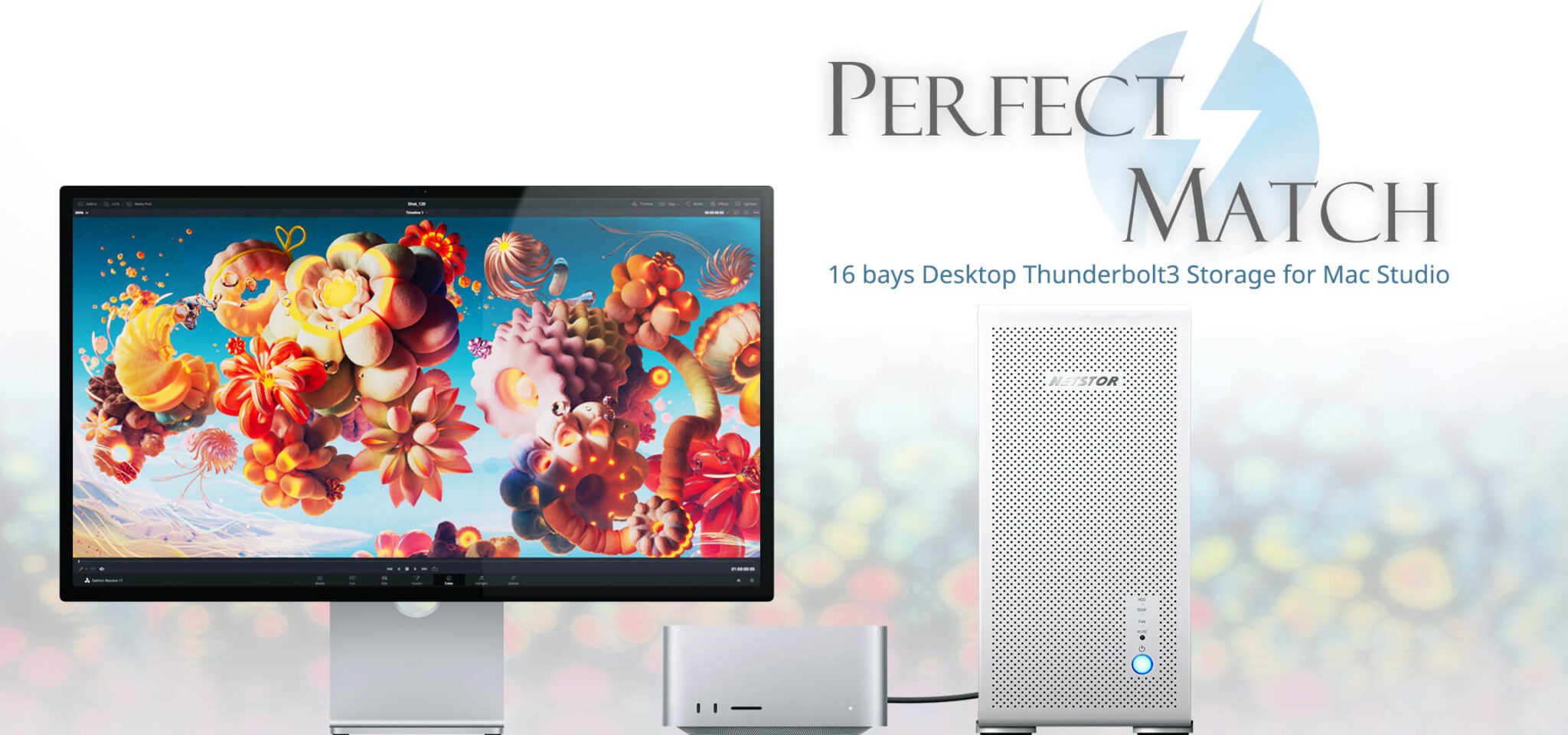 Do 320TB w sprzętowym RAID poprzez port Thunderbolt. Z Mac Studio idealna para!
Netstor NS780TB3 is a 16-bay enclosure that allows you to connect up to 320TB of fast mass storage to a computer...Read more
Do 320TB w sprzętowym RAID poprzez port Thunderbolt. Z Mac Studio idealna para!
Netstor NS780TB3 is a 16-bay enclosure that allows you to connect up to 320TB of fast mass storage to a computer...Read more -
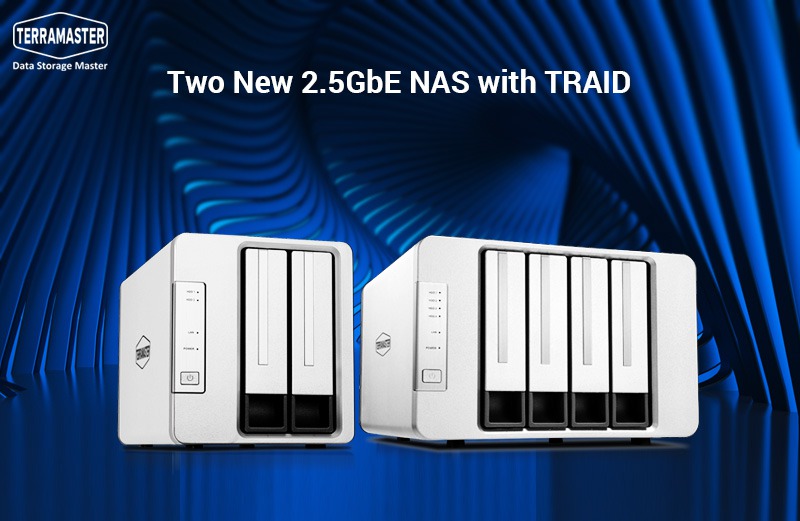 Nowe NASy od TerraMaster z 2x 2,5GbE i zatokami na 2x M.2 SSD
The new TerraMaster F2-223 and F4-223 NAS devices support TRAID. This is a flexible disk array management tool...Read more
Nowe NASy od TerraMaster z 2x 2,5GbE i zatokami na 2x M.2 SSD
The new TerraMaster F2-223 and F4-223 NAS devices support TRAID. This is a flexible disk array management tool...Read more
Leave a comment