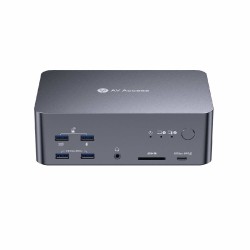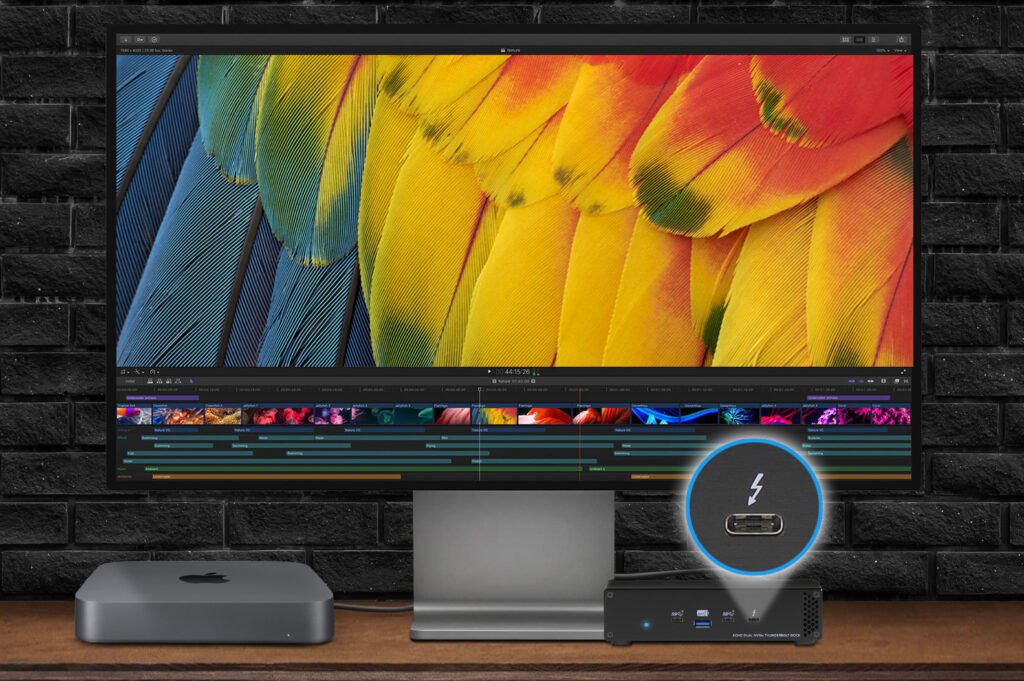
Z naszego bloga
-
AV Access KVM Switches – Professional Solutions for macOS...Modern workstations increasingly use more than one computer. Programmers work simultaneously on work and personal computers, graphic designers use high-performance workstations and laptops, and home users want to switch conveniently between their work computer and their gaming computer. For such applications, KVM (Keyboard, Video, Mouse) switches are the ideal solution, allowing users to control multiple computers using a single keyboard, mouse, and set of monitors.
06/23/2026 -
USB-C and USB4 – Differences, Speeds, and Applications |...Just a few years ago, choosing the right USB cable was simple. Today, the situation is completely different. The market offers USB-C, USB 10 Gb/s, USB 20 Gb/s, USB4, Thunderbolt 4, and Thunderbolt 5. Although many of these standards use the same connector, their capabilities can vary dramatically. In this article, we explain what USB-C is, the differences between USB 3.2 and USB4, and how to choose the right accessories for use with Apple computers, PCs, docking stations, and professional peripherals.
06/18/2026 -
ATTO FastFrame™ AIR – professional 10/25/50/100GbE...ATTO FastFrame™ AIR – professional 10/25/50/100GbE network cards for the most demanding workstations ATTO Technology is expanding its product portfolio with the new FastFrame™ AIR series of network cards, designed specifically for modern workstations that demand the highest performance, minimal latency, and reliable network communication. The new 10GbE, 25GbE, 50GbE, and 100GbE Ethernet adapters combine exceptional performance with an innovative active cooling system, making them ideal for environments where standard network cards cannot deliver the required performance.
06/10/2026 -
The Glyph Atom EX40 drives deliver performance that keeps...When it comes to creative work, your equipment shouldn’t hold you back. Whether you’re working with 4K/8K footage, large RAW libraries, or audio projects, one thing matters most: stable, predictable, and high performance. The Glyph Atom EX40 is a drive designed not for benchmarks, but for real-world, high-demand production workloads.
03/18/2026
Blog categories
Search in blog
AV Access KVM Switches – Professional Solutions for macOS and Windows Users
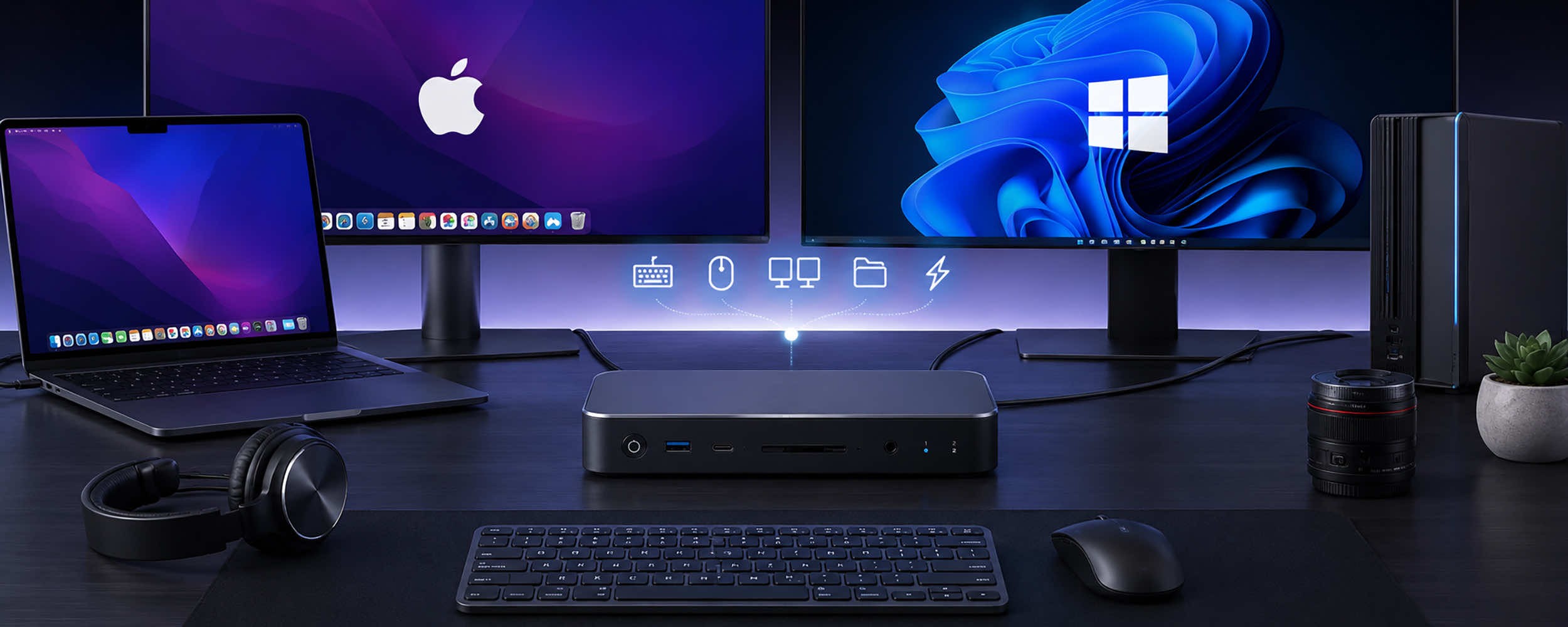
Modern workstations increasingly use more than one computer. Programmers work simultaneously on work and personal computers, graphic designers use high-performance workstations and laptops, and home users want to switch conveniently between their work computer and their gaming computer. For such applications, KVM (Keyboard, Video, Mouse) switches are the ideal solution, allowing users to control multiple computers using a single keyboard, mouse, and set of monitors.
AV Access is currently among the world’s most innovative manufacturers of KVM switches. The company specializes in USB-C, HDMI, DisplayPort, and KVM solutions with integrated docking station features. AV Access products are designed for users of Apple macOS and Microsoft Windows systems, ensuring full compatibility with MacBook, Mac mini, Mac Studio, and Mac Pro computers, as well as business laptops and high-performance desktop computers.
What is a modern KVM switch?
A classic KVM switch allows you to switch the keyboard, mouse, and monitor between two or more computers. Today’s AV Access devices offer much more.
A modern KVM switch serves as:
- a USB-C docking station,
- a USB hub,
- a monitor switcher,
- an Ethernet hub,
- an audio controller,
- a memory card reader,
- and a USB-C laptop charging system.
As a result, a single device can completely replace a traditional docking station and a separate KVM switch.
Support for Apple Mac and Windows Computers
One of the biggest advantages of AV Access devices is their full compatibility with both Apple computers and PCs.
AV Access KVM switches work perfectly with:
- MacBook Air,
- MacBook Pro,
- Mac mini,
- Mac Studio,
- Mac Pro,
- PCs running Windows 10 and Windows 11,
- laptops from Dell, HP, Lenovo, ASUS, MSI, and others.
This is particularly important for users who work simultaneously in both macOS and Windows environments. With the press of a single button, you can instantly switch the keyboard, mouse, monitors, external drives, printer, and other peripherals between computers.
Comparison of the most popular AV Access KVM switch models
AV Access iDock C10 – compact KVM docking station
The iDock C10 is designed for users of USB-C laptops and desktop computers.
Key features:
- supports two computers, including one laptop and one desktop,
- support for two 4K monitors,
- maximum refresh rate of 165Hz
- docking station functionality: 1x USB-C, 3x USB-A 3.0, 2x USB-A 2.0, SD card reader
- Power Delivery up to 60W,
- Gigabit Ethernet RJ45 port,
- one-button switching.
Note: macOS does not support MST technology over USB-C, so external monitors will display duplicated content. (For information on supporting two extended displays on macOS, see the iDock M10)
This model is ideal for offices, accounting departments, administrative offices, and hybrid workers.
AV Access iDock C20 – Professional KVM for Two Laptops and Two 4K Monitors
The AV Access iDock C20 is an advanced USB-C KVM switch designed for users who expect maximum functionality while maintaining ease of use. This model allows you to share two monitors, a keyboard, a mouse, and USB devices between two laptops/notebooks.
The device features a USB-C docking station with Power Delivery charging up to 60W, allowing a single USB-C cable to simultaneously transmit video and data while powering the connected notebook. The iDock C20 also offers high-speed USB ports for connecting external drives, webcams, audio interfaces, and other peripherals.
Key features of the iDock C20:
- support for two laptops,
- compatibility with two 4K60Hz monitors,
- resolution up to 4K UHD,
- Power Delivery up to 60W,
- one-button switching,
- advanced EDID emulation,
- full compatibility with macOS and Windows (Note: macOS does not support MST technology over USB-C, so external monitors will display duplicated content. (For information on supporting two extended displays in macOS, see the iDock M10)
- Docking station features: 2x USB 3.0, 4x USB 2.0, 1x USB-C, SD card reader
This model is ideal for offices, home offices, design departments, and anywhere else where users work simultaneously on both a work laptop and a personal laptop.
AV Access iDock M10 – an advanced KVM switch designed for MacBooks and PCs
The AV Access iDock M10 is designed for users seeking a simple and efficient solution for switching between a PC and a MacBook while maintaining full docking station functionality.
Despite its compact size, the device offers extensive functionality, including support for high-resolution monitors, USB devices, Ethernet, and USB-C laptop charging. As a result, the iDock M10 is ideal for both business environments and workstations used for creative work.
Key features of the iDock M10:
- switching between two computers, including one MacBook and one PC
- docking station features: 2x USB 3.2, 2x USB 3.0, 1x USB-C, 1x SD card reader
- high-speed USB ports for peripherals,
- support for high-resolution monitors up to 4K60Hz,
- Power Delivery up to 100W,
- Gigabit Ethernet,
- compatibility with Apple MacBook, Mac mini, Mac Studio, and Windows computers,
- fast switching without losing monitor settings thanks to EDID Emulation technology.
The M10 model is especially recommended for programmers, IT administrators, hybrid workers, and those who use both a work computer and a personal computer simultaneously. Thanks to its compact size, the device is also ideal for modern, minimalist workstations.
AV Access iDock B10 – a professional 8K KVM for demanding users
The iDock B10 is one of AV Access’s most popular KVM switches.
The device offers:
- two computer inputs for one laptop and one desktop PC
- support for two monitors up to 8K60Hz resolution,
- resolution up to 8K60Hz,
- 100W Power Delivery,
- 10 Gb/s USB ports,
- a 1G Ethernet RJ45 port,
- audio outputs,
- and advanced EDID emulation.
Thanks to its high bandwidth, it works perfectly with 4K, 5K, 6K, and 8K monitors used by graphic designers, photographers, and video editors.
AV Access iDock B23 – a solution for 8K multi-monitor setups
One of the most advanced products in the lineup is the AV Access iDock B23.
This model was designed for professional users who use three monitors simultaneously and work on both a desktop PC and a laptop.
Key features:
- support for three monitors,
- resolution up to 8K60Hz,
- Power Delivery up to 100W,
- Docking station: high-speed USB ports, including 3x USB-A 3.0, 2x USB-A 3.2, 1x USB-C, and 1x SD card reader
- Gigabit Ethernet RJ45,
- audio outputs,
- full compatibility with macOS and Windows.
This device is particularly well-suited for:
- design studios,
- architectural firms,
- CAD environments,
- analytical departments,
- monitoring centers,
- trading stations.
- 8K resolution and refresh rates up to 240 Hz
High image quality is one of the most important features of modern KVM switches.
Selected AV Access models support resolutions of 4K at 144 Hz, 4K at 165 Hz, 4K at 240 Hz, and 8K at 60 Hz.
These specifications make the devices suitable for both professionals working with 4K and 8K content and gamers seeking maximum image smoothness.
Unlike many low-cost KVM switches available on the market, AV Access devices preserve full signal quality and do not limit the refresh rates of gaming monitors.
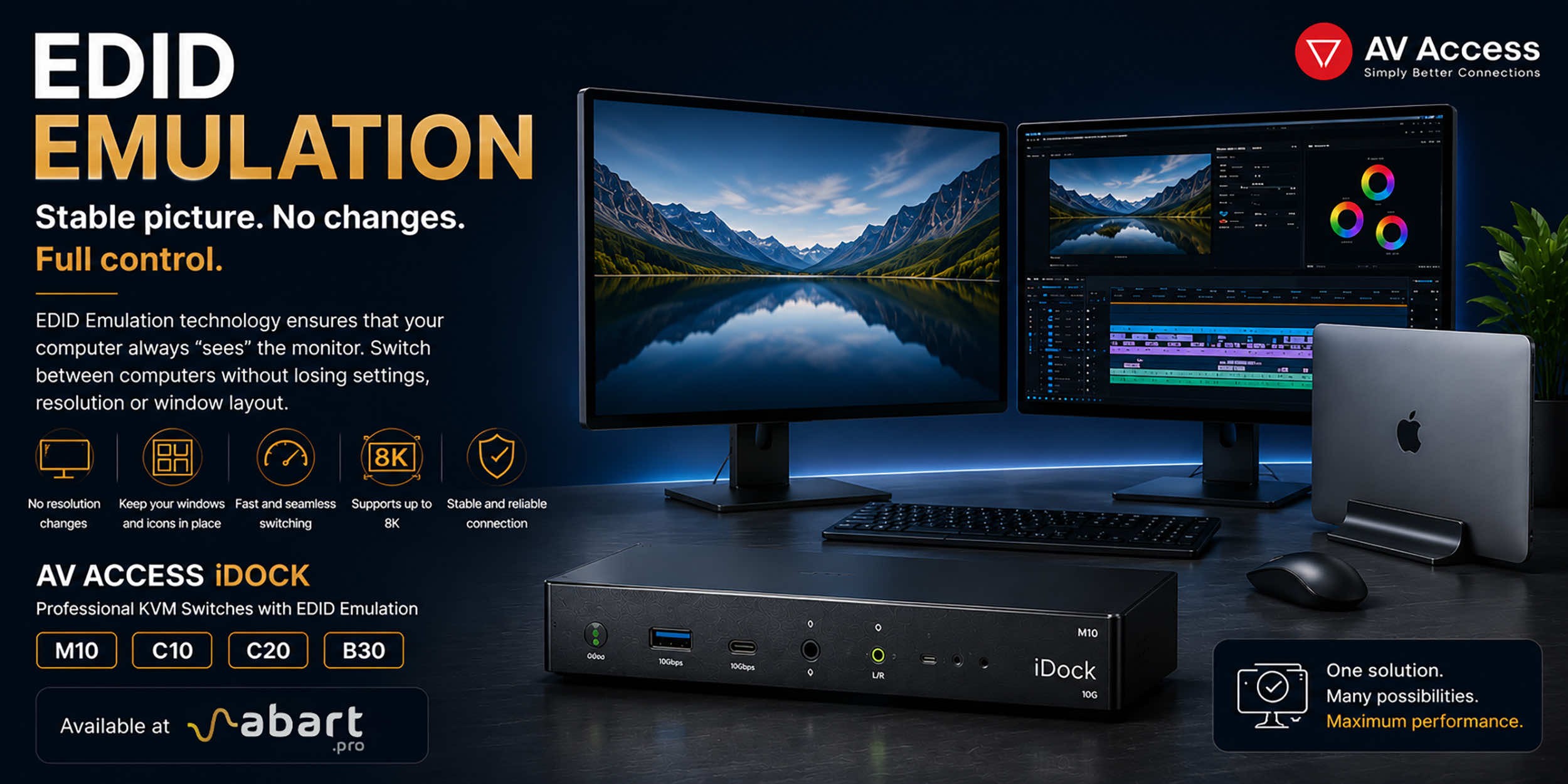
EDID Emulation – A Key Feature for Professionals
One of the most underrated features of KVM switches is EDID Emulation.
This technology ensures that the computer “sees” the monitor at all times, even when the user switches to a second device.
The benefits are enormous:
- no need to reposition application windows,
- no need to redetect monitors,
- no resolution issues,
- faster switching between computers,
- greater stability of the work environment.
This feature is particularly valued by users of Adobe Creative Cloud, DaVinci Resolve, AutoCAD, SolidWorks, Final Cut Pro, and other professional applications.
Power Delivery up to 100 W
Select AV Access KVM switch models can simultaneously charge a connected laptop.
Support for USB-C Power Delivery up to 100 W allows you to power:
- MacBook Pro,
- MacBook Air,
- Dell XPS,
- Lenovo ThinkPad,
- HP EliteBook,
- ASUS ZenBook,
- and other USB-C laptops.
This eliminates the need for additional power adapters and simplifies workspace organization.
Extensive Device Connectivity Options
AV Access KVM switches are equipped with numerous additional ports.
Depending on the model, users get:
- 5 Gb/s USB-A ports,
- 10 Gb/s USB-A ports,
- USB-C ports,
- SD and microSD card readers,
- Gigabit Ethernet RJ45,
- 3.5 mm audio outputs,
- microphone inputs,
- HDMI ports,
- DisplayPort ports.
This allows you to connect external drives, audio interfaces, webcams, printers, memory card readers, and many other devices to the switch.
Applications of AV Access KVM Switches
AV Access solutions are used in many professional environments.
They are most commonly chosen by:
- computer graphic designers,
- photographers,
- video editors,
- programmers,
- IT administrators,
- financial analysts,
- architects,
- CAD designers,
- gamers,
- and home office users.
The ability to support two or three monitors and switch instantly between computers significantly increases productivity and makes daily work more comfortable.
AV Access at Abart Pro – the official sales channel in Poland
Abart Pro is the official sales channel for AV Access products in Poland. We offer the full range of the brand’s KVM switches, docking stations, KVM extenders, and AV-over-IP solutions. We provide expert technical advice, assistance in selecting the right model, and support for business customers and professional users.
By choosing AV Access KVM switches from Abart Pro, you get modern, premium-class solutions that ensure the highest performance, operational stability, and full compatibility with Apple Mac and Windows computers.
Related posts
-
Nowość! Stacja dokująca od Sonnet z dwoma zatokami na dyski NVMe
03/17/2022Sonnet has released the latest docking station enabling the installation of two PCIe NVMe M.2 2280 drives with a...Read more -
Trzy wyświetlacze do Apple Mac z M1/M2/M3? To nie problem!
03/18/2022We know perfectly well how good Apple processors from the M1, M2 and M3 families are. These systems used in Apple...Read more -
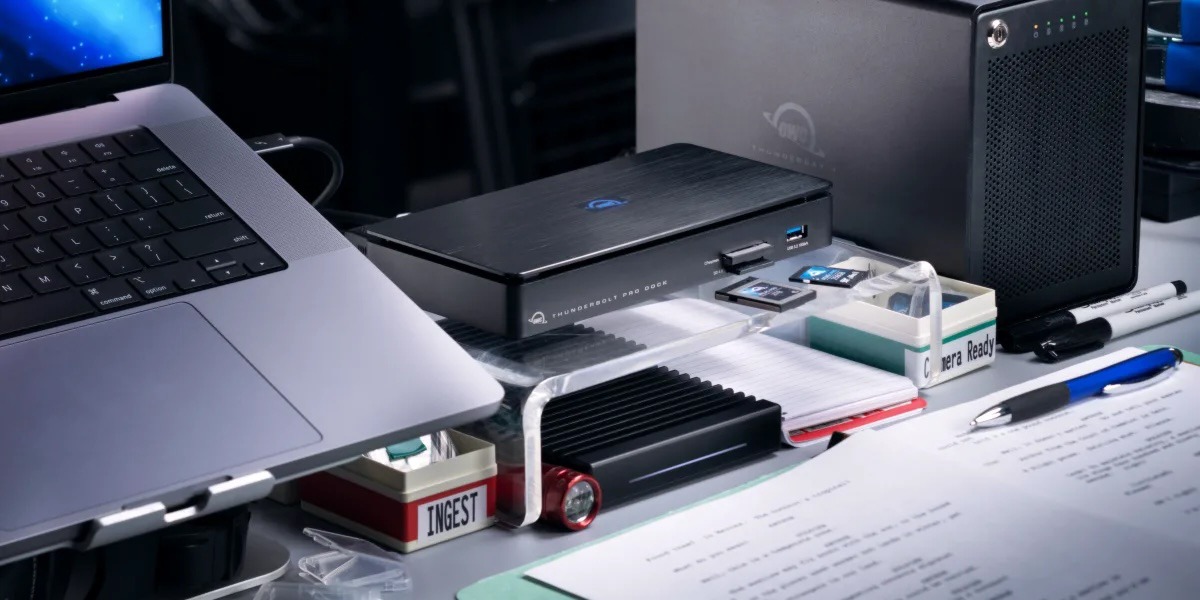
OWC Thunderbolt Pro Dock - The best docking station for professional developers
01/26/2024OWC Thunderbolt Pro Dock – high throughput and flexibility for demanding professionals working with high resolution...Read more -
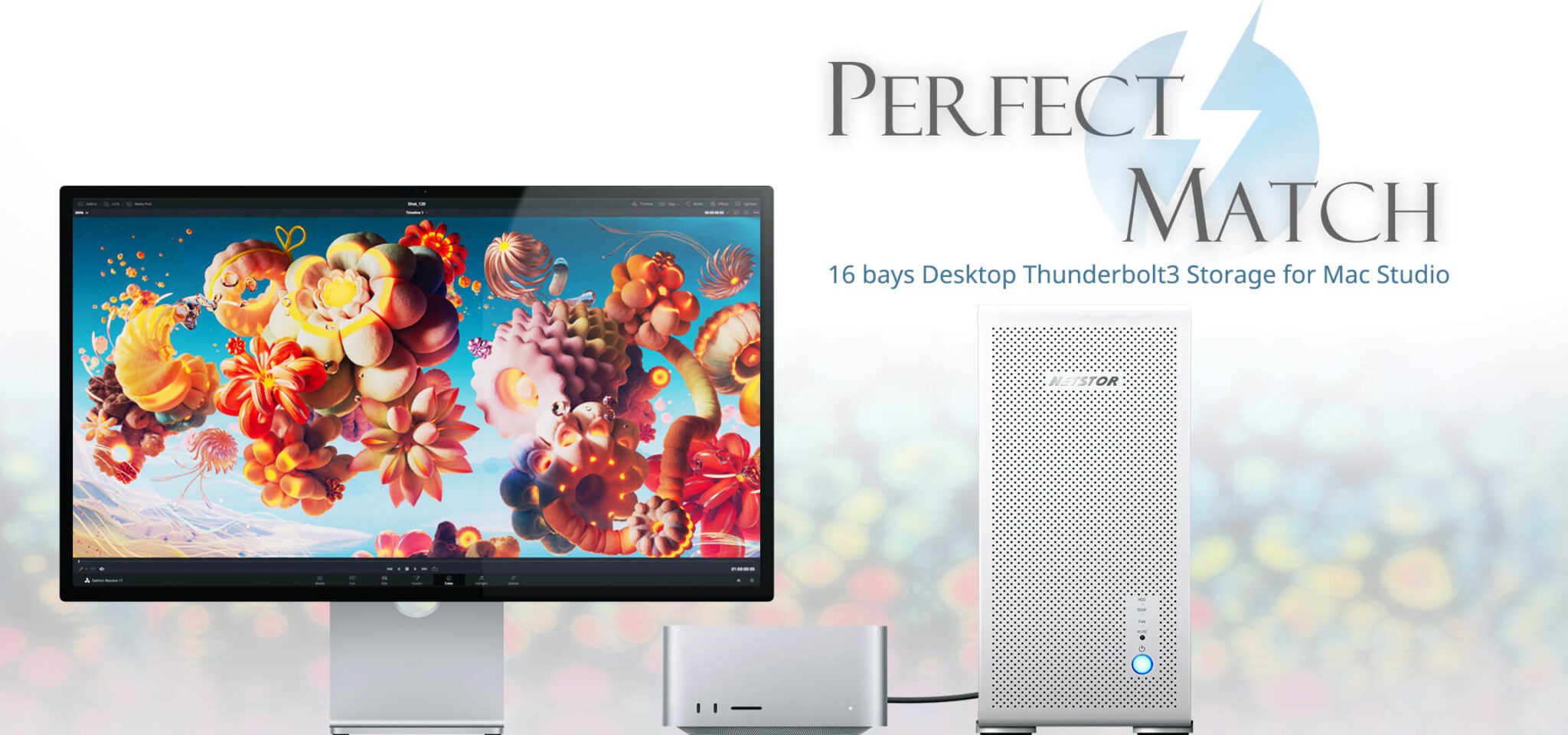
Do 320TB w sprzętowym RAID poprzez port Thunderbolt. Z Mac Studio idealna para!
01/26/2024Netstor NS780TB3 is a 16-bay enclosure that allows you to connect up to 320TB of fast mass storage to a computer...Read more -
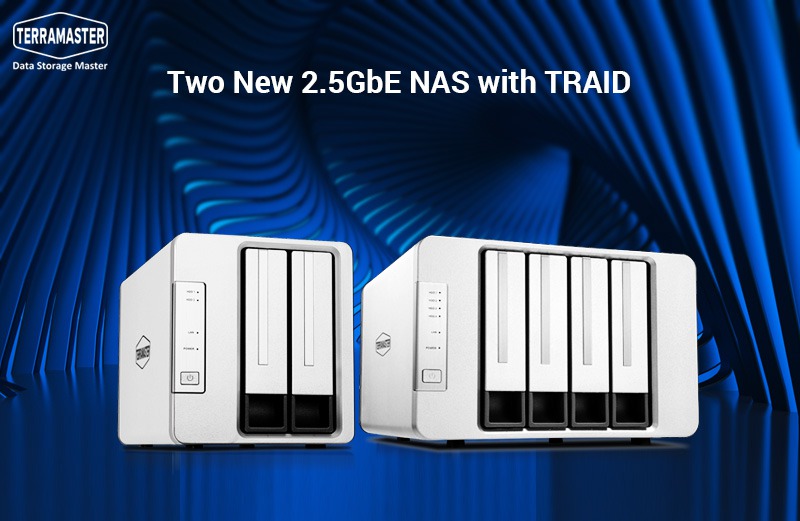
Nowe NASy od TerraMaster z 2x 2,5GbE i zatokami na 2x M.2 SSD
01/26/2024The new TerraMaster F2-223 and F4-223 NAS devices support TRAID. This is a flexible disk array management tool...Read more

Leave a comment