
Z naszego bloga
-
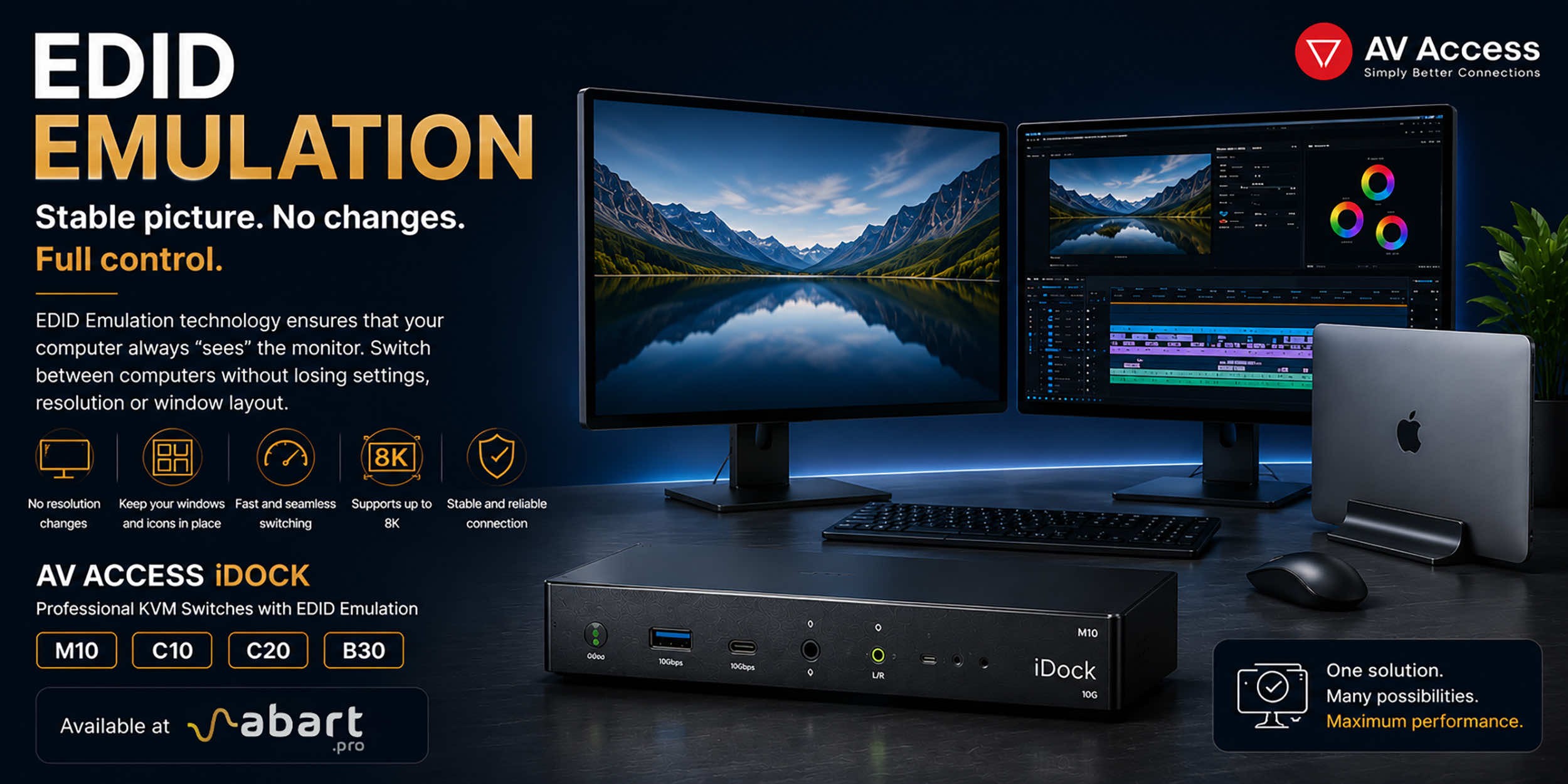 EDID Emulation – What Is It and Why Should You Choose AV...
When working with multiple computers using a KVM switch, one of the most common issues is the need to re-detect the monitor after switching the signal source. This can result in changes to the resolution, icons shifting on the desktop, application windows moving to different locations, and sometimes even a temporary loss of the image. The solution to this problem is EDID Emulation technology, available in professional AV Access iDock KVM switches offered by Abart Pro.
-
 Internet światłowodowy 2 Gb/s, 8 Gb/s i więcej w Polsce –...
Just a few years ago, 1 Gb/s fiber-optic Internet seemed like a solution reserved for the most demanding business users. Today, the situation is completely different. More and more providers in Poland are offering connections exceeding 1 Gb/s, and Internet access with speeds of 2 Gb/s or even 8 Gb/s is becoming a reality for both home users and professionals.
-
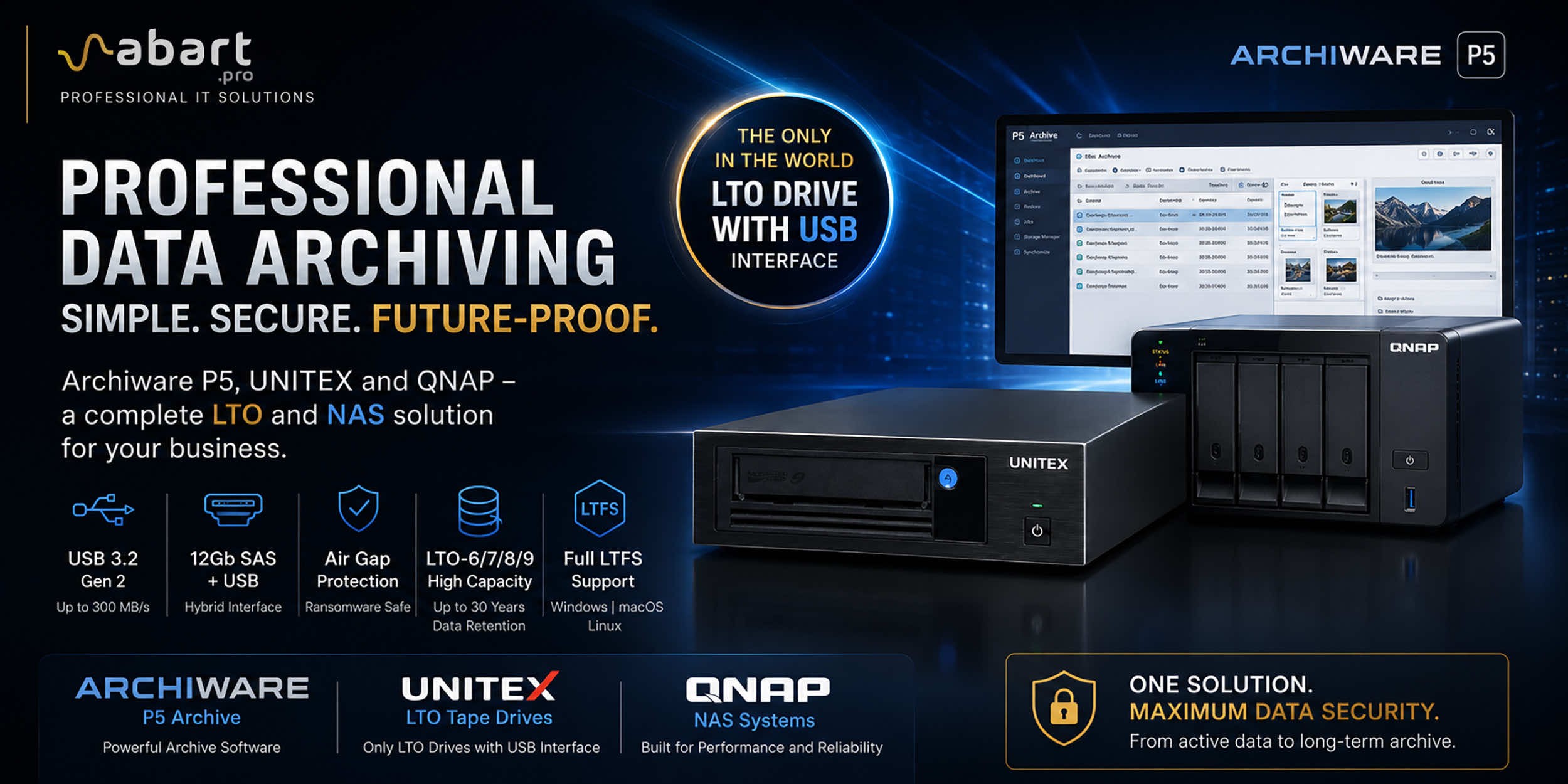 Archiware P5, UNITEX, and QNAP – a complete solution for...
Data Archiving Without Compromise – Archiware P5, UNITEX, and QNAP Create a Comprehensive Data Protection Environment In an era of growing data volumes and increasingly frequent ransomware threats, professional archiving is becoming an essential component of IT infrastructure. Companies involved in film production, photography, CAD design, scientific research, and public administration need a solution that is secure, easy to use, and cost-effective. The combination of Archiware P5 software, UNITEX LTO external drives, and QNAP NAS servers creates a comprehensive environment for long-term data archiving, eliminating many of the limitations of traditional solutions.
-
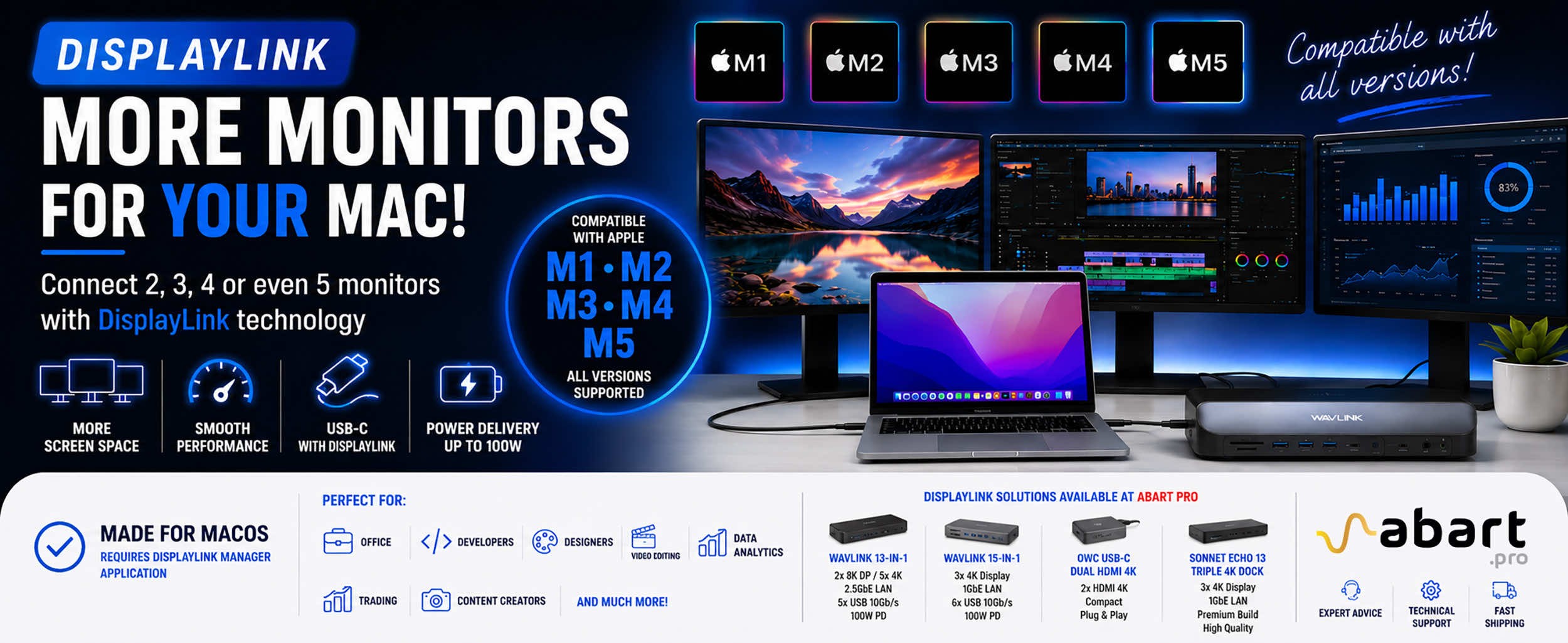 DisplayLink – How to Connect More Monitors to Apple Mac...
DisplayLink is a technology that easily expands the workspace of Apple Mac computers running macOS, PCs running Windows, and devices running ChromeOS and Android without compromising image quality or the performance of your Mac
Blog categories
Search in blog
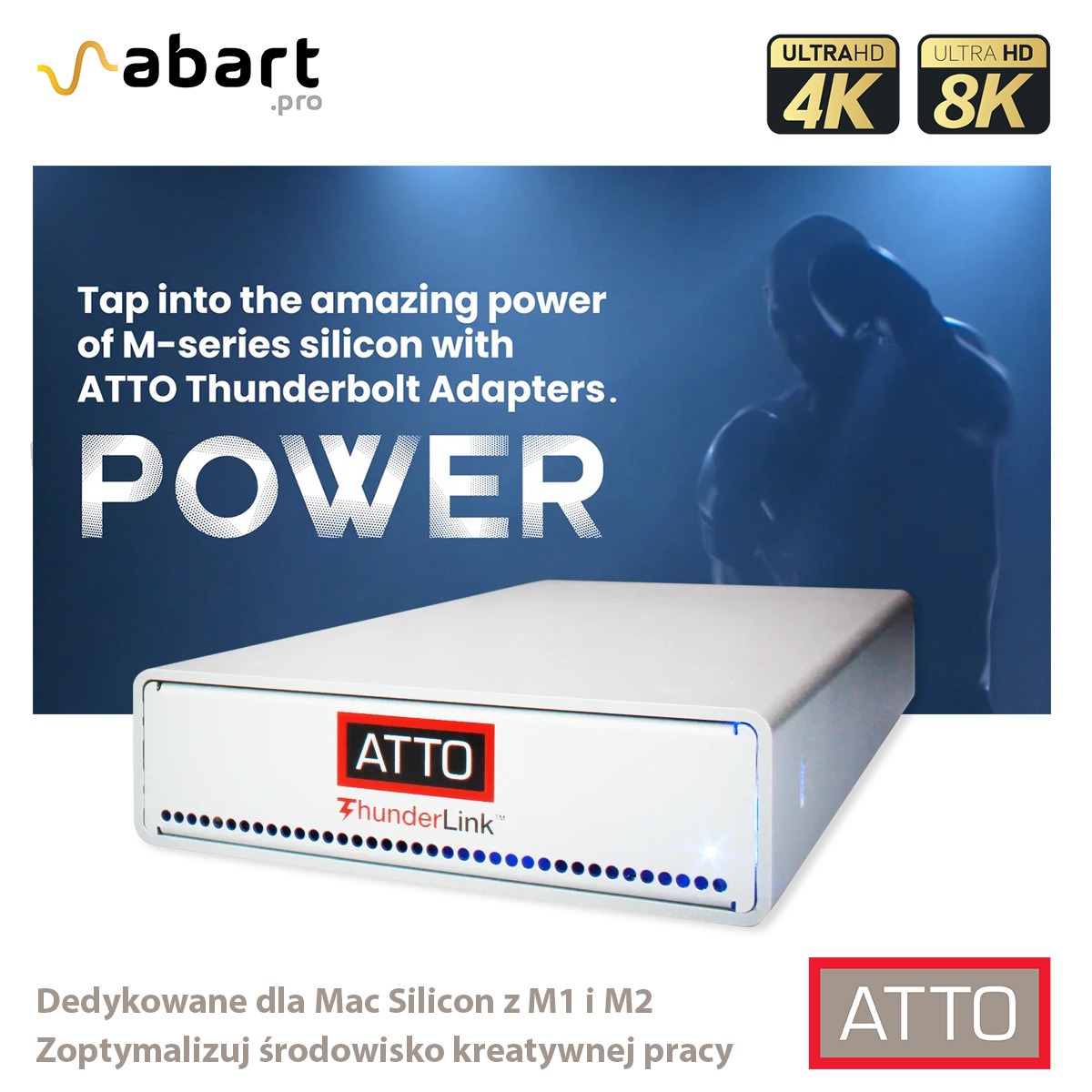
ATTO ThunderLink - optimized to work with Mac Silicon M1, M2 and M3
The new Mac mini and MacBook Pro computers equipped with M2 Pro and M2 Max processors have very high computing power, sufficient to process 8K/4K material.
The fastest communication ports on Macs are 40 Gb/s Thunderbolt™ 4 ports.
How can you use these ports for fast network transmission?
You can use ATTO ThunderLink Thunderbolt™ adapters. ATTO ThunderLink Thunderbolt™ are designed to maximize Apple Silicon performance by connecting directly to a workstation and a high-speed Ethernet network.
Ethernet 25/10 Gb/s, SAS 12 Gb/s, Fiber Channel 32/16 Gb/s are ATTO ThunderLink Thunderbolt solutions.
No matter which M-series Mac you use, ATTO ThunderLink Thunderbolt™ is tested and approved for use with any Silicon-series processor.
By connecting to a fast Ethernet network, you will optimize the performance of M series processors and significantly improve the comfort and efficiency of your creative work.
The ATTO ThunderLink Thunderbolt™ adapter was designed for creative professionals
Faster, more efficient and more reliable, with much greater compatibility than any other Thunderbolt™ adapter, ATTO ThunderLink Thunderbolt™ was created to support the work of creative professionals.
They are small and portable, easy to stack or rack mount with the ATTO ThunderRack.
ATTO ThunderLink Thunderbolt™ are certified for Mac, Windows and VMware ESXi computers
You can mix and match operating systems in your production chain as you like, knowing that ATTO ThunderLink will share and move data between them all.
The ATTO ThunderLink Thunderbolt™ kit also includes all necessary optical components (SFP+, QSFP+, SFP28). Before being put on sale, they are subjected to rigorous testing to ensure data compatibility and integrity.
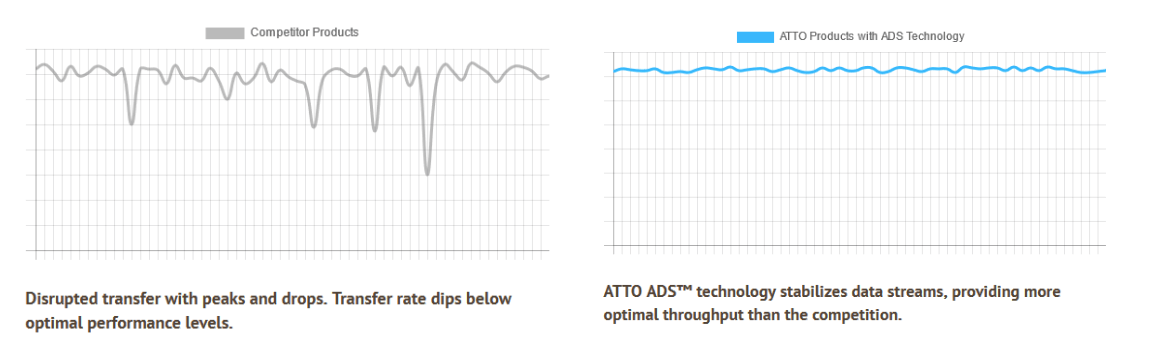
Real-time streaming in HD, 2K, 4K and higher
Complete projects faster and produce high-quality results with the optimized performance of ThunderLink adapters.
Up to 2,750 MB/s using your computer's Thunderbolt™ 3 or Thunderbolt™ 4 ports. ATTO ThunderLink Thunderbolt™ adapters are compatible with both types of connections.
5x more compatibility than any other Thunderbolt™ adapter
Need to connect your Thunderbolt™-enabled computer to a Fiber Channel or Ethernet network, or connect devices directly via SAS/SATA?
We have a ThunderLink adapter so you can get started in no time.
All ATTO ThunderLink products are compatible with Thunderbolt™ 3 and Thunderbolt™ 4 connections, so you don't have to worry.

Related posts
-
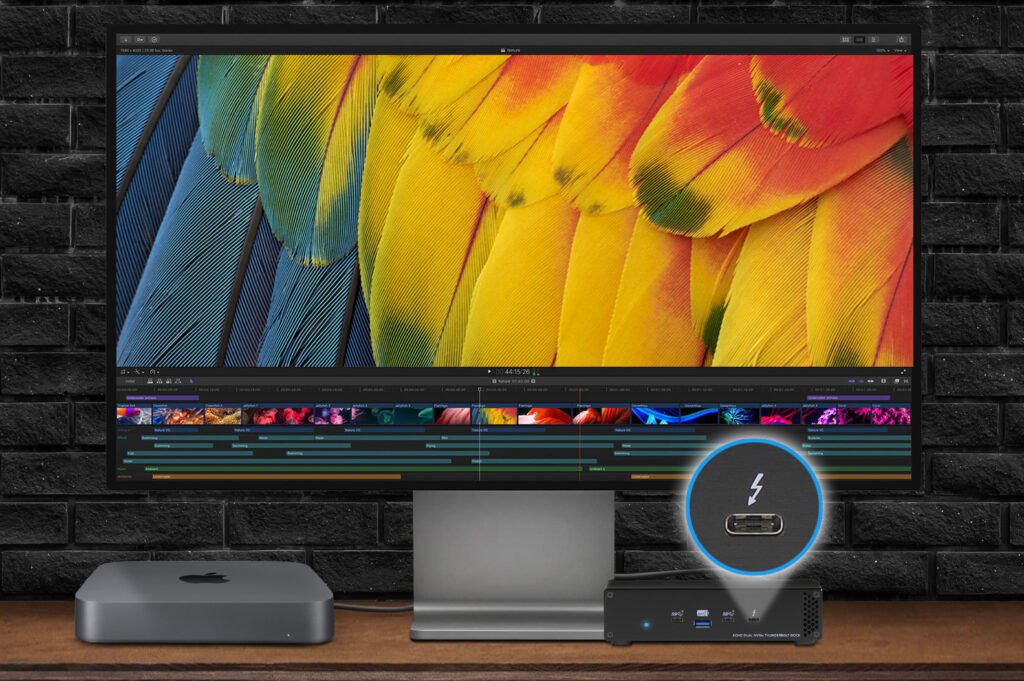 Nowość! Stacja dokująca od Sonnet z dwoma zatokami na dyski NVMe
Sonnet has released the latest docking station enabling the installation of two PCIe NVMe M.2 2280 drives with a...Read more
Nowość! Stacja dokująca od Sonnet z dwoma zatokami na dyski NVMe
Sonnet has released the latest docking station enabling the installation of two PCIe NVMe M.2 2280 drives with a...Read more -
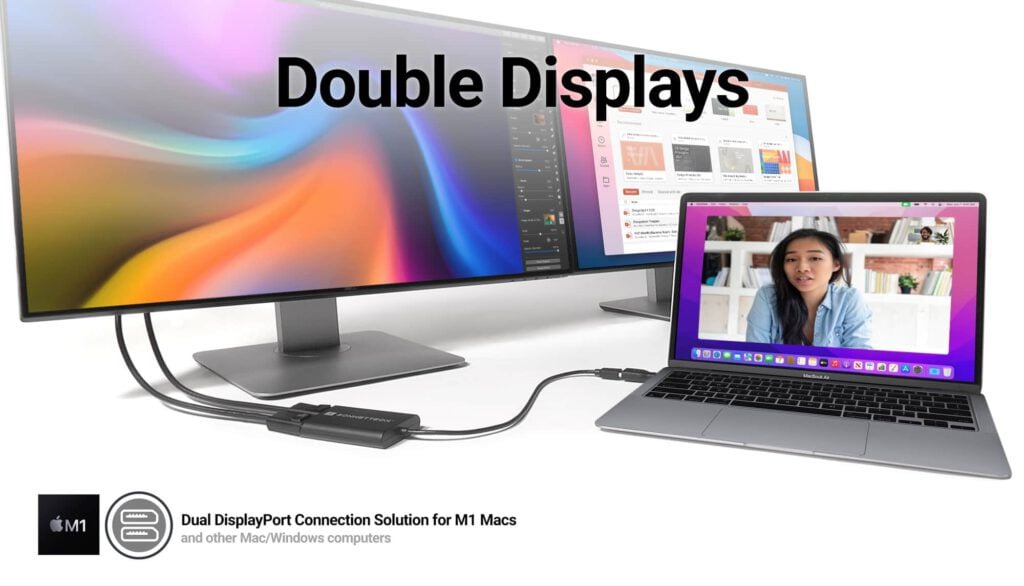 Trzy wyświetlacze do Apple Mac z M1/M2/M3? To nie problem!
We know perfectly well how good Apple processors from the M1, M2 and M3 families are. These systems used in Apple...Read more
Trzy wyświetlacze do Apple Mac z M1/M2/M3? To nie problem!
We know perfectly well how good Apple processors from the M1, M2 and M3 families are. These systems used in Apple...Read more -
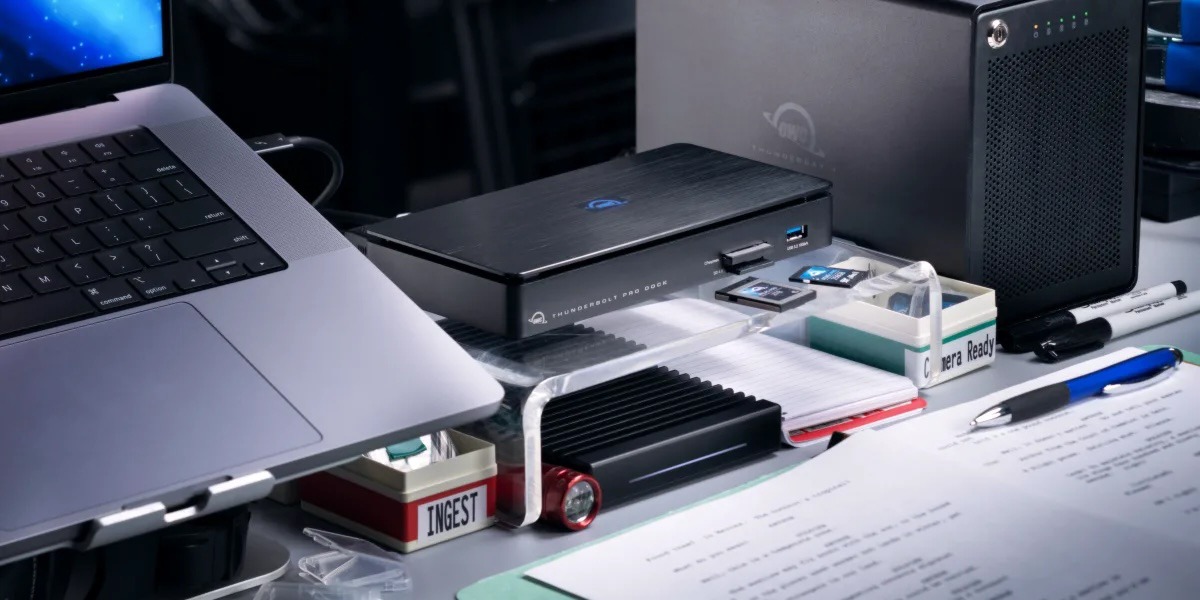 OWC Thunderbolt Pro Dock - The best docking station for professional developers
OWC Thunderbolt Pro Dock – high throughput and flexibility for demanding professionals working with high resolution...Read more
OWC Thunderbolt Pro Dock - The best docking station for professional developers
OWC Thunderbolt Pro Dock – high throughput and flexibility for demanding professionals working with high resolution...Read more -
 Do 320TB w sprzętowym RAID poprzez port Thunderbolt. Z Mac Studio idealna para!
Netstor NS780TB3 is a 16-bay enclosure that allows you to connect up to 320TB of fast mass storage to a computer...Read more
Do 320TB w sprzętowym RAID poprzez port Thunderbolt. Z Mac Studio idealna para!
Netstor NS780TB3 is a 16-bay enclosure that allows you to connect up to 320TB of fast mass storage to a computer...Read more -
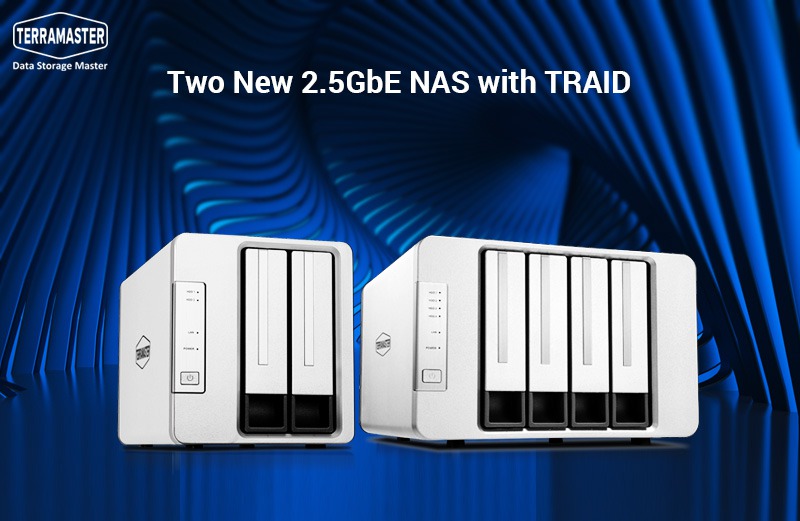 Nowe NASy od TerraMaster z 2x 2,5GbE i zatokami na 2x M.2 SSD
The new TerraMaster F2-223 and F4-223 NAS devices support TRAID. This is a flexible disk array management tool...Read more
Nowe NASy od TerraMaster z 2x 2,5GbE i zatokami na 2x M.2 SSD
The new TerraMaster F2-223 and F4-223 NAS devices support TRAID. This is a flexible disk array management tool...Read more
Leave a comment