
Z naszego bloga
-
 EDID Emulation – What Is It and Why Should You Choose AV...
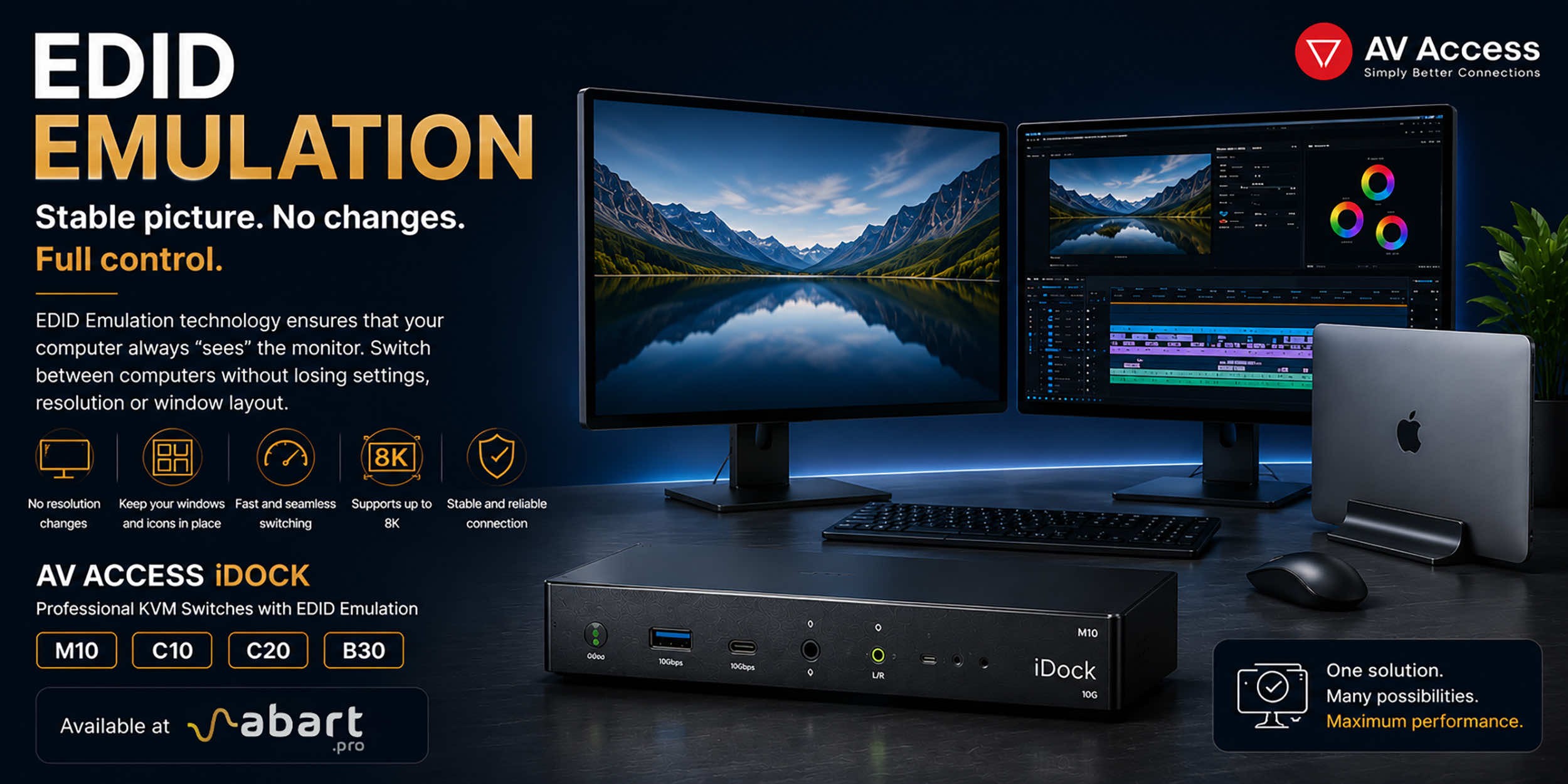
When working with multiple computers using a KVM switch, one of the most common issues is the need to re-detect the monitor after switching the signal source. This can result in changes to the resolution, icons shifting on the desktop, application windows moving to different locations, and sometimes even a temporary loss of the image. The solution to this problem is EDID Emulation technology, available in professional AV Access iDock KVM switches offered by Abart Pro.
-
 Internet światłowodowy 2 Gb/s, 8 Gb/s i więcej w Polsce –...
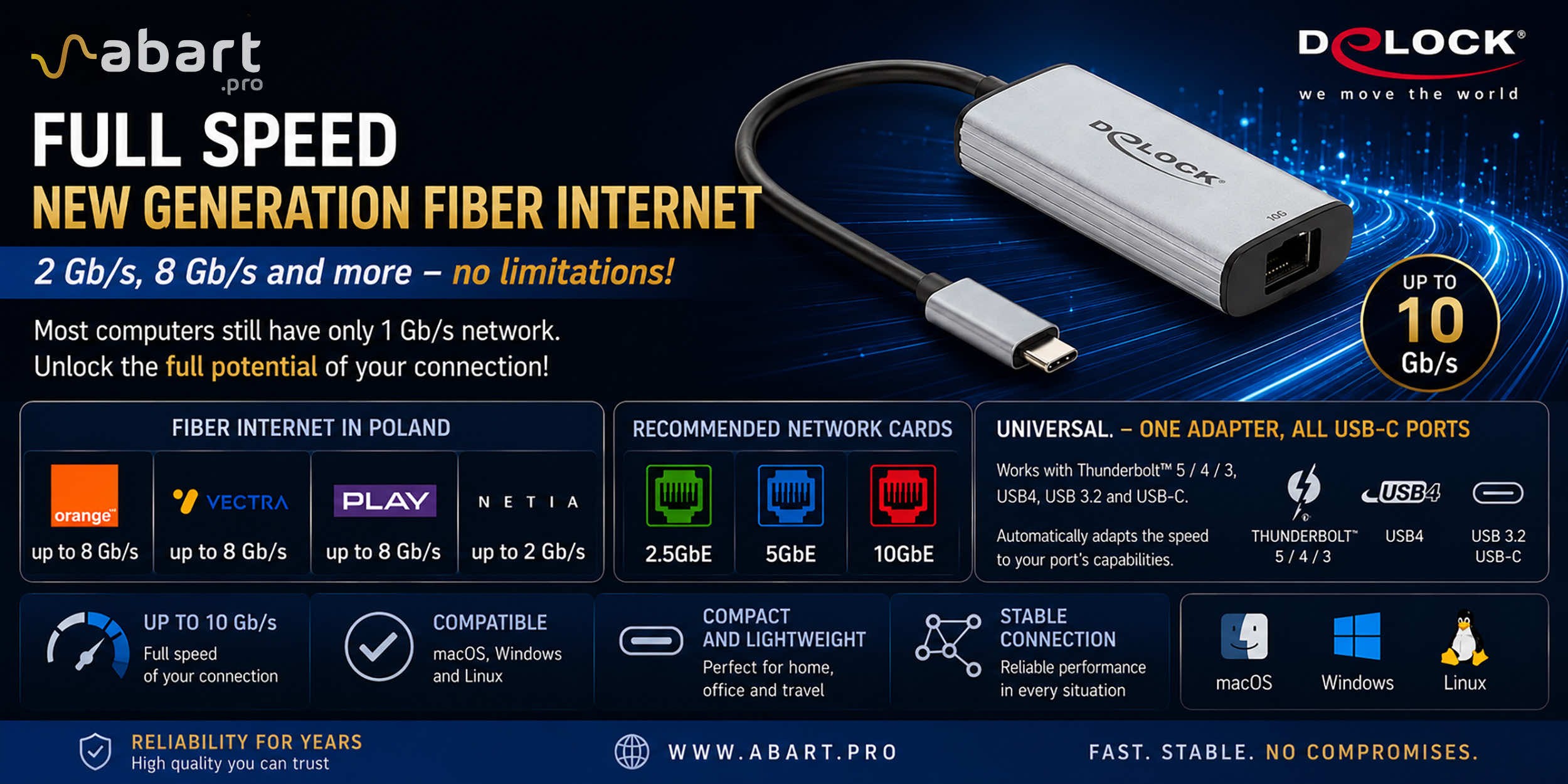
Just a few years ago, 1 Gb/s fiber-optic Internet seemed like a solution reserved for the most demanding business users. Today, the situation is completely different. More and more providers in Poland are offering connections exceeding 1 Gb/s, and Internet access with speeds of 2 Gb/s or even 8 Gb/s is becoming a reality for both home users and professionals.
-
 Archiware P5, UNITEX, and QNAP – a complete solution for...
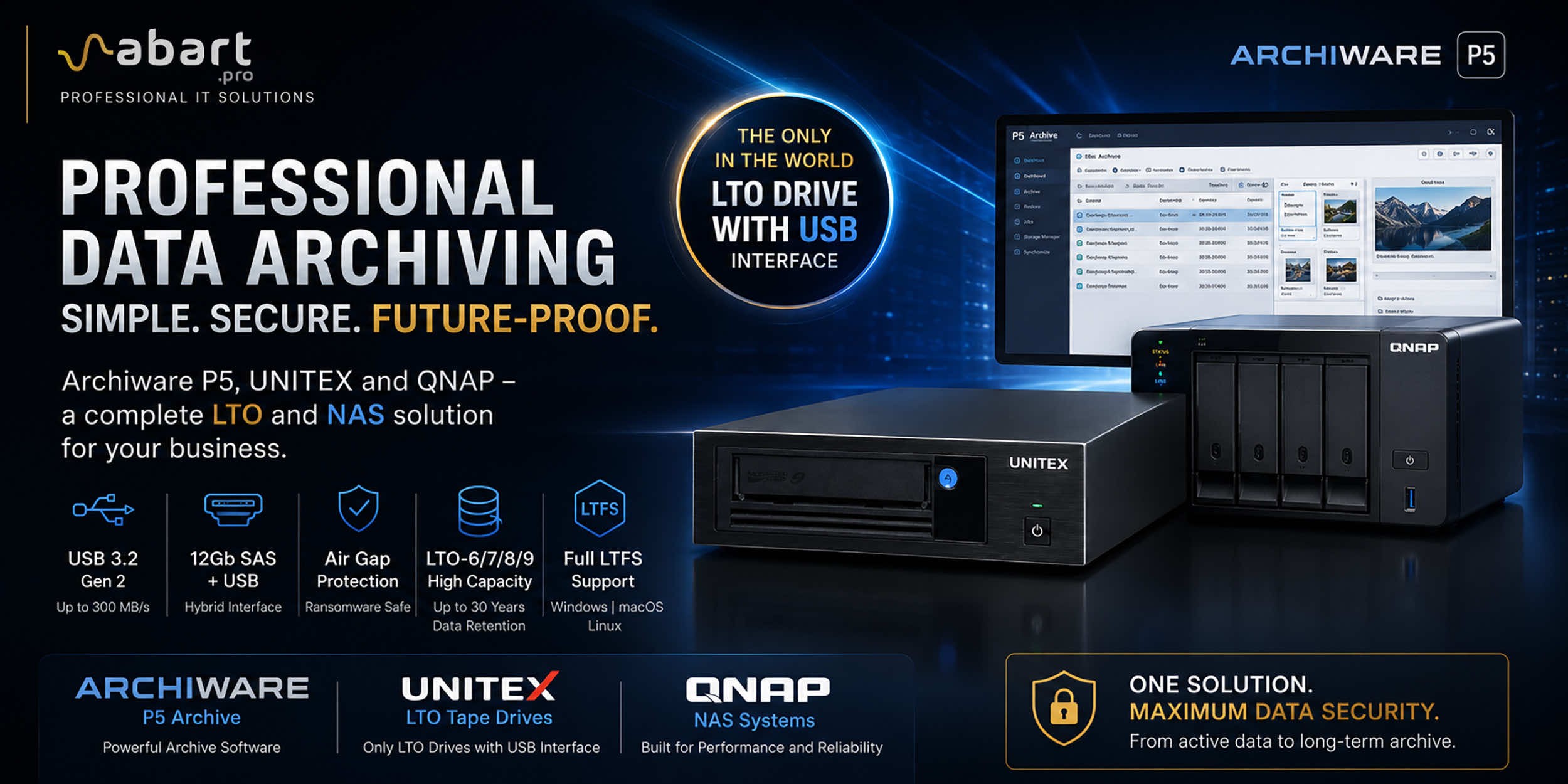
Data Archiving Without Compromise – Archiware P5, UNITEX, and QNAP Create a Comprehensive Data Protection Environment In an era of growing data volumes and increasingly frequent ransomware threats, professional archiving is becoming an essential component of IT infrastructure. Companies involved in film production, photography, CAD design, scientific research, and public administration need a solution that is secure, easy to use, and cost-effective. The combination of Archiware P5 software, UNITEX LTO external drives, and QNAP NAS servers creates a comprehensive environment for long-term data archiving, eliminating many of the limitations of traditional solutions.
-
 DisplayLink – How to Connect More Monitors to Apple Mac...
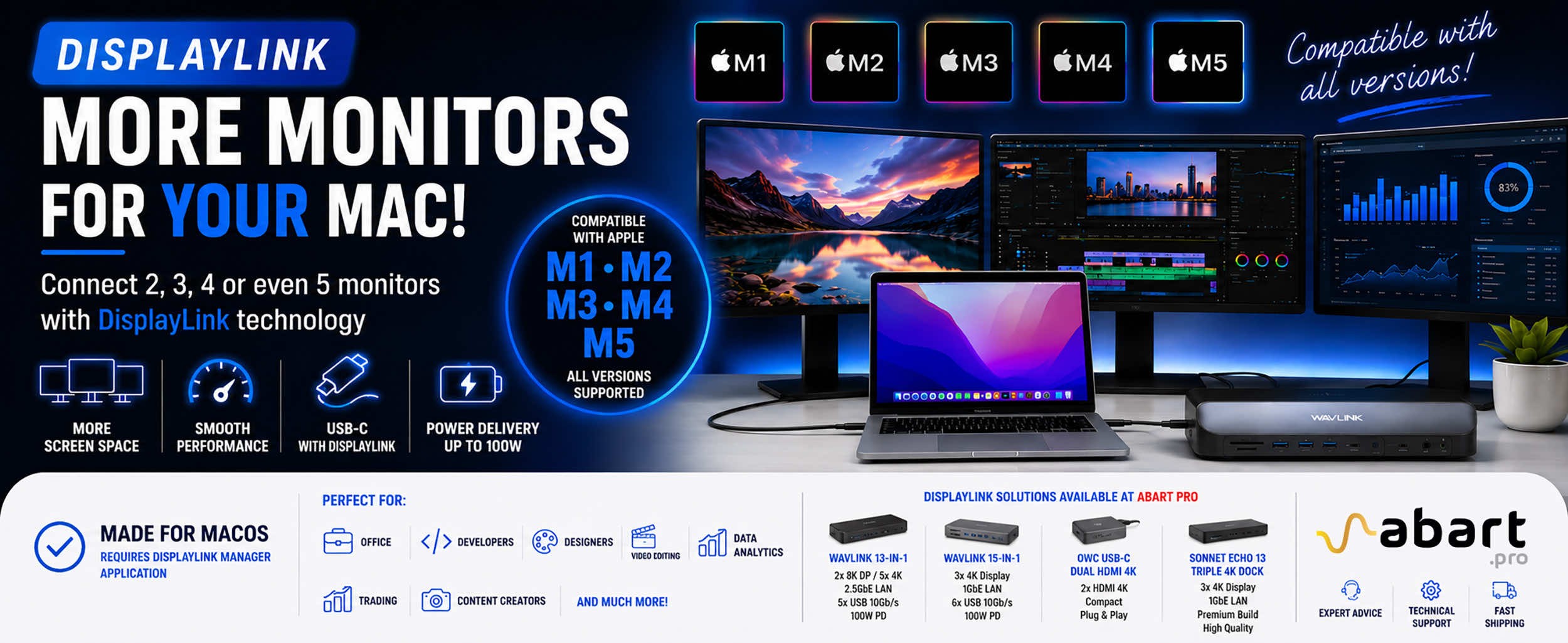
DisplayLink is a technology that easily expands the workspace of Apple Mac computers running macOS, PCs running Windows, and devices running ChromeOS and Android without compromising image quality or the performance of your Mac
Blog categories
Search in blog
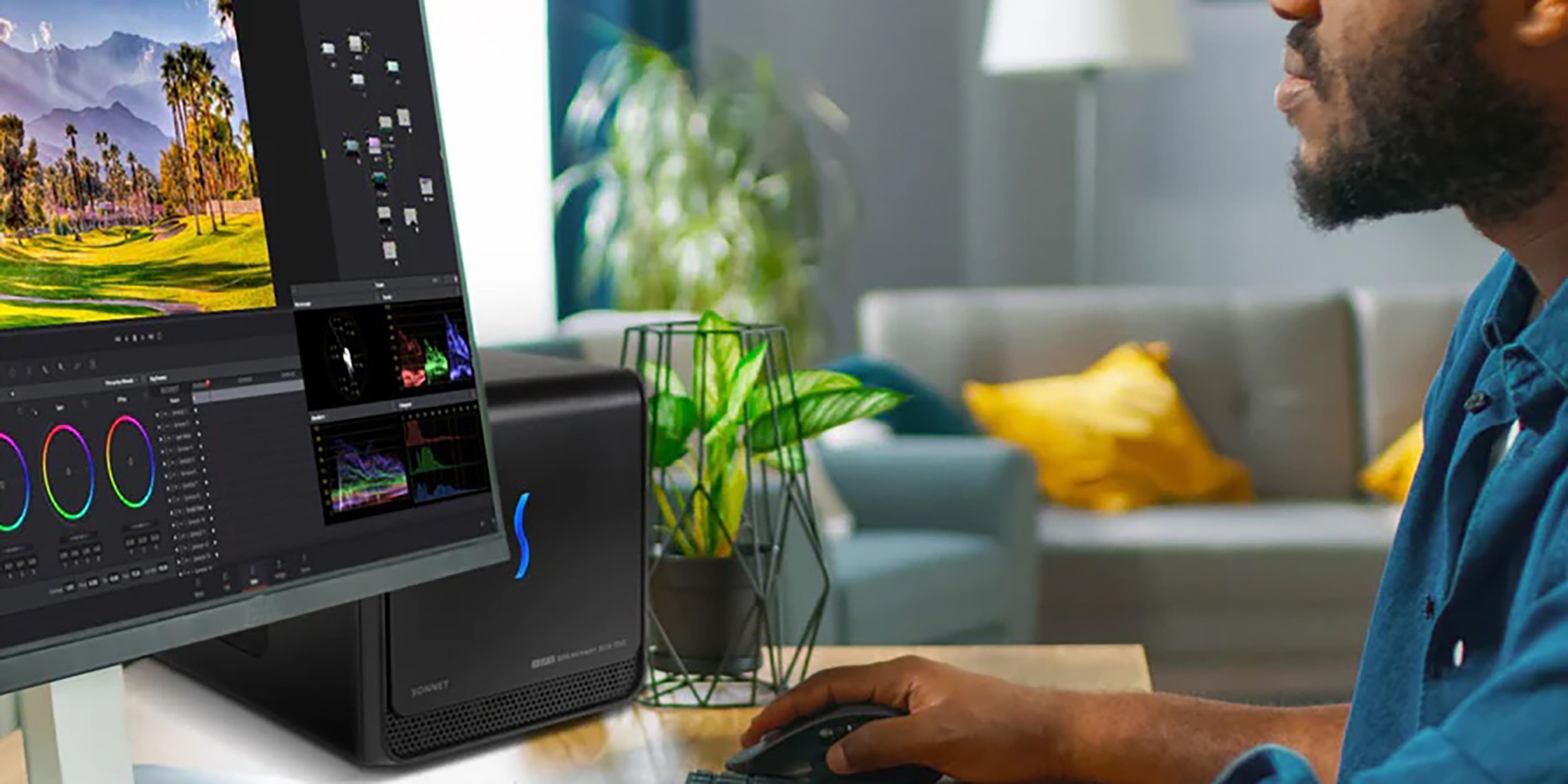
Advantages of using the Sonnet 750ex eGPU with the PNY RTX A2000 16GB card in CAD/CAM programs
Today, due to the need for mobility, even the most advanced graphics work is done on laptops equipped with integrated or dedicated graphics cards. Despite the significant advantages of this solution – the ability to work anywhere, present projects directly to clients, and use one device for multiple purposes, i.e., work and content consumption – it also has significant disadvantages.
Limitations when using a built-in GPU
The main ones include the limited performance of the GPU built into a laptop/notebook due to its mobile version and the high operating temperature of the entire device. The second limitation is the small number – usually one additional – of connectable external monitors due to the limited number of compatible ports and the limitations of the GPU built into the laptop.
Solutions to overcome basic limitations
The second limitation can be easily circumvented by connecting an external docking station with additional HDMI or DisplayPort outputs from companies such as Abart Pro, Sonnettech, Acasis, LMP, or CalDigit. However, we are unable to eliminate the power limitation caused by the mobile version of the GPU in the laptop and the overheating of this chip. We also have to accept that the higher the operating temperature, the shorter the life of the equipment, and thus the more frequent investments in more expensive equipment with a dedicated mGPU.
But even in this case, there is a solution that can completely eliminate the performance limitations associated with the built-in GPU. It is an external eGPU connected to a PC/laptop/notebook via a Thunderbolt 40Gb/s port (Thunderbolt 3, Thunderbolt 4, or Thunderbolt 5). Thanks to the use of an external eGPU enclosure containing one PCIe 3.0 x16 slot, a power supply with a capacity of up to 750W, and efficient cooling, we can connect even a laptop with the simplest built-in graphics card – implemented, for example, in an Intel CPU – to a powerful gaming card or a card for professional applications dedicated to CAD/CAM/GIS/BIM or other applications. The external eGPU enclosures that we recommend and offer are the Akitio Node Titan 650W eGPU enclosure for Nvidia 30xx series cards. For higher series and professional cards, we recommend the SonnetTech Sonnet eGPU Breakaway Box 750ex enclosure.

Which computers can we connect an eGPU to?
Please note that external eGPUs can be connected to Apple Mac computers equipped with an Intel processor, but it must be an AMD Radeon series card up to the 6900 XT model. Earlier supported card models include AMD Radeon RX 560, RX 570, RX 580, RX 6600, RX 6800, RX 6800XT, and RX6900. Apple Mac computers with Silicon processors, i.e., the M1, M2, M3, and M4 series, are not compatible with eGPUs. However, any graphics card can be connected to computers running Windows 10 or Windows 11. The only requirement is a computer with a Thunderbolt port of at least 40Gb/s, i.e. Thunderbolt 3, Thunderbolt 4, or Thunderbolt 5.
Analysis of performance gains when using an eGPU with a PNY RTX A2000 card
Below, we present the advantages of using an external eGPU solution, i.e., the Sonnet Breakaway Box 750ex enclosure and the PNY RTX A2000 16GB graphics card in CAD, CAM, and graphics programs, compared to a typical integrated graphics card in a laptop.
1. Significantly higher GPU computing power
The PNY RTX A2000 offers approximately 7.99 TFLOPS of FP32 computing power. This is many times more than the performance of most integrated Intel or AMD mGPUs. This makes working with 3D modeling, simulation, and rendering much smoother.
2. More VRAM — crucial for large scenes
The PNY A2000 model with 16 GB GDDR6 provides more space for geometry, textures, and buffers — which is especially useful for large CAD sets, complex renders, or multi-layered models. Standard integrated cards have to use RAM and quickly run out of steam in more demanding tasks.
3. Professional software support and RTX libraries
The PNY RTX A2000 is an Ampere architecture card equipped with dedicated RT (ray tracing) and Tensor cores. This allows it to take advantage of hardware acceleration, e.g., in CAD viewports, real-time rendering, or when working with engines such as NVIDIA RTX Render. Integrated GPUs generally do not have this feature.
4. Reliability and certification
A professional card such as the RTX A2000 is certified for many CAD/BIM applications. These include SolidWorks, Revit, and Inventor, which significantly increases stability and compatibility. With an external GPU, you can expect smooth viewports even with complex geometry (e.g., 26 FPS with 49 million triangles).
5. Better memory, interface, and lower latency
The RTX A2000 uses GDDR6 memory with a bandwidth of approximately 288 GB/s. Compared to integrated GPUs, which use system memory (slower, shared), transfers are significantly faster.
6. Performance compared to more powerful mobile GPUs
Although the RTX A2000 is a mid-range professional GPU, comparison tools show that the mobile RTX 3060 has higher theoretical power (~13.07 TFLOPS vs. 7.99 TFLOPS) and more units — but it is a gaming GPU, often with a limited thermal budget. The external RTX A2000, however, offers a solid balance between performance, heat, power consumption (70 W), and support for professional workflows.

Summary - advantages of using an eGPU with PNY RTX A2000:
- Greater GPU computing power
- Smoother manipulation of large geometry
- More VRAM
- Support for complex models and textures
- RT and Tensor Cores
- Faster rendering, advanced effects
- Application certification
- Stability and compatibility with professional software
- Higher memory bandwidth
- Better responsiveness and viewport performance
- Effective cooling
- Less throttling and stable clock speeds
Technical note on using the Thunderbolt connector:
It is worth remembering that we use the fast Thunderbolt interface to connect an external eGPU. Any bandwidth limitations slightly offset the performance gain compared to using the same card inserted directly into the PCIe slot. However, the performance drop does not exceed 7%, so in practice, CAD/CAM scenarios still gain significantly over the integrated GPU.
Our offer
Our Abart Pro offer includes the ready-made Sonnet eGPU Breakaway Box 750ex solution with a PNY 2000 Ada 16GB GDDR6 card.
We also offer eGPU enclosures, such as: Sonnet Breakaway 750ex and Akitio Node Titan 650
We can equip the enclosure with any graphics card according to the customer's needs.
Related posts
-
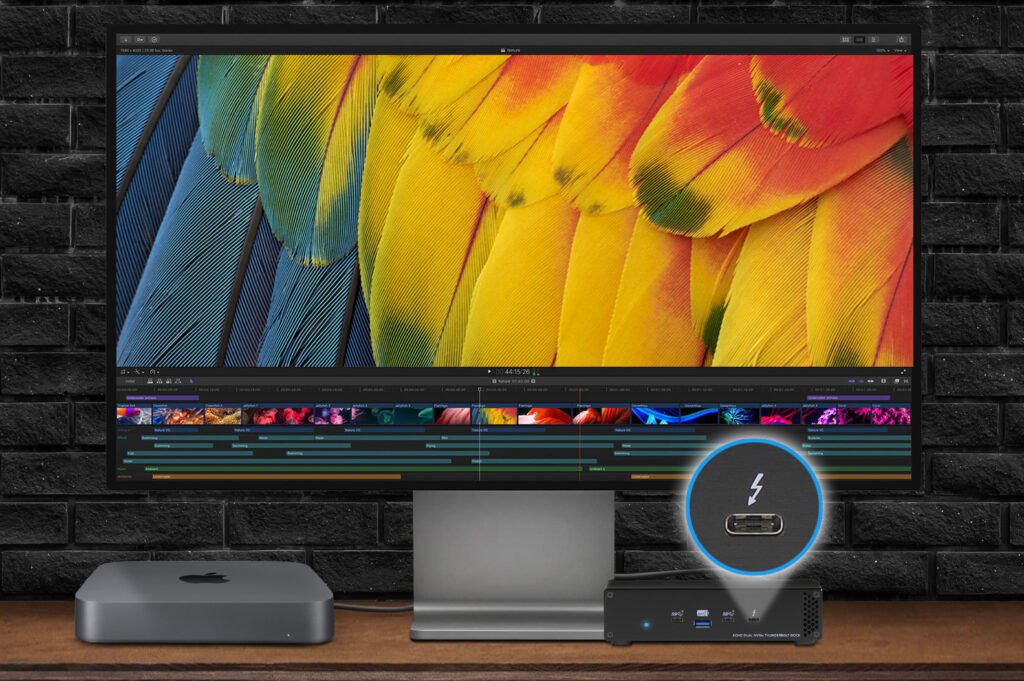 Nowość! Stacja dokująca od Sonnet z dwoma zatokami na dyski NVMe
Sonnet has released the latest docking station enabling the installation of two PCIe NVMe M.2 2280 drives with a...Read more
Nowość! Stacja dokująca od Sonnet z dwoma zatokami na dyski NVMe
Sonnet has released the latest docking station enabling the installation of two PCIe NVMe M.2 2280 drives with a...Read more -
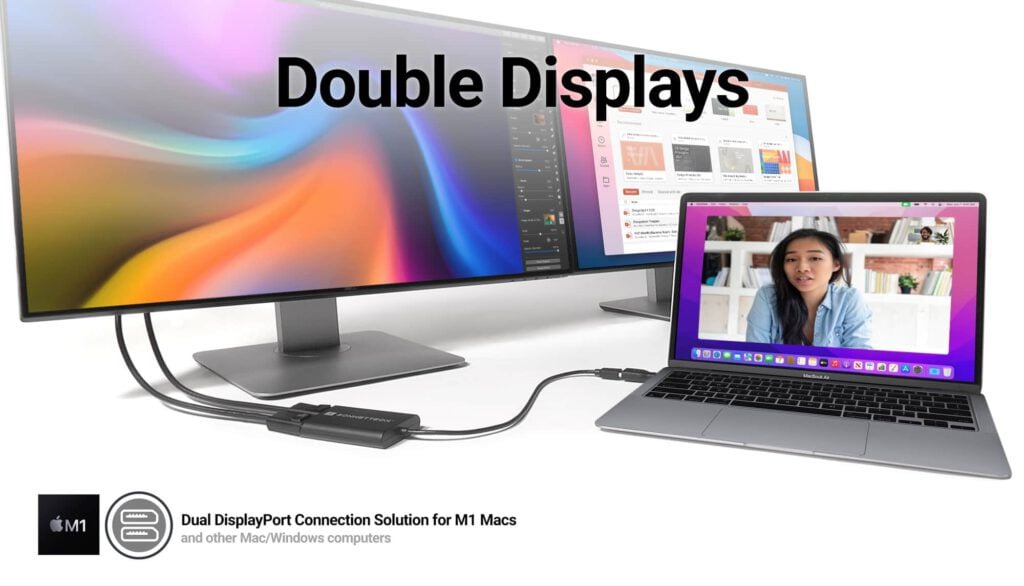 Trzy wyświetlacze do Apple Mac z M1/M2/M3? To nie problem!
We know perfectly well how good Apple processors from the M1, M2 and M3 families are. These systems used in Apple...Read more
Trzy wyświetlacze do Apple Mac z M1/M2/M3? To nie problem!
We know perfectly well how good Apple processors from the M1, M2 and M3 families are. These systems used in Apple...Read more -
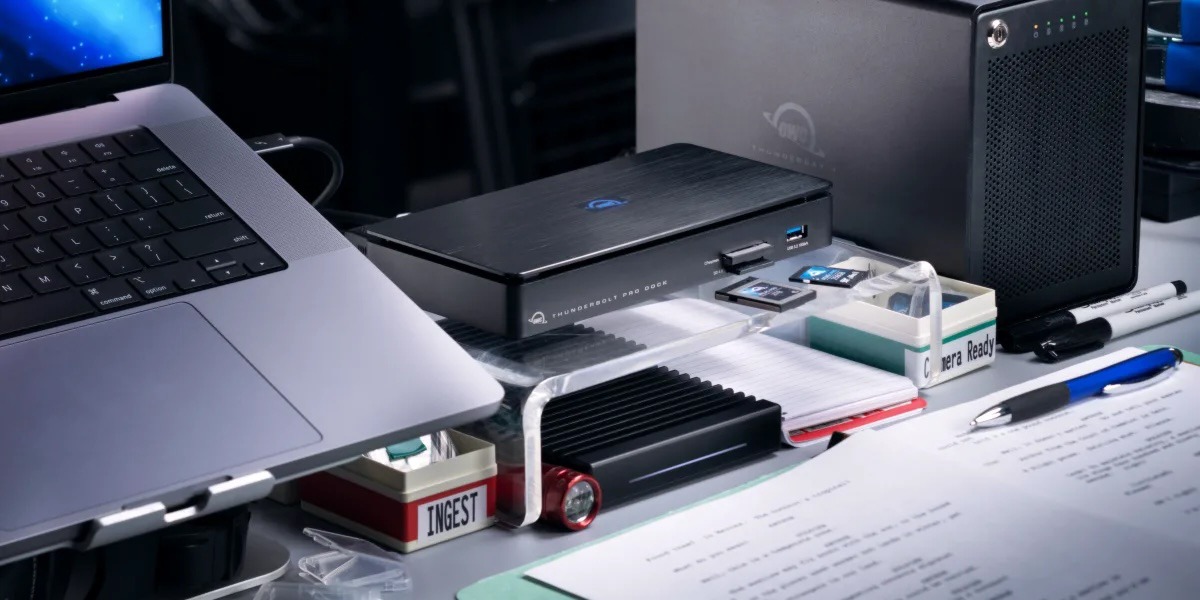 OWC Thunderbolt Pro Dock - The best docking station for professional developers
OWC Thunderbolt Pro Dock – high throughput and flexibility for demanding professionals working with high resolution...Read more
OWC Thunderbolt Pro Dock - The best docking station for professional developers
OWC Thunderbolt Pro Dock – high throughput and flexibility for demanding professionals working with high resolution...Read more -
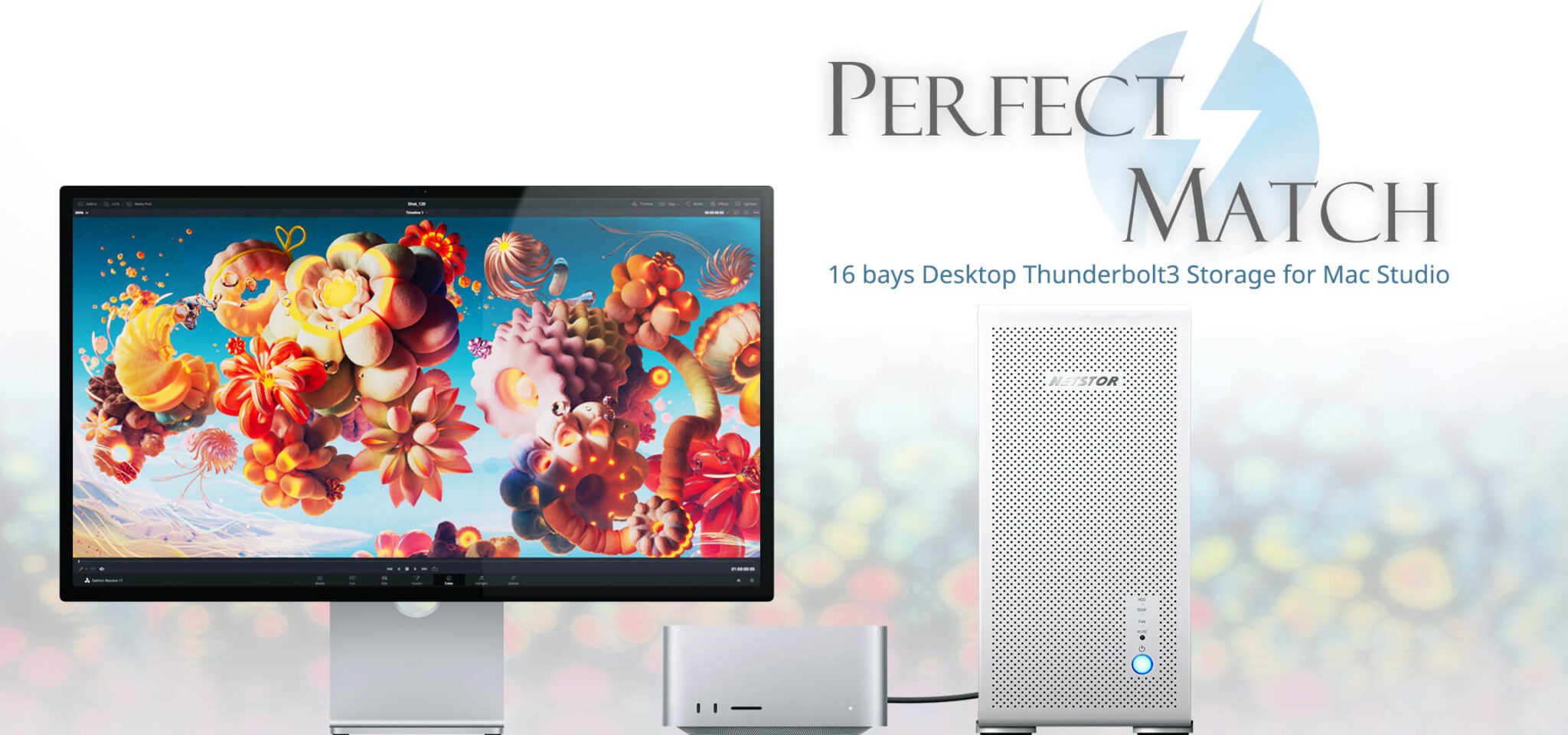 Do 320TB w sprzętowym RAID poprzez port Thunderbolt. Z Mac Studio idealna para!
Netstor NS780TB3 is a 16-bay enclosure that allows you to connect up to 320TB of fast mass storage to a computer...Read more
Do 320TB w sprzętowym RAID poprzez port Thunderbolt. Z Mac Studio idealna para!
Netstor NS780TB3 is a 16-bay enclosure that allows you to connect up to 320TB of fast mass storage to a computer...Read more -
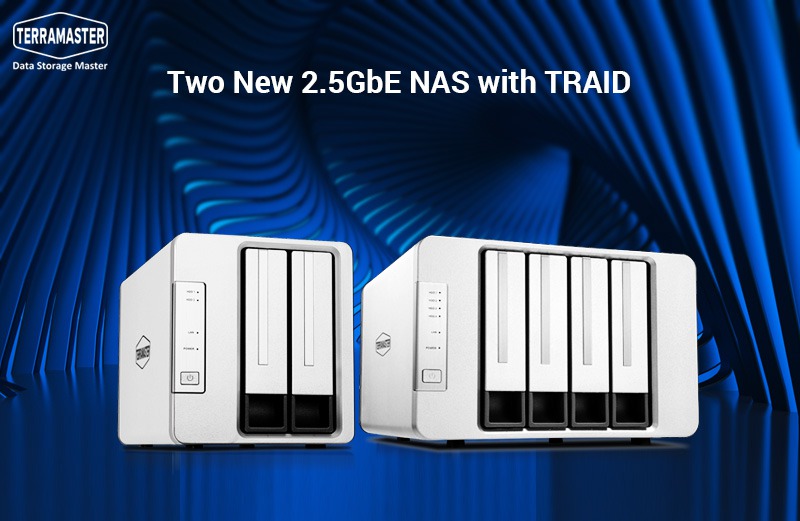 Nowe NASy od TerraMaster z 2x 2,5GbE i zatokami na 2x M.2 SSD
The new TerraMaster F2-223 and F4-223 NAS devices support TRAID. This is a flexible disk array management tool...Read more
Nowe NASy od TerraMaster z 2x 2,5GbE i zatokami na 2x M.2 SSD
The new TerraMaster F2-223 and F4-223 NAS devices support TRAID. This is a flexible disk array management tool...Read more
Leave a comment